DOWNLOAD IS NOT SUPPORTED IN WEB STORE!
Use the latest version of 9Apps to download APK&OBB file of games in one click!
DOWNLOAD 9APPS
PERMISSION
• ACCESSIBILITY_SERVICE to display overlay window for lock screen also used to provide accessibility function like lock screen, take screen shot and show power menu of mobile.
• READ_NOTIFICATION read notification to show media control or notifications on lock screen.
• Bluetooth permission for earbuds and air-pods
FEEDBACK
• If you have any problems while using this application, please let us know we will check and update as soon as possible.
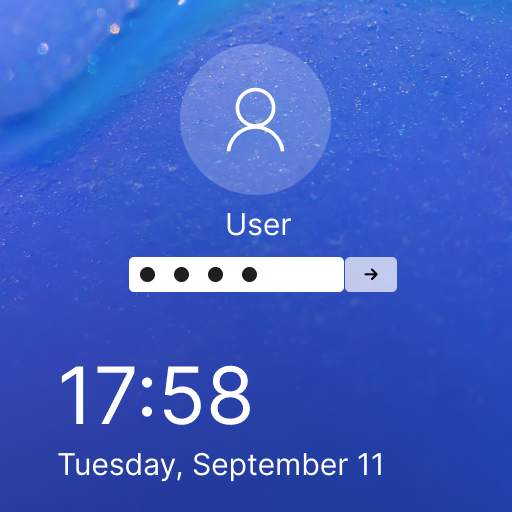
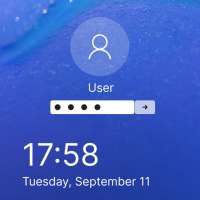
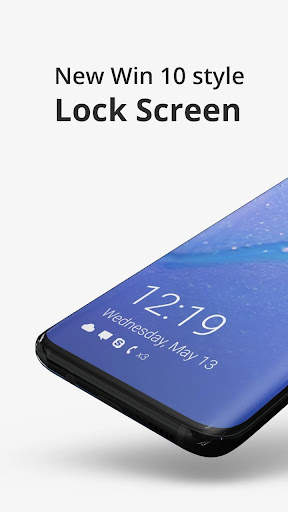
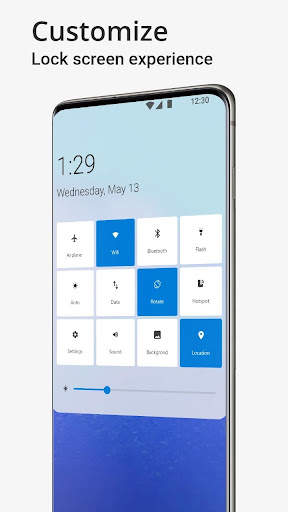
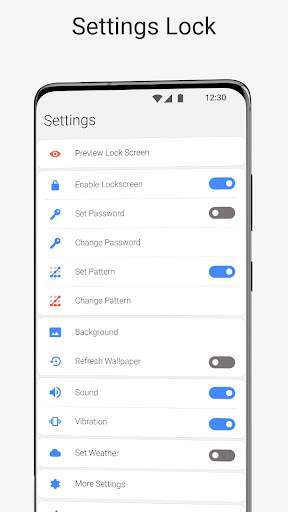
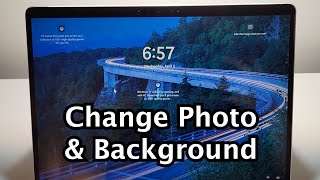
This Lock Screen is designed for Computer Launcher that can change your phone interface to look like win os - 10 PC. The design of this lock screen is similar to desktop lock screen. Computer Style Lock Screen will change you mobile lock screen to look like desktop PC where you can customize it with many wallpapers and lock it with pin code. The Computer lock screen gives you all the control of your mobile, you can turn wifi , GPS, Torch and so many things just on your lock screen. So are you ready to experience the PC Screen experience in your mobile phone?
Features:
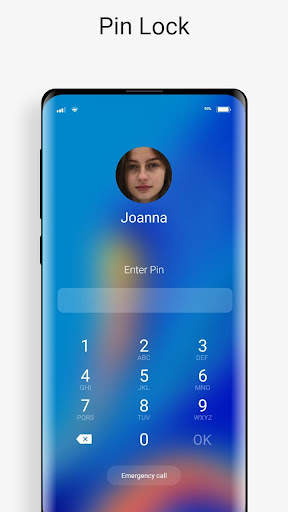
- PIN Code Lock
- Wallpapers
- Messages and missed call counter
- password hint
- WIFI , Location , Air Plan Mode, Mobile Data , Torch ,Bluetooth , Task killer
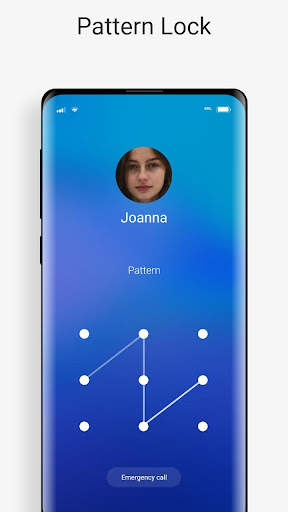
- Pattern Lock




- Set pattern screen design fixes
- Set user name and hint dialog are improved