












DOWNLOAD IS NOT SUPPORTED IN WEB STORE!
Use the latest version of 9Apps to download APK&OBB file of games in one click!
DOWNLOAD 9APPS

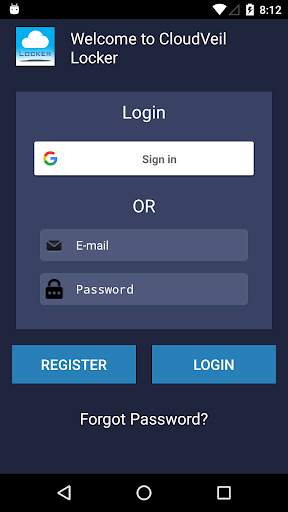
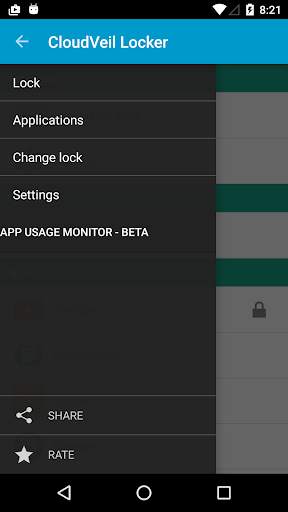
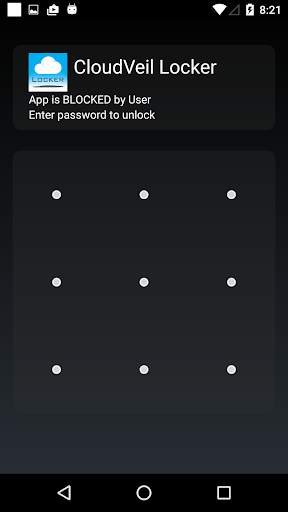
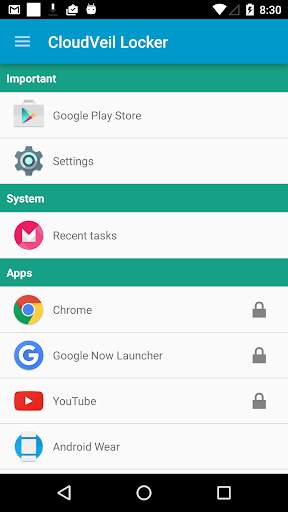
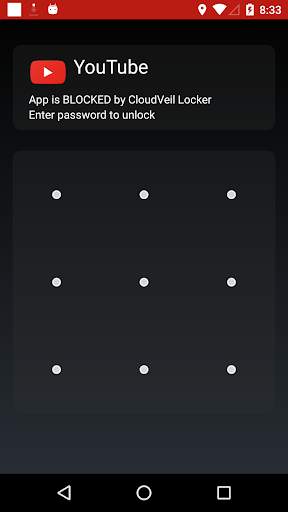
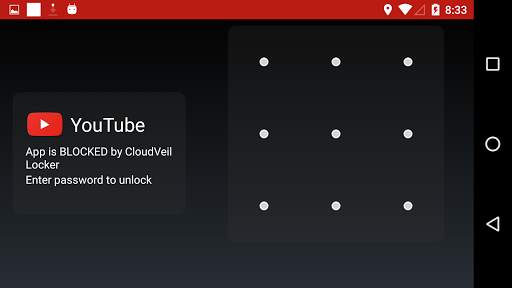
Requires an account with CloudVeil.org. Please be aware that on some devices your blocked apps will not show up in the launcher. You will need to uninstall CloudLocker for them to show up again.
Once you have activated the device administration functionality you will need your CloudLocker password to disable it without wiping your device. If you misplace or forget your password you can contact CloudLocker support at http://www.cloudveil.org.
If you need access to an app that it blocks please open a ticket at http://www.cloudveil.org.
Please be sure to read the Personal Data Collection policy when you start the app for the first time.
This app uses the Device Administrator permission. It uses the following Device Admin permissions for the listed reasons:
* disable-camera - Controls whether or not the camera is allowed on your device.
* force-lock - Used to lock the phone after attempts to bypass the locker.
* wipe-data - Used to wipe the phone on an unauthorized removal attempt.
This app uses Accessibility services to know when an app is launched. This is used to assist individuals with impulse control disorders. Once the app is configured it will protect the user from opening undesired apps.
It will also attempt to collect your devices phone number, list of installed apps, and time spent in apps to assist with managing installed apps and providing usage accountability. Your phone number is used to assist technical support in helping you with your device.
Remove unused code


