



The Classcraft mobile app is the perfect way for teachers, students, and parents to manage Classcraft on the go.
This is a companion app for Classcraft. Teachers, students, and parents will need a desktop computer to create their account. Start playing for free by visiting game.classcraft.com.
Teachers:
• Switch between classes
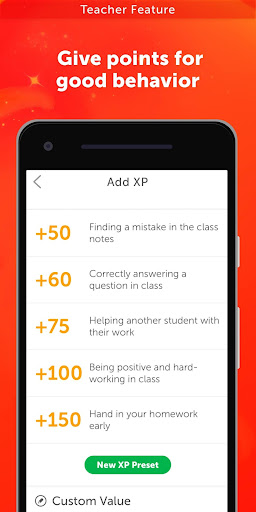
• Add/remove points to manage behavior (XP, GP, HP, AP)
• Monitor class activity and manage students and teams
• Use Random Events and the Wheel of Destiny
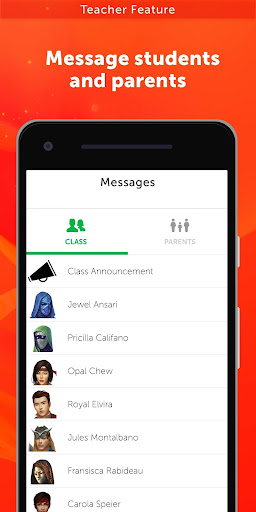
• Message students and parents
• Access the game feed and sentences
• Delay damage (HP loss)
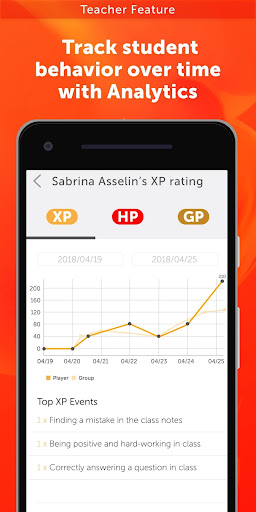
• Track student behavior over time with Analytics, and more!
Students:
• Switch between classes
• View your character and stats (XP, GP, HP, AP)
• Learn or use powers
• See the class and teams
• Upgrade your character and train awesome pets
• Send messages to your teacher
• Access the game feed, sentences, and Delayed Damage
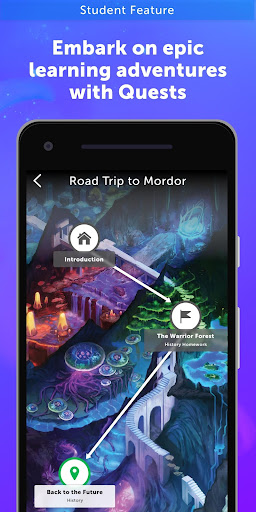
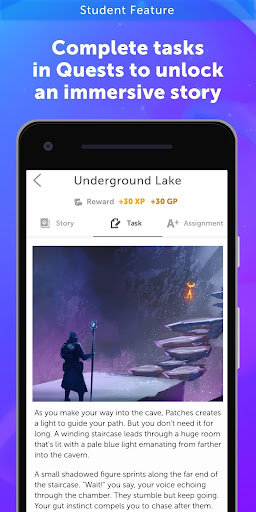
• Embark on epic learning adventures with Quests, and more!
Parents:
• Switch between classes or students
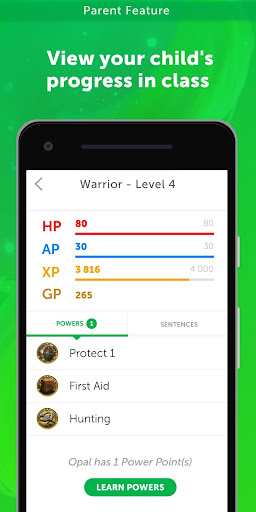
• View your child’s progress in class
• Reward good behavior at home with GP
• See powers and sentences
• Send messages to the teacher
• View game feed entries pertaining to your child, and more!
More about Classcraft:
Classcraft is an Engagement Management System that uses gaming principles to address student motivation. By blending students’ physical and virtual learning, the program reframes their progress in school as a game they play together. Using collaboration and play to build more empathetic and fun classroom culture, the game rewires existing social dynamics and facilitates a supportive environment where students thrive.
Classcraft offers a powerful ecosystem of tools that combine to create a new kind of learning experience, which impacts educational outcomes ranging from:
• School climate
• Classroom management
• Social emotional learning
• Academic performance
• Attendance and suspension rates
The program can be used with any grade and subject and is fully compatible with Google Classroom.
Classcraft is a proud supporter of the Student Privacy Pledge.
Updated third-party authentication services







9Apps 4.9













