













DOWNLOAD IS NOT SUPPORTED IN WEB STORE!
Use the latest version of 9Apps to download APK&OBB file of games in one click!
DOWNLOAD 9APPS

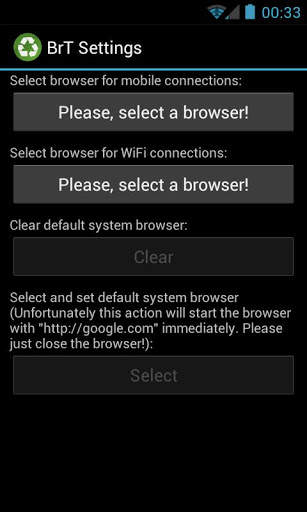
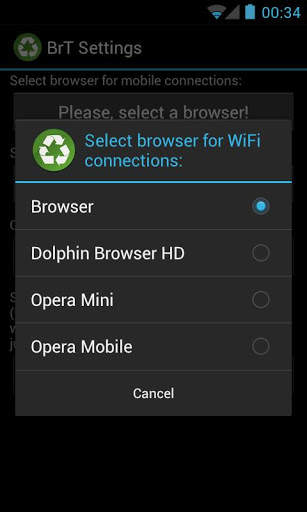
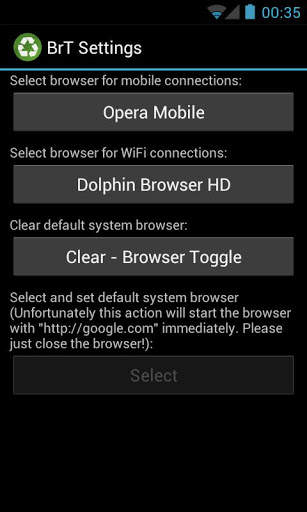
Browser Toggle simply starts one of your preselected Browsers depending on the kind of your current connection (WiFi or Mobile).
After install you will have 2 new icons in your app launcher. One for settings and one for launching the browser.
Further features:
* clearing of the default browser
* setting of the default browser
* Dark Holo theme for ICS
* Locale for EN, DE, HU
* Android 2.1
How to use it?
1.) Start "BrT Settings"
2.) Select a browser for mobile connections which uses compression technology to reduce data costs (I suggest Opera mini or mobile)
3.) Select a browser for WiFi connections.
4.) Clear the default browser if any was selected.
5.) Select "Browser Toggle" for your default browser.
Now if any of your apps tries to start a browser, Browser Toggle will decide which your preselected browser should be started.
First release.


