











DOWNLOAD IS NOT SUPPORTED IN WEB STORE!
Use the latest version of 9Apps to download APK&OBB file of games in one click!
DOWNLOAD 9APPS

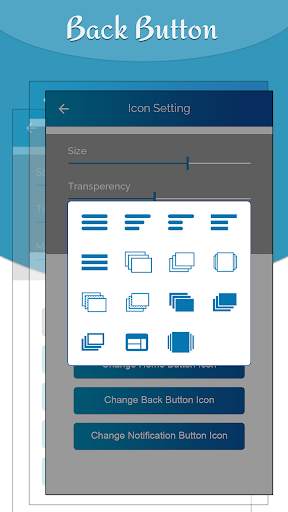
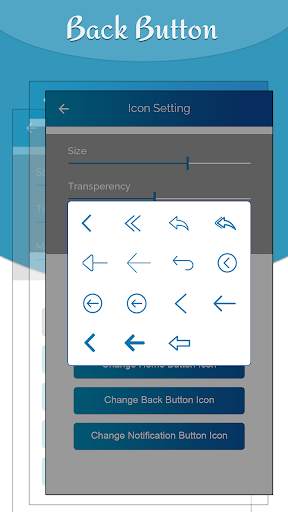
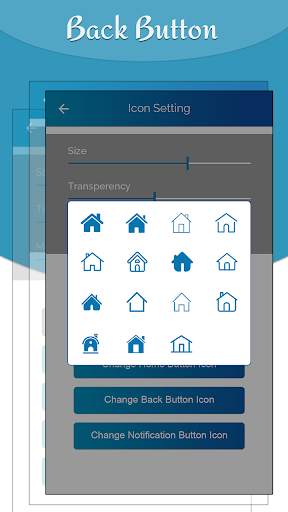
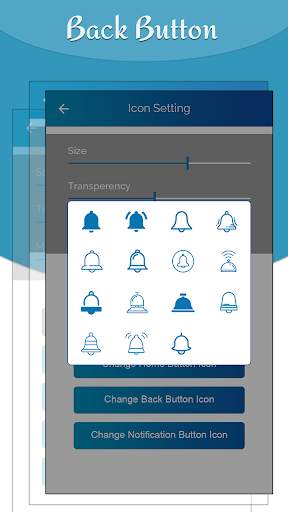
When phone display or screen size is very large like tab or tablet, the back button assistive touch is useful for those people.
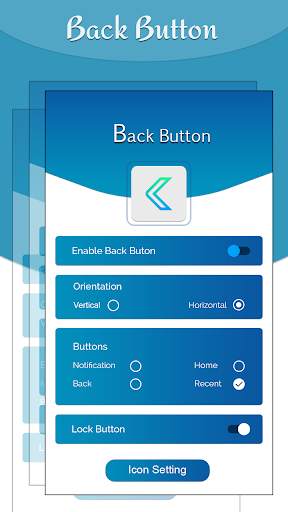
Back Button - Assistive Touch allows user to use back key function more easily.
Back Button - Assistive Touch is an assistive and system manager tool especially designed for Android. It is a floating button that you can move anywhere on your screen. It is fast, small, smooth and easy to use. It contains the Android system most used switches and all your installed apps. You can control your device or open your favorite app easily without exiting the app currently in use. All the functionalities are fast accessible just with a single touch like iPhone assistive touch. It remains floating on your screen and it is quick, easy, convenient and customizable. With a great variety of stylish theme styles available.
Features of Back Button - Assistive Touch
# Simple and fast Assistive Back Button Touch.
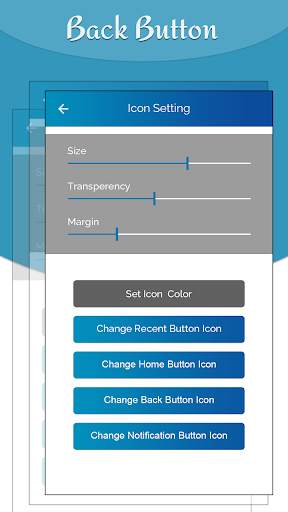
# On long press open app settings for change touch background theme, size, alpha etc.
# Fast powerful app cleaner and ram booster that boost or increase your phone ram memory speed.
How to use..Back Button - Assistive Touch.. ?
# Open app, enable permissions if asked
# Set location, size ...
# Click "Settings-Accessibility" button
# Find "Soft Keys - Home Back Button" and enable it