DOWNLOAD IS NOT SUPPORTED IN WEB STORE!
Use the latest version of 9Apps to download APK&OBB file of games in one click!
DOWNLOAD 9APPS
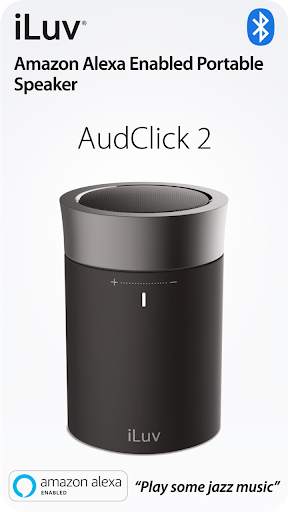
Easy-to-use Aud Click 2 app guides you to set up iLuv Aud Click 2, a Portable Bluetooth Speaker with Amazon Alexa.
CLICK AND ASK ALEXA WITH YOUR VOICE
The free Aud Click 2 App is a companion to your iLuv Aud Click 2, a Portable Bluetooth Speaker with Amazon Alexa. This app will help you setup your device easily. Interactions with the Aud Click 2 will automatically be mirrored on your Amazon Alexa App, providing more information for your reference.
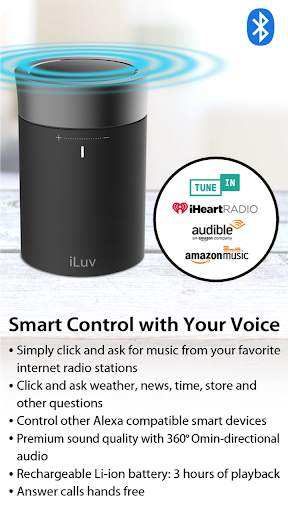
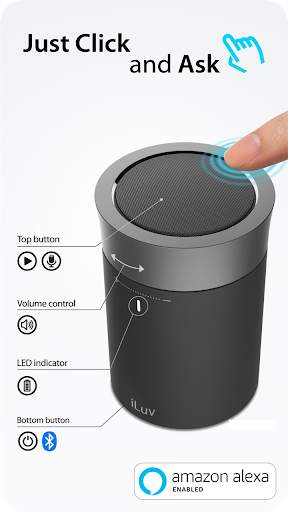
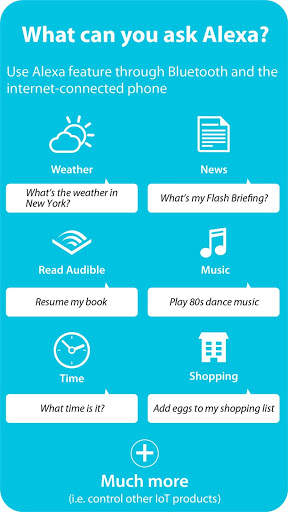
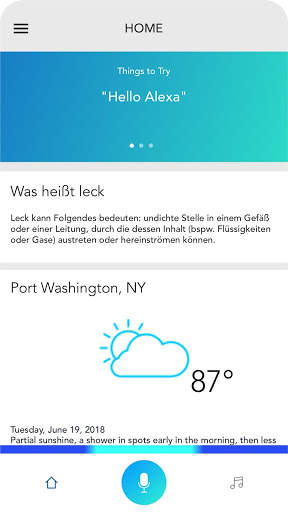
After opening Aud Click 2 app, simply click top ring and ask Alexa with your voice to answer questions, update news and add products to your shopping list. Using the Aud Click 2, you can also play music, generate weather reports, and a lot more. The Aud Click 2 works with all major services and stations, including but not limited to: amazon music, tunein, iHeartRadio, and more. When you have an incoming call, you can talk hands free conveniently. If you have other Alexa compatible smart devices such as bulb, plug, or thermostat, you can control them with your voice through Aud Click 2 too.
DIRECTIONS
Make sure your phone is connected to internet via WiFi or 3G/4G data network. Pair Aud Click 2 with your mobile device via Bluetooth. Download Amazon Alexa app and Aud Click 2 app. Simply set up, using the free Aud Click 2 app. Set up your preference such as location on Alexa app.





Aud Click 2 app sets up and controls Aud Click 2 by iLuv, a Portable Bluetooth Speaker with Amazon Alexa. You can ask Aud Click 2 questions with your voice and get response in seconds.



Quikr: Homes, Jobs, Cars Etc
4.120.8MB

imo beta -video calls and chat
4.394.0MB

Dearmet: Video Chat, Live Talk
4.043.4MB

ShopClues
3.816.4MB

Facebook Lite
4.02.5MB

Mushroom Takeover
4.569.0MB

Candy Crush Saga
4.491.1MB

Talking Tom Cat
3.963.0MB

Offline Music Mp3 Player- Muso
4.535.9MB

Temple Run 2
4.4122.1MB