











DOWNLOAD IS NOT SUPPORTED IN WEB STORE!
Use the latest version of 9Apps to download APK&OBB file of games in one click!
DOWNLOAD 9APPS

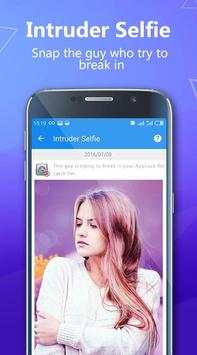
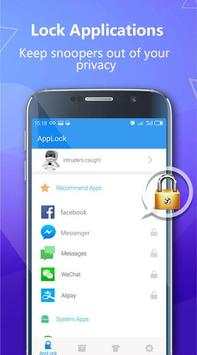
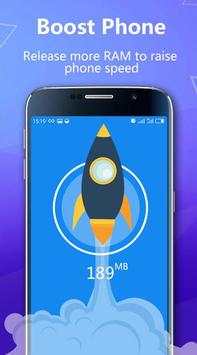
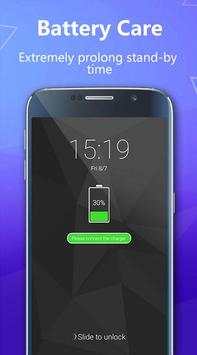
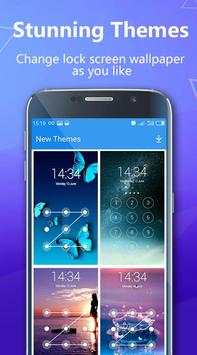
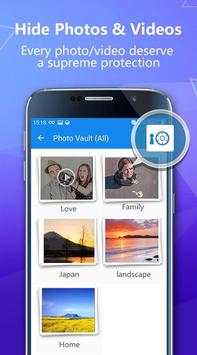
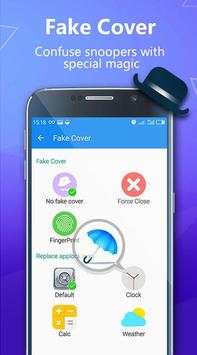
AppLock Privacy Locker is a smart app security guard & free applocker against annoying intruders and snoopers !
Real fingerprint lock function available on Samsung devices.
Applock privacy locker is an app lock to keep snoopers away by your password. Defect your privacy level by simply one-click to check your phone throughly. Applock privacy locker is an amazing privacy guard and app security protection tool.
You can use the password or pattern to lock your apps. Once locked, safe for sure.
AppLock Privacy Locker features:
☆!Protect!privacy!and!lock!apps
AppLock privacy locker can lock photos, videos, messages, contacts, gallery and apps including facebook, instagram, whatsapp, line, messenger, and any other app you choose. Prevent unauthorized access from nosy friends or strangers.
☆ !Lock!phone!settings
Lock Bluetooth, Wi-Fi and mobile data to prevent snoopers from changing your phone settings.
☆ !LITE!EASY!and!FAST!
Privacy applock is lightweight. One-tap to lock apps, very easy and convenient.
☆ !Lock!by!pin!or!pattern!lock
Choose PIN or Pattern lock to lock your apps, much easier and safer to protect your privacy.
For PIN applock , you can use 0-9 digits as password, it is very complicated for snoopers to guess passwords correctly. You can use random password to prevent passwords being peeped by others. For pattern applock , you can at least draw your own . You can hide pattern path in the settings for more privacy security .
☆ !Lock!install!or!uninstall
This function enables you to keep your important apps from being uninstalled by someone else. In addition, you can use Applock Privacy Locker to prevent kids from buying unwanted apps or online service.
☆ !Customize!applock!settings
You can customize AppLock Privacy Locker settings as required.
App Lock, your personal privacy guard, help you secure privacy safe in android phone.
FAQ
How to change password?
Open Applock Privacy Locker, enter the homepage and tap Settings to display Password Change checkbox.
Enter digital code or draw pattern lock to change password.
In addition, set security answers in case you forget password
Forget password?
Click Forget Password menu and answer the following security question and reset password ,
Or contact Anna for support any time you want at Anna support@51privacy.com
1. Real fingerprint function added, more stable & secure
New UI and interface design with brand new themes
2. Catch intruders for you, more secure
3. Fake cover added, confuse snoopers


