










DOWNLOAD IS NOT SUPPORTED IN WEB STORE!
Use the latest version of 9Apps to download APK&OBB file of games in one click!
DOWNLOAD 9APPS
FEATURES:
- Free app
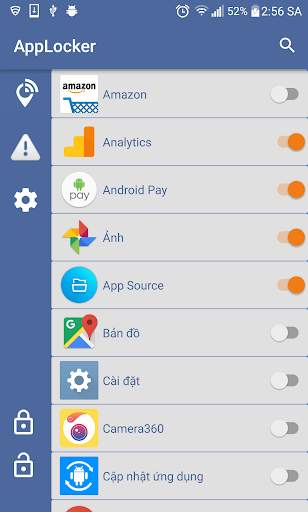
- Lock any app
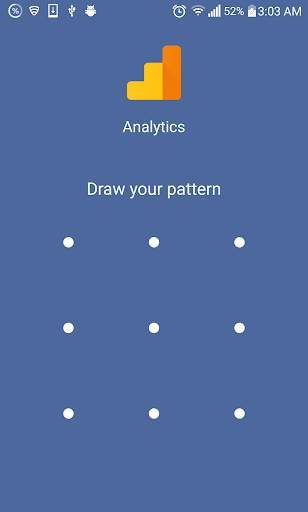
- Unlock apps with a PIN or Pattern
- Simple to use app locker with password featuring several lock options
- Easy for using
Protect your apps, emails, messages and photos via our secure application lock with password app lock protection. You can even use
App Locker
to protect your phone and prevent your kids from opening locked apps or deleting or purchasing anything while playing with your phone.
"This app uses the Device Administrator permission."
- It is necessary and used only for locking the device when you use feature lock app. You need to enable Administration before it can be used that feature.
- Please be assured that AppLock will never use these permissions to access your private data.
- Open this permission can prevent others from uninstalling AppLock easily.
- To disable Device Administrator for Applock you do the following:
Setting -> Security -> Device Administrators -> uncheck Applock.
-------FAQ------
1. How to set my password at the first time?
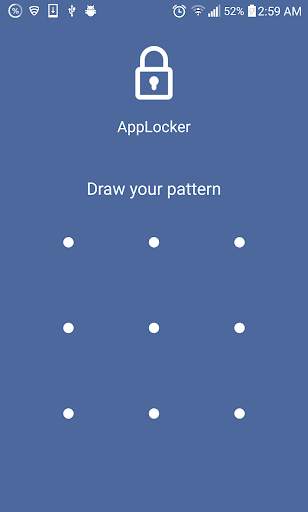
- Open AppLock -> Draw a pattern -> Confirm pattern; or
Open AppLock -> Enter PIN code -> Confirm PIN code
Note: For android 5.0 , allow Applock to use usage access permission -> Find AppLock -> Allow usage access
2. How to change my password?
- Open AppLock -> Settings
- Reset password -> Enter new password -> Reenter password
3. What should I do if I forget the AppLock password?
At present, you can reinstall AppLock if you forget the password.
4. How to deactivate the Device Administrator for Applock?
To disable Device Administrator for Applock you do the following:
Setting -> Security -> Device Administrators -> uncheck Applock.



- Fix bugs
- Improved application performance
- Edit design