















DOWNLOAD IS NOT SUPPORTED IN WEB STORE!
Use the latest version of 9Apps to download APK&OBB file of games in one click!
DOWNLOAD 9APPS
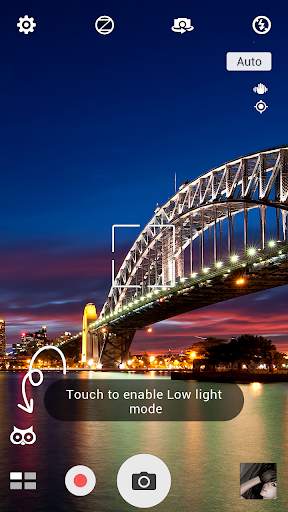
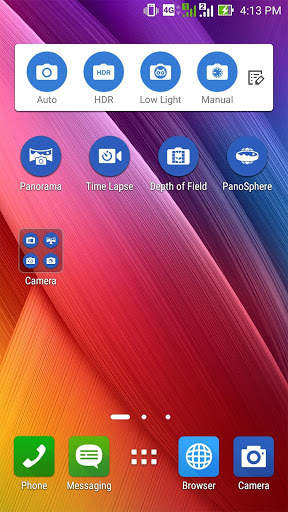
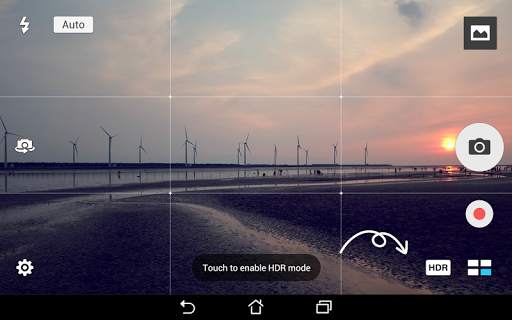
With ASUS PixelMaster Camera at your fingertips, there’s no need to worry about fiddly options or settings to capture great photos. Our unique scene-detection technology analyses your surroundings instantly, suggesting the best mode for your shot.
From dusky evening scenes and low-light indoor shots to bright, high-contrast environments, ASUS PixelMaster Camera enables effortless mode-switching. So, no matter whether capturing exciting sporting moments, beautiful scenery on your travels or cute shots of your kids, ASUS PixelMaster Camera turns you into a professional sharp-shooter – all at the touch of a button!
Key Features
-
Get down to the basics.
Optimize your photos via
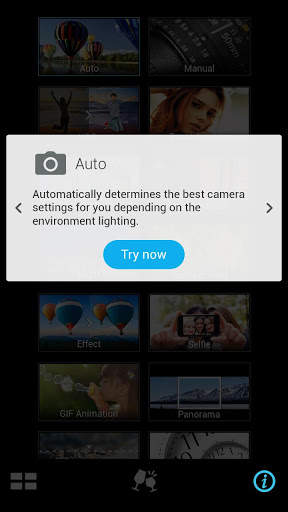
Auto
mode, which auto-sets the camera settings vis-a-vis the lighting and environment.
-
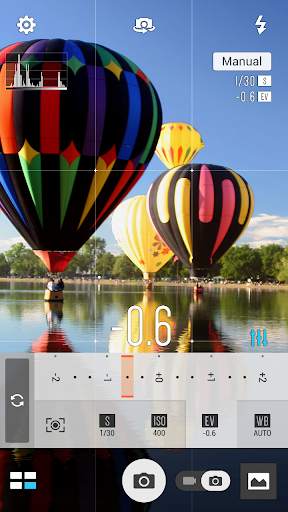
Shoot like a pro!
With
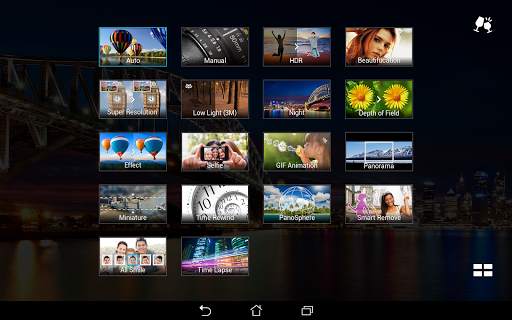
Manual
,
Super Resolution
,
HDR
, or
Depth of field
mode, you can capture vivid, beautiful photos effortlessly like a pro!
-
Let there be light.
Capture precious moments even in dimly-lit places via
Low Light
or
Night
mode that adjusts the background lighting for picture-perfect moments.
-
Let’s have fun!
Have more fun and apply animated effects or creative filters to your photos or videos via
GIF Animation
,
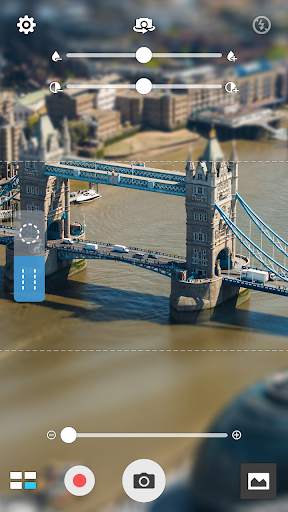
Miniature
,
Effects
, or
Time Lapse
mode.
-
Widen your reach.
Encapsulate all that beauty and scenery via
Panorama
,
PanoSphere
, or
Selfie Panorama
mode.
-
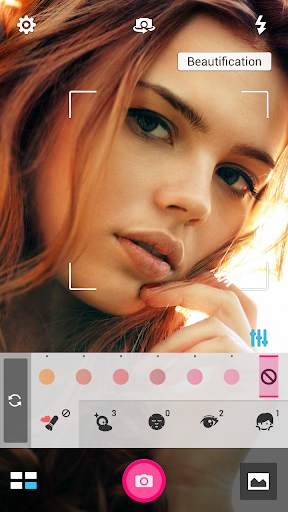
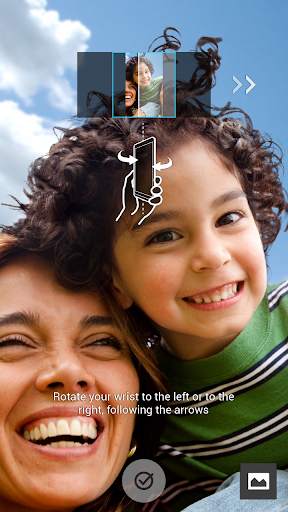
Capture pretty and perfect photos.
Capture beautifully-enhanced photos using
Beautification
,
Selfie
,
Time Rewind
, or
All Smiles
mode. Use
Smart Remove
to remove unwanted details from your picture-perfect mementos.
-
Keep the camera rolling!
Create your own story via a video with
High Speed Video
and
Slow Motion Video
modes.
Note
The user interface and features may vary depending on hardware limitation and Android version.