xrecorder on 9Apps

Free download latest xrecorder for Android here and enjoy it with your phone. Below you can download a list of top and latest apps related to xrecorder . 9APPS is a fast, safe app store. With 9APPS, you can save a lot of time on searching and downloading apps.
#1 Xrecorder SG

Xrecorder SG
Rating: star 3.0 | Version: 1.0 | Size: 7.6MB
Xrecorder SG screenshot 1 Xrecorder SG screenshot 2 Xrecorder SG screenshot 3

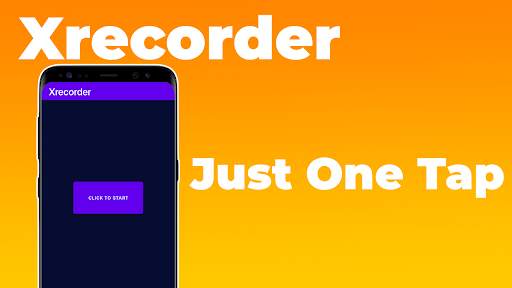
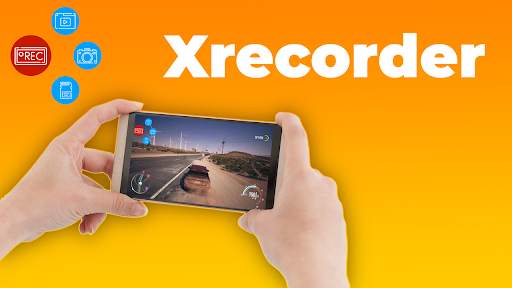
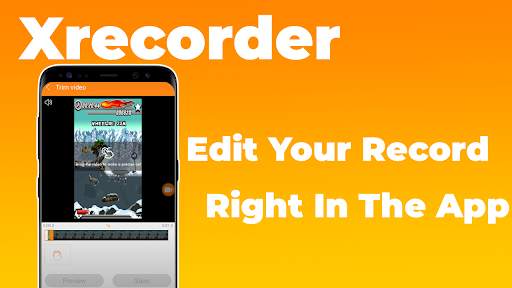
Xrecorder SG will allow you to keep impressions as long as possible. Create screenshots easily and naturally. You can easily record HD videos, video calls. Now you will no longer miss the most important moments.

...

👉 For More Detail of Xrecorder SG

#2 XRecorder(XperiaCallRecorder)

XRecorder(XperiaCallRecorder)
Rating: star 3.1 | Version: 2.1.4 | Size: 808.9KB
XRecorder(XperiaCallRecorder) screenshot 1 XRecorder(XperiaCallRecorder) screenshot 2

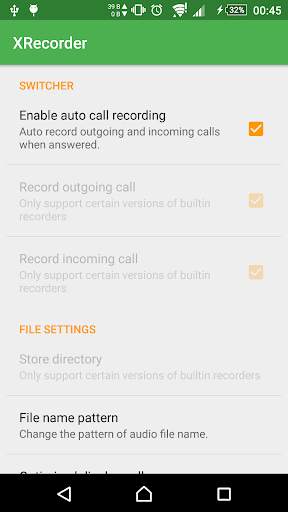
Enable auto call recording for Sony Xperia™ devices with stock firmware.
This is a Xposed module. Make sure Xposed Framework(http://repo.xposed.info/module/de.robv.android.xposed.installer) has been installed.
The module only work on devices which has call recording feature.
On older firmwares, the feature is builtin.
On Lollipop, Sony split it into the app called CallRecording(com.sonymobile.callrecording).
So if your firmware is Lollipop, You must install CallRecording.
You can find it at
http://forum.xda-developers.com/crossdevice-dev/sony/enable-call-recording-z3-z2-23-x-t2946588
or the flashable file for 5.1.1
https://mega.nz/#!XIowXZTS!-Rfr_TJYbb90M2RaVBwV_WrKvH2P60hAieEq9xAzq98
Fetures:
- Auto record incoming calls
- Auto record outgoing calls
- Change store directory(depends)
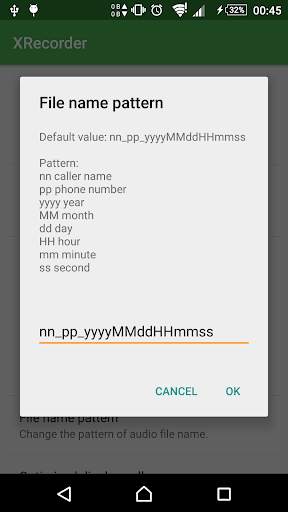
- Change file name pattern(depends)
Tested on
- Sony Z1 with Android 5.1.1/4.4.4/4.2.2
- Sony P with Android 4.1

...

👉 For More Detail of XRecorder(XperiaCallRecorder)

#3 XRecorder - Screen Recorder & Music, Video Editor

XRecorder - Screen Recorder & Music, Video Editor
Rating: star 3.0 | Version: 1.0.1 | Size: 20.9MB
XRecorder - Screen Recorder & Music, Video Editor screenshot 1 XRecorder - Screen Recorder & Music, Video Editor screenshot 2 XRecorder - Screen Recorder & Music, Video Editor screenshot 3

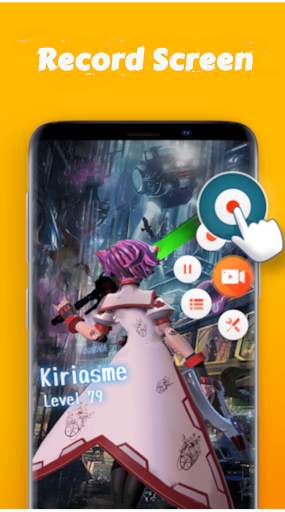
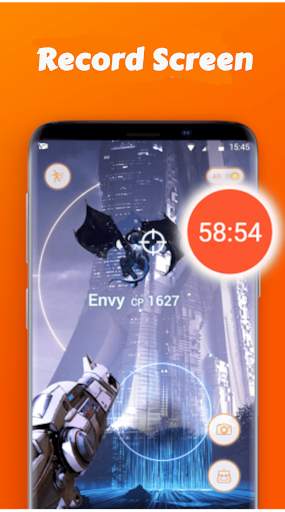
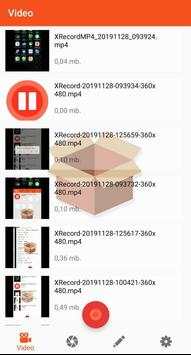
XRecorder - Screen Recorder & Music, Video Editor is a free, stable, high-quality Android phone screen recording application for Android that helps you record smooth and clear screen. With various features like screen capture of android phones, screen recording, image editing and without rooting, Super Recorder allows easy recording of screen clips such as game videos, video calls, shows. Live streaming and more - make everything simple!
Features:
● Camcorder supports all videos, such as live shows from Periscope, Bigo Live or musical.ly, tik tok, YouTube, Twitch ...
● Touch the screen to clearly capture the screenshot
● Turn Games on your phone
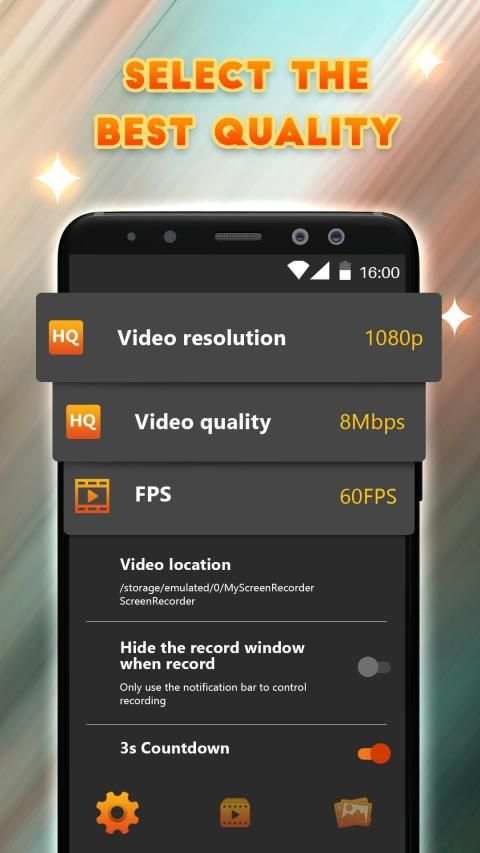
● Export Full HD video with custom settings: 240p to 1080p, 60FPS, 12Mbps
● No watermark: record videos and clear screenshots
● No recording time restriction & No root access required
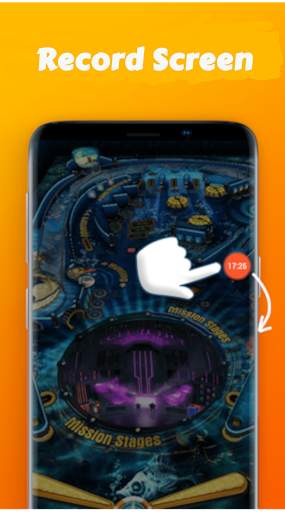
● Floating window: One touch to control and capture the precise moment with ease
● Countdown timer: is a recorder that is fully prepared
● Alternate storage location: internal memory / SD card
● Easy to pause / resume recording, rotate screen
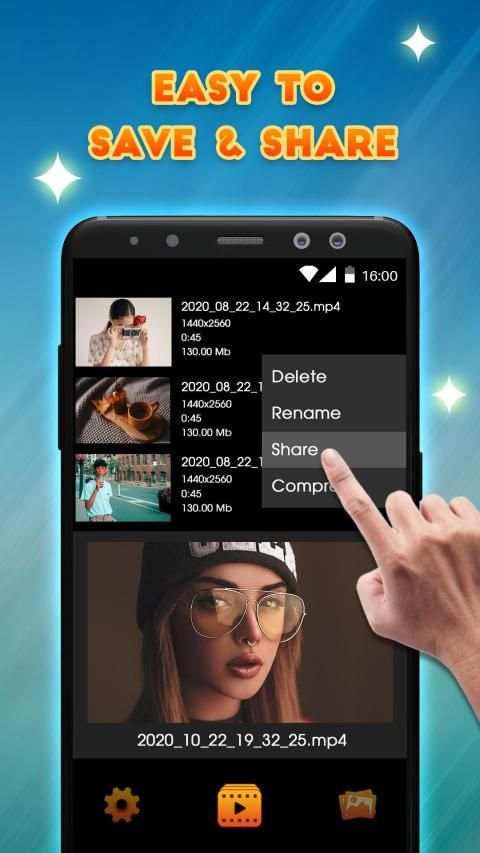
● Share video files recorded on YouTube, Instagram, Twitter, IGTV, Facebook ...
1. Record phone screen
➠ Dial phone screen with Facecam and Audio
Lai Record screen video right in the notification bar
➠ Record 2019 screen video with floating key on screen
➠ Pause / resume screen recording
➠ Shake to stop recording screen
➠ Draw while recording a screen video
➠ Count down before shooting the screen
2. Screen capture
➠ Screen capture with just 1 touch
➠ Screen capture without power button
➠ Screen capture right on the notification bar
➠ Screen capture with floating key on screen
3. Edit
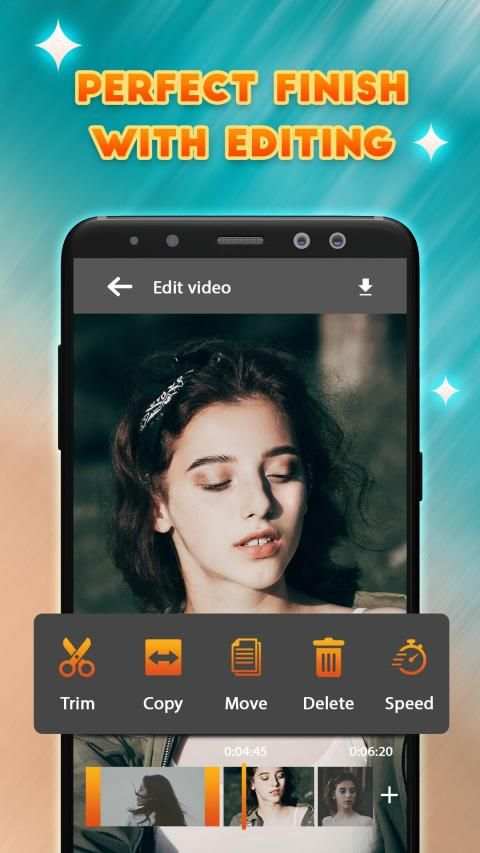
Video editing: trim video, add music to video, edit video quickly, create gif ...
Photo editing: crop photos, draw on photos, collage

...

👉 For More Detail of XRecorder - Screen Recorder & Music, Video Editor

#4 Screen Recorder XRecorder

Screen Recorder XRecorder
Rating: star 3.0 | Version: 2.0.3 | Size: 4.0MB
Screen Recorder XRecorder screenshot 1 Screen Recorder XRecorder screenshot 2 Screen Recorder XRecorder screenshot 3

Máy ghi màn hình Xrecorder
Màn hình Recorder XRecorder là một ứng dụng giúp bạn dễ dàng ghi lại màn hình và chụp ảnh màn hình bất cứ nơi nào.
Máy ghi màn hình XRecorder là một máy ghi màn hình miễn phí không có ứng dụng root để ghi lại và chụp điện thoại di động của bạn Màn hình trong các định dạng video có hoặc không có camera phía trước.
Máy ghi màn hình XRecorder là máy ghi âm trò chơi không có giới hạn thời gian
Máy ghi màn hình này - Xrecorder cũng là một công cụ ghi trò chơi và màn hình thuận tiện. Nó giúp bạn chụp màn hình, ghi lại màn hình và quay video trò chơi mà không có giới hạn thời gian ghi.
Máy ghi màn hình XRecorder là máy ghi video màn hình không có hình mờ
Tuy nhiên, tìm một công cụ chụp màn hình mà không có hình mờ? Tải xuống máy quay video này để chụp màn hình theo cách sạch hơn. Nếu bạn muốn chụp màn hình, hãy quay màn hình hoặc chụp ảnh màn hình một cách hiệu quả, đó là máy ghi màn hình phải có.
Tính năng chính:
- Màn hình ghi.
- Chụp ảnh màn hình.
- Không giới hạn thời gian ghi.
- Một chạm để bắt đầu / tạm dừng / tiếp tục ghi âm
- Hỗ trợ Nút ma thuật Trợ giúp dừng, tạm dừng và hiển thị hồ sơ thời gian.
- Hỗ trợ đau Bạn có thể lưu ý bằng cách vẽ trong khi ghi.
- Cắt video sau màn hình hoặc bất kỳ video nào có định dạng MP4 có sẵn trên thiết bị.
Tải xuống Trình ghi màn hình tốt nhất XRecorder ngay bây giờ và tạo video tuyệt vời đầu tiên của bạn.

...

👉 For More Detail of Screen Recorder XRecorder

#5 xRecorder - screen recorder

xRecorder - screen recorder
Rating: star 3.0 | Version: 1.1 | Size: 2.8MB
xRecorder - screen recorder screenshot 1 xRecorder - screen recorder screenshot 2 xRecorder - screen recorder screenshot 3

xRecorder is a free, stable, high-quality Android phone screen recording application for Android that helps you record smooth and clear screen.
With various features like screen capture of android phones, screen recording, image editing and without rooting, Super Recorder allows easy recording of screen clips such as game videos, video calls, shows. Live streaming and more - make everything simple!
★ This mobile app screen recording feature is helpful for the users/ quality testers/ app testers to explain the problem they are facing in a particular app.
★ Screen recording of any app available on your mobile device can be done in live application usage mode, like typing any message, record video calls, viewing any video or listening to any audio or anything available on the mobile screen can be recorded.
★ This high-quality screen recorder for Android can be useful to the parents for monitoring the usage of mobile by kids by mobile screen recording.
★ Screen recorder HD app doesn’t use any data/ internet, as we don’t upload any recording to any cloud network or server. All the videos are recorded and saved locally on phone/SD card memory.
★ Users can create story telling presentations, videography of still pictures with help of this Screen Recorder tool and can upload it on video streaming cloud.
★ Game users can record their gaming round while playing with Screen Recording video option in our app.

...

👉 For More Detail of xRecorder - screen recorder

Search Results

1/1

You may like

DOWNLOAD IS NOT SUPPORTED IN WEB STORE!
Use the latest version of 9Apps to download APK&OBB file of games in one click!
DOWNLOAD 9APPS