









DOWNLOAD IS NOT SUPPORTED IN WEB STORE!
Use the latest version of 9Apps to download APK&OBB file of games in one click!
DOWNLOAD 9APPS

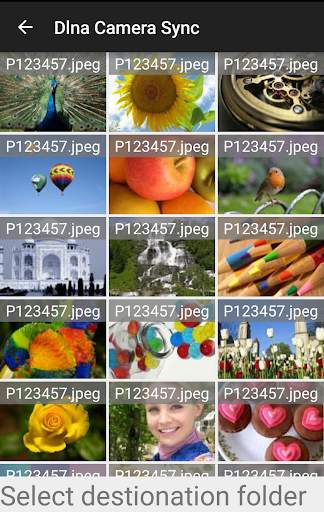
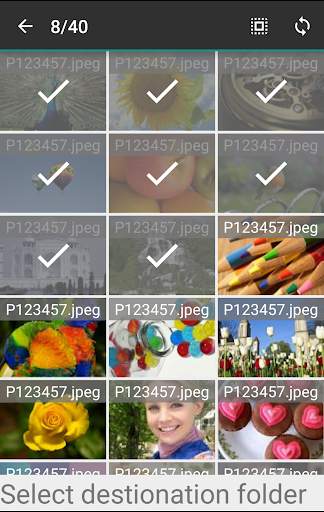
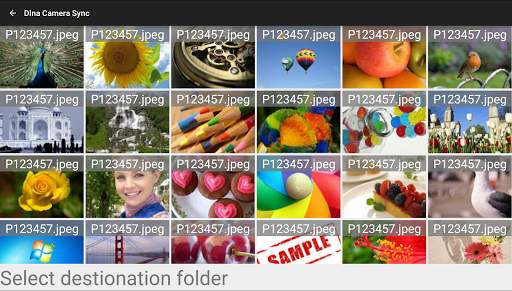
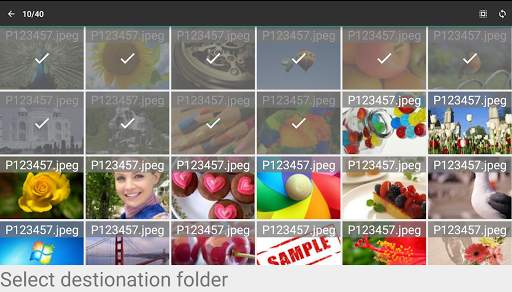
This app is able to sync apps from Panasonic Lumix cameras to a local folder.
To connect to the camera: (Steps 1 and 2 have to be done one per camera)
1) Put the camera in Wifi mode
2) Open wifi settings in Android and setup wifi with the password on the cameras screen.
3) Open this app, click on "Select Wifi" and select the cameras wifi in the list.
4) The camera should appear in the list shortly after the wifi has connected.
5) Click on the camera to connect
6) Select destination folder by clicking on "Select destination folder"
7) Long press an image to enter selection mode
8) Select as many images and videos as you want and start sync using the sync button.
9) The transfer runs in the background. You can put the phone to sleep or work in other apps while the photos are transfering.
To sync the images to the external sd card Android 5.0 is required.
At the moment there is no support for NFC because Panasonic does not provide any information about the NFC interface.
If you like the app please donate some money.




- Fixed notification in Android Nougat
- Added message if mobile data is active.


