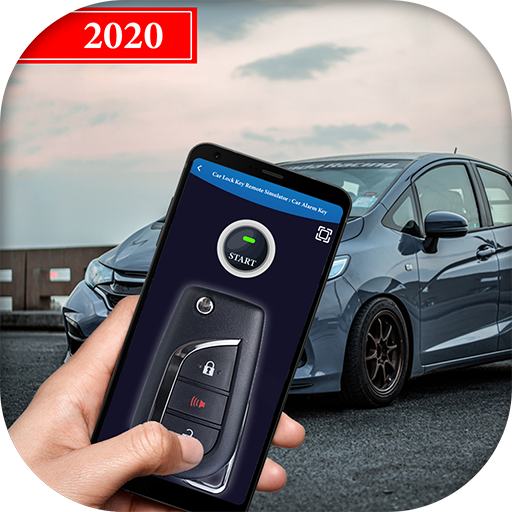
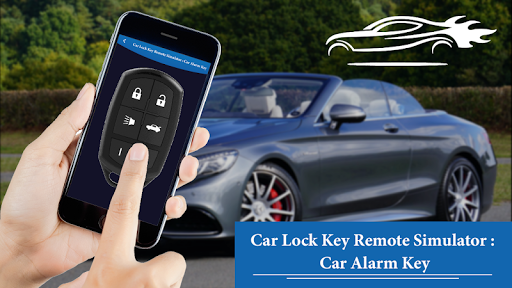
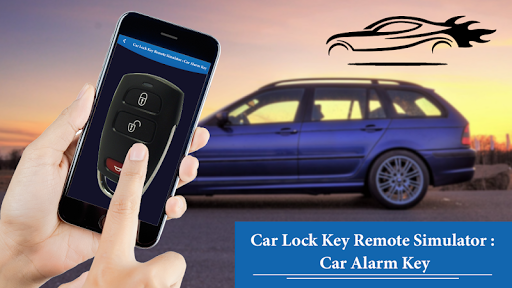
Get this app on your phone and make fun with everyone into thinking you can start any car’s central locking with your cell phone or tablet.
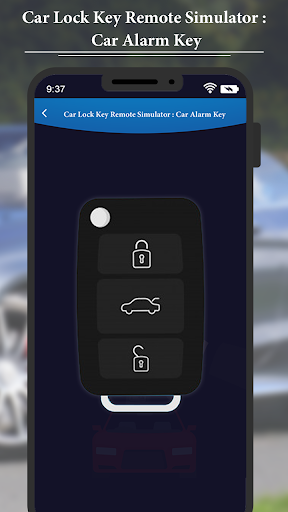
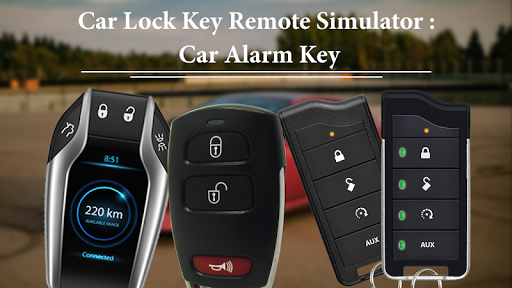
Simply swipe through the great selection of keys and click the buttons on your favorite.
Car Lock Key Remote Simulator : Car Alarm Key is a great and entertaining app for you; it is now enhanced with vibration, screen flash effects and even a panic alarm.
Try it out; you will love playing with it.
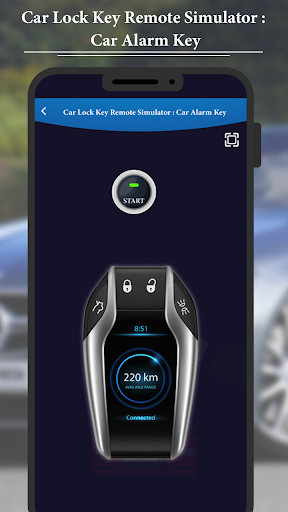
This app has 17 different keys, our aim is to make these look exactly like your own car brands key, one master key for all types of car lock key apply.
That looks like an advanced BMW, Land Rover, and Audi key, Toyota, Hyundai, Honda, Chevrolet, Nissan, Renault, Mercedes Benz, Jaguar, and Porsche
And top of the range Volvo cars, this key will look the part with any top of the range vehicle.
Car Key Lock Remote Simulator – Car Key Alarm Free is a very nice simulation application that make your friend think that you can unlock your car with your phone.
Put your finger on button and you will hear the alarm sound continuously and led will change from green to red given an impression that car key is working and emitting radio waves.
The application also has enhanced features like vibration, screen shake and a flash light. You can turn off these features.
Share this app to your friends and have fun with their reactions. This application is for fun and entertainment purposes only.
FEATURES
- The top quality of sound and vibration mode on simulator
- Different type of car key simulator available for different cars
- Smooth user friendly interface
- Use of vibration, sound effect and graphics.
- Press the button to simulate a car key simulation
- Use the flashlight mode
- It is suitable for almost all devices to install on Smartphone and tablets
- It is totally free, No need to have internet connection to use it.
How to Use?
- Go to the play store
- Search and Install Car Lock Key Remote Simulator : Car Alarm Key Application
- Open Car Lock Key Remote Simulator : Car Alarm Key app in your device
- Click on "Start" button
- Click on "Super Car's Key" and here 17 different cars available
- You select Anyone car out of 17 and Use various control on this
- Click On "Master Key" and use this key's various featurs with enjoy!!


9Apps 4.9