vid2mp3 on 9Apps

Free download latest vid2mp3 for Android here and enjoy it with your phone. Below you can download a list of top and latest apps related to vid2mp3 . 9APPS is a fast, safe app store. With 9APPS, you can save a lot of time on searching and downloading apps.

#1 Vid2Mp3

Vid2Mp3
Rating: star 3.0 | Version: 1.0 | Size: 5.5MB
Vid2Mp3 screenshot 1 Vid2Mp3 screenshot 2 Vid2Mp3 screenshot 3

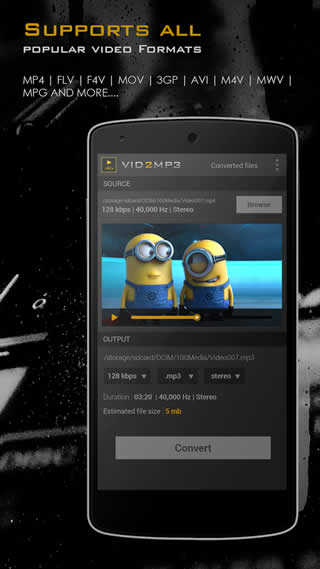
Vid2Mp3 converter has following features to make your life easy:
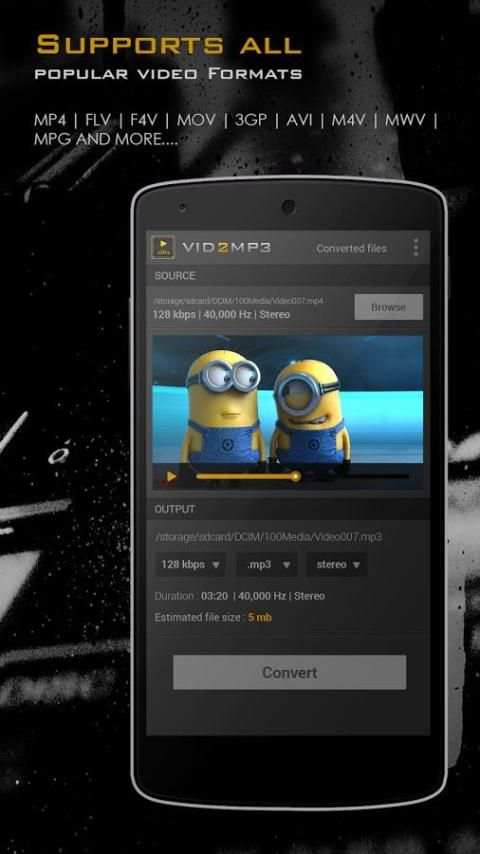
**Supported format: 3gp, mp4, mpeg, vob, and many other less known formats**
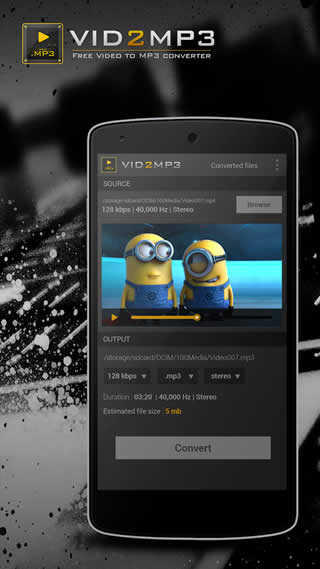
**You can convert music videos or any video to mp3 in just two steps:
- Browse a video in your storage
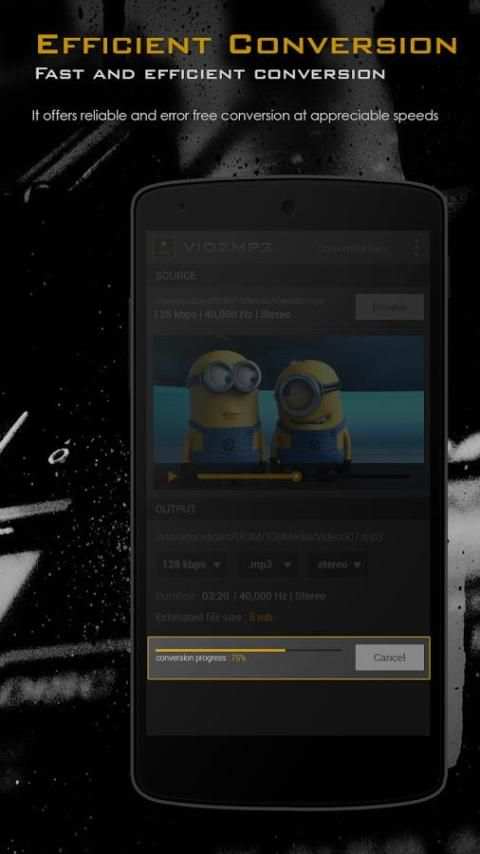
- Click on convert and in a few seconds , you will have the mp3 audios.
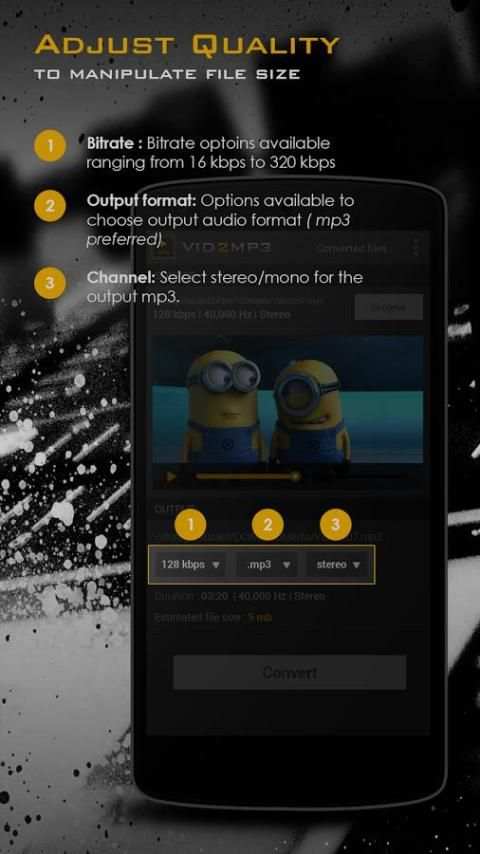
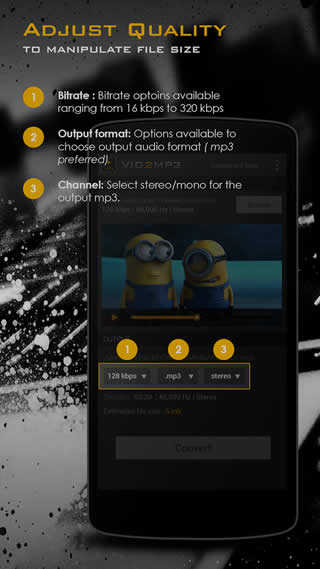
**Set bitrate to any of these: 8Kbit/s, 16Kbit/s, 24Kbit/s, 32Kbit/s, 64Kbit/s, 128Kbit/s, 192Kbit/s, 256Kbit/s.
**Share on facebook,whatsApp,Instagram or on any social network.
**Set as ringtone
PREMIUM FEATURE:
** Option to trim videos and convert them to mp3 audio files with trimming tool.
We will roll out great features and options in the near future.

...

👉 For More Detail of Vid2Mp3

#2 Vid2mp3 - Video Mp3 Converter

Vid2mp3 - Video Mp3 Converter
Rating: star 3.0 | Version: 3.4 | Size: 5.4MB
Vid2mp3 - Video Mp3 Converter screenshot 1 Vid2mp3 - Video Mp3 Converter screenshot 2 Vid2mp3 - Video Mp3 Converter screenshot 3

Convert any video file (.Mp4 ,.3gp ,.WEBM etc) to audio file (.MP3 or .WAV) in just few seconds.
WHY USE VID2MP3:
★ Trim or cut any video and convert into audio file .
★ Convert downloaded videos or videos from other apps into mp3 directly.
★ The converter supports High speed video to audio conversion.
★ Convert video to mp3 in any audio formats like MP3 OR WAV.
★ Superfast video converter to get mp3 using any bitrate quality (8Kbit/s, 128Kbit/s, 192Kbit/s, 256Kbit/s)
★ Set the audio channel like mono and stereo.
★ Rename file , manage the converted audio files in separate tab.
★ Video to Mp3 Converter uses LGPL ffmpeg library .

★★Vid2mp3 - Video Mp3 converter is a SPAM FREE app.★★
- Just two steps required:
Step 1:- Open the video file , select file format & bit rate
Step 2:- Press convert button and find your file in playlist section.
Don't forget to leave us your feedback.We hope vid2mp3 enriches your experience to the fullest.

...

👉 For More Detail of Vid2mp3 - Video Mp3 Converter

Search Results

1/1

You may like

DOWNLOAD IS NOT SUPPORTED IN WEB STORE!
Use the latest version of 9Apps to download APK&OBB file of games in one click!
DOWNLOAD 9APPS