









DOWNLOAD IS NOT SUPPORTED IN WEB STORE!
Use the latest version of 9Apps to download APK&OBB file of games in one click!
DOWNLOAD 9APPS
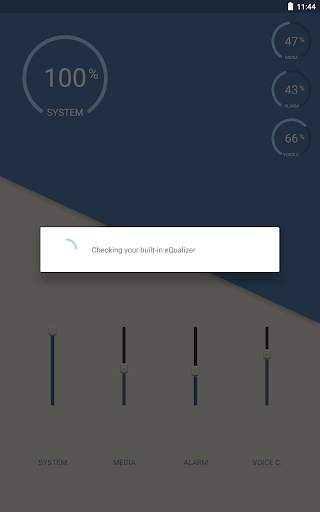
Let
Volume Booster
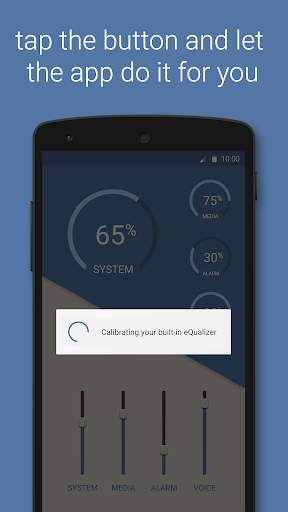
calibrate your
built-in eQualizer
. Simply tap on the button and enjoy better results with just a single click.
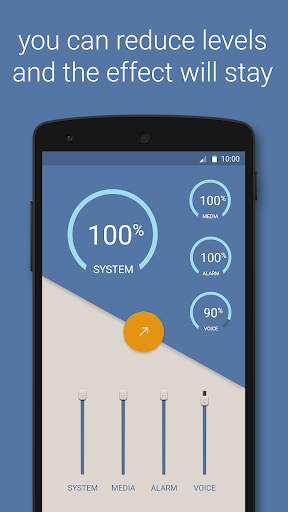
After the one click calibration you can reduce the levels back to the desired levels if you feel it is too loud and the effect will remain.
With
Volume Booster
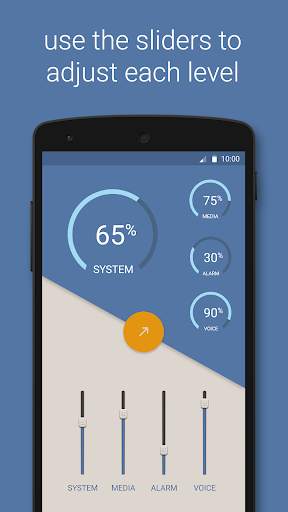
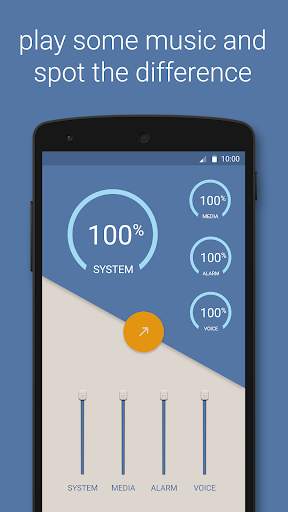
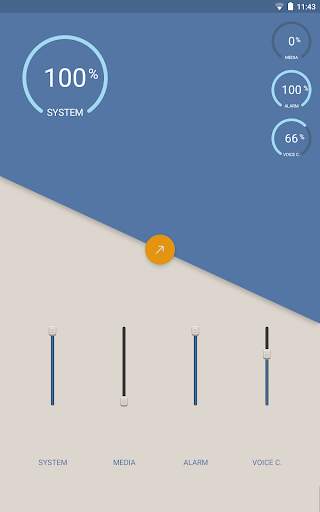
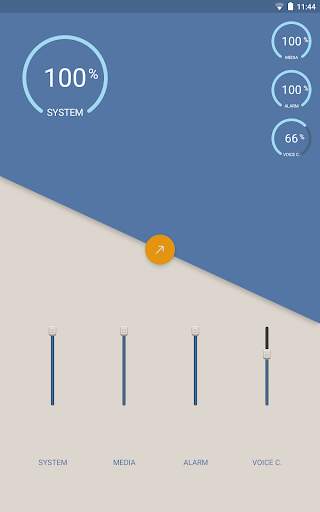
you can manually control the result of the following sounds:
• System
- Adjust the level of your system volume.
• Media
- Adjust the level of your media volume.
• Alarm
- Adjust the level of your alarm volume.
• Voice call
- Adjust the level of your voice call volume.
Maximum results are retrieved with headsets and external speakers.
Listening music too loud is bad for your ears.


