
DOWNLOAD IS NOT SUPPORTED IN WEB STORE!
Use the latest version of 9Apps to download APK&OBB file of games in one click!
DOWNLOAD 9APPS
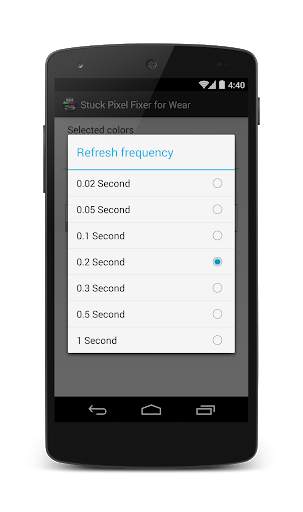
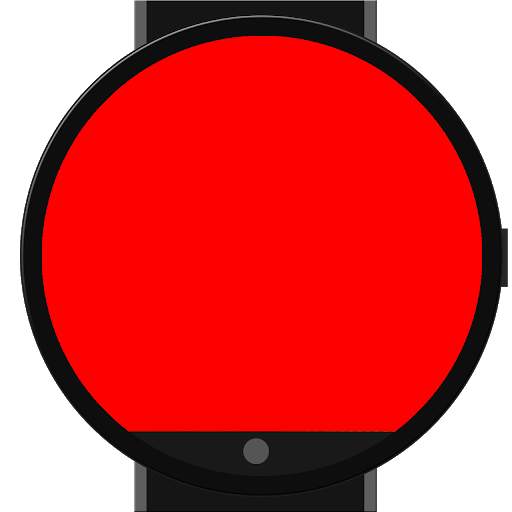
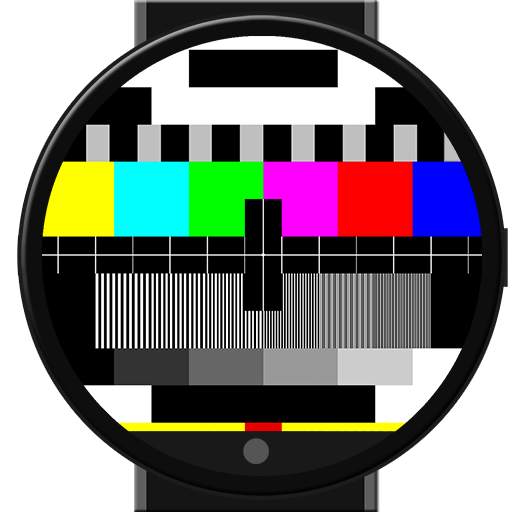
App that attempts to fix stuck pixels on your watch.
Launch the app on your Android Wear device by:
1) Tapping once on the watchface
2) Scroll up when the "Speak now" prompt shows
3) Select "Start..."
4) Select Stuck Pixel Fixer for Wear
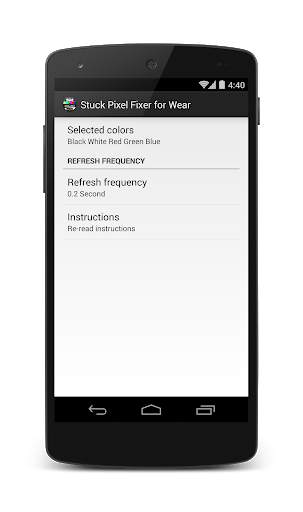
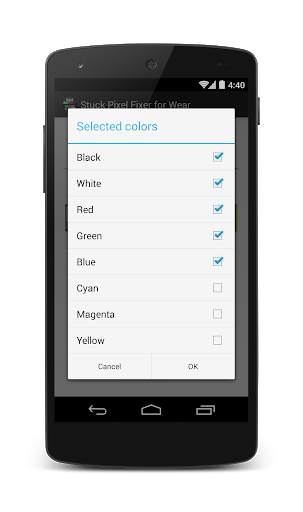
Using the phone app you can change the colours and speed WHILE THE WEAR APP IS OPEN
TIP: Selecting only one color can be used to diagnose the screen for dead/defective pixels.
DISCLAIMER
DON'T DIRECTLY LOOK AT THE FLASHING LIGHTS AS THIS MAY CAUSE SEIZURES. PLEASE PLACE SOMETHING OVER THE WATCH OR FACE THE DISPLAY DOWN WHILST FLASHING
THE DEVELOPER IS NOT RESPONSIBLE FOR ANY HARM DONE TO YOUR DEVICE. USE AT YOUR OWN RISK
Permissions used:
android.permission.INTERNET
android.permission.ACCESS_NETWORK_STATE
Both are used to display the ad in the app, that's it!
Suitable for Android Wear™ devices like the Moto 360 by Motorola, LG G Watch, LG G-Watch R, Sony SmartWatch 3, ASUS ZenWatch and Samsung Galaxy Gear™ Live






Temple Run 2
4.4122.1MB

ShopClues
3.816.4MB

Konuşan Tom
3.963.0MB

Offline Music Mp3 Player- Muso
4.535.9MB

Facebook Lite
4.02.5MB

Candy Crush Saga
4.491.1MB

Mushroom Takeover
4.569.0MB

Quikr – Search Jobs, Mobiles,
4.120.8MB

imo beta -video calls and chat
4.394.0MB

Dearmet: Video Chat, Live Talk
4.043.4MB