












DOWNLOAD IS NOT SUPPORTED IN WEB STORE!
Use the latest version of 9Apps to download APK&OBB file of games in one click!
DOWNLOAD 9APPS

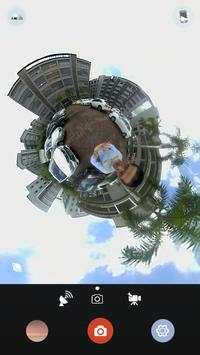
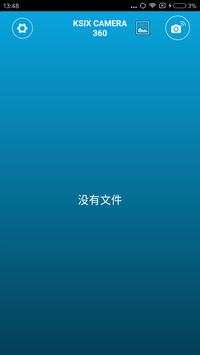
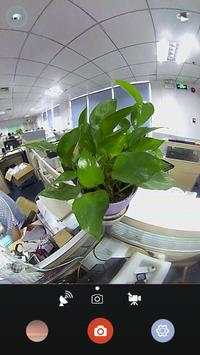
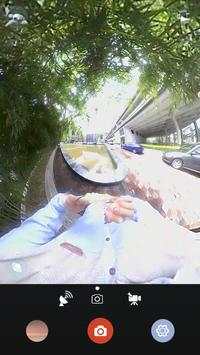
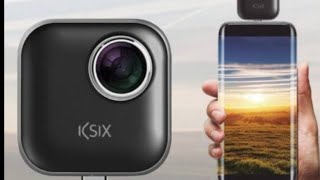
Putting the device onto cellphone, it will connect with APP
automatically and then enter into the preview mode.
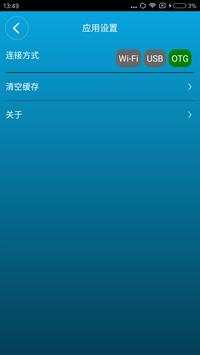
Sometimes the device may not connect the APP automatically. It is
necessary to set the connection type as OTG in APP's setting.
The default mode of preview is photo. However, there are another 2
modes can be used. They are video and live broadcast. Only logging in
YouTube will the live broadcast mode can be used.
For preview, 4
modes can be chosed: Sphere, Flat, VR and Planet.
It's necessary to go back to "Replay" interface when sharing photos
and videos. Click a photo or video, then an indicator of uploading
will appear. Click the indicator, the file will be transcoded. After
that, the photo or video can be shared to Wechat, Facebook and
YouTube.
5 resolutions can be chosed: 1080*2160@30fps、1920*960@30fps、
1472*736@30fps、1472*736@60fps、960*480@30fps.
Able to adjust the EV, WB, ISO and acutance.
Able to set up the filter of white&black and colorized. Allow to reset
to default.
Support to upgrade the device firmware on line.


