














DOWNLOAD IS NOT SUPPORTED IN WEB STORE!
Use the latest version of 9Apps to download APK&OBB file of games in one click!
DOWNLOAD 9APPS

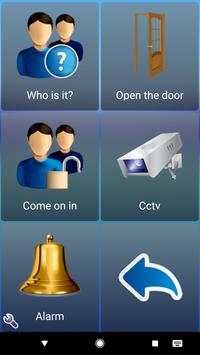
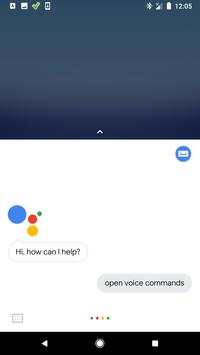
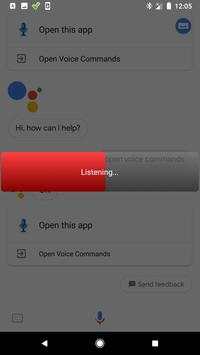
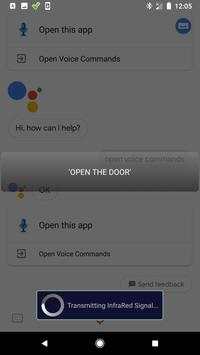
This is a companion app to the ClickToPhone and HouseMate Home Control apps. It enables you to use your voice to control your home. You can start the app from the home page or by saying "Ok Google" followed by "OpenVoice Commands". Then all you have to do is speak the name of the HouseMate command you want to transmit. If what you say matches any of the command names defined in the HouseMate grids then the HouseMate hardware is instructed to transmit that signal.
You can further refine what you say by editing the "Text to speech" text of a particular command. So, rather than speaking the command "Lights On", you can instead say "Turn on the lights".
To stop Voice Commands say "Stop". To edit settings click on the "Listening" button.
Voice Commands runs independently from ClickToPhone so you can still use your switch and all the scanning features when using your voice is inappropriate or if it is too noisy.
Voice Commands requires ClickToPhone version 197 or higher OR HouseMate Home Control version 13 or higher to be installed on your device.
Use your voice to control your HouseMate hardware.
Requires ClickToPhone app version 197 or higher OR HouseMate Home Control app version 13 or higher.


