










DOWNLOAD IS NOT SUPPORTED IN WEB STORE!
Use the latest version of 9Apps to download APK&OBB file of games in one click!
DOWNLOAD 9APPS

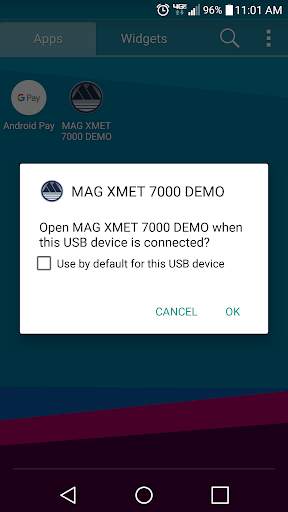
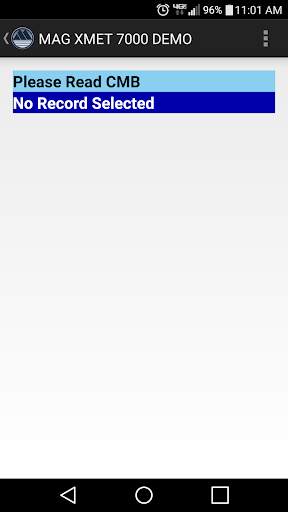
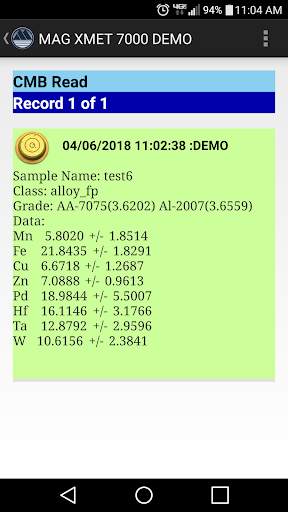
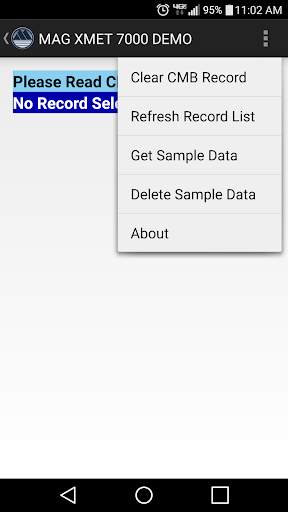
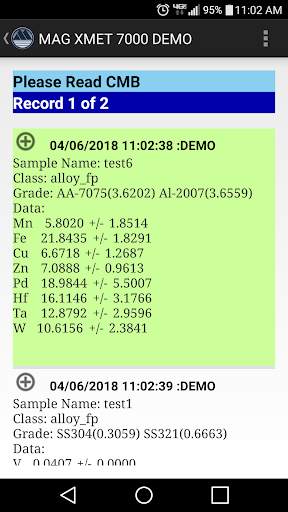
Read and write a MacSema Contact Memory Button (CMB) with data from a XMET 7000 or sample data created in the app. A MacSema USB ButtonLink and MacSema CMBs (4K or greater) are required. The Android device must have USB host hardware.
The demo app can be used without use of a XMET 7000 as the sample data in the app was generated from the XMET 7000. When the app is used with the XMET 7000 it will use a Sandisk Connect to wirelessly transfer the data to the Android device.
The XMET 7000 performs the metal analysis and saves the report to the Sandisk Connect USB stick. The report is then copied to the Android device via the Sandisk Connect Drive app. This app then writes the data to the CMB and allows the data to be read anytime from the CMB.
Updated to handle different screen sizes.


