



DOWNLOAD IS NOT SUPPORTED IN WEB STORE!
Use the latest version of 9Apps to download APK&OBB file of games in one click!
DOWNLOAD 9APPS
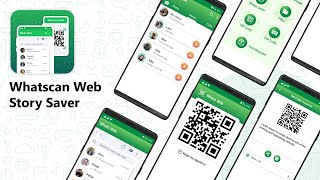
WhatScan for Whats app web
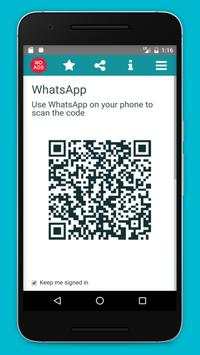
is simple to use, just scan the QR code and that's it!
→
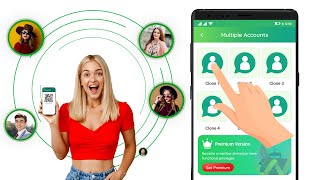
Open the same WhatsApp account on multiple mobiles and tablets
→
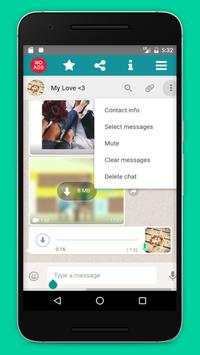
Send and receive messages, pictures, videos even documents
→
Share contacts
→
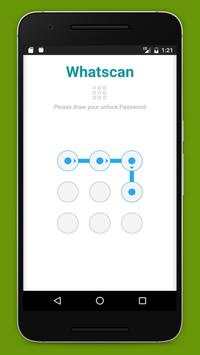
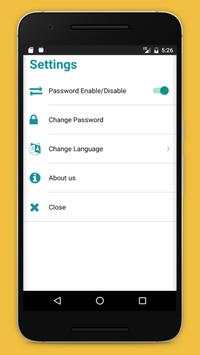
Secured with your Password.
→
Multi Languages
→
Send Voices
Multi WhatsApp messenger : Multiple WhatsApp account in one phone.
Sync your WhatsApp account to your mobile or tablet.
[HOW TO USE]
1. Install and Open WhatsApp on device (Phone/Tablet) you want to sync/clone your WhatsApp to
2. Open WhatsApp on your main phone (the account you want to clone)
→
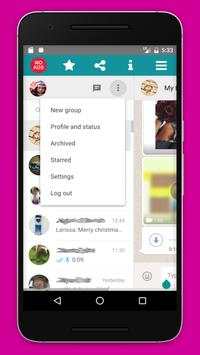
On Android: Scroll to the Chats screen -> Menu -> WhatsApp Web.
→
On iPhone: Click Settings -> WhatsApp Web.
→
On Nokia S60 and Windows Phone: Go to Menu -> WhatsApp Web.
→
On Nokia S40: Swipe up from bottom of screen -> WhatsApp Web.
→
On BlackBerry: Go to Chats -> Menu -> WhatsApp Web.
→
On BlackBerry 10: Swipe down from top of the screen -> WhatsApp Web.
3. After clicking "WhatsApp web", you should see a camera QR scanning screen.
4. Now scan the QR code displayed on WhatsApp
5. Done! Sync complete! Now you can access the same WhatsApp account on both devices!
6. Enjoy 2 WhatsApp in 1 device!
NOTE: WhatScan Support All Android Versions and Devices.
★★★★★ WhatScan for whats app web is not an official WhatsApp application and not associated with WhatsApp Inc. ★★★★★



imo beta -video calls and chat
4.394.0MB

ShopClues
3.816.4MB

Talking Tom Cat
3.963.0MB

Dearmet: Video Chat, Live Talk
4.043.4MB

Temple Run 2
4.4122.1MB

Candy Crush Saga
4.491.1MB

Offline Music Mp3 Player- Muso
4.535.9MB

Quikr – Search Jobs, Mobiles,
4.120.8MB

Facebook Lite
4.02.5MB

Mushroom Takeover
4.569.0MB