









DOWNLOAD IS NOT SUPPORTED IN WEB STORE!
Use the latest version of 9Apps to download APK&OBB file of games in one click!
DOWNLOAD 9APPS
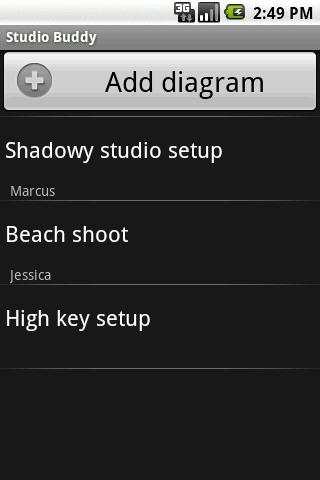
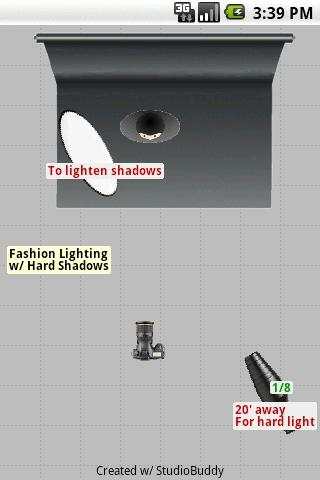
Studio Buddy is a photographer's Lighting Diagram creator.
Lite version which limits #strobes/modifiers (look up Zach Arias if you really think it's not enough or buy the Full version).
After adding a diagram, you can add devices by using the menu or long-pressing anywhere on the screen except an object.
You can bring up a context menu on an object by long-pressing it.
After you select an object, you can drag/move/resize it by dragging the control points up/down.
Fling (quickly swipe) the screen left to right to get to the other screens.
Known issues:
- pixelated graphics on high-res devices (especially when you resize...the graphics are not vector, they're bitmaps)
- not optimized on tablets yet (doesn't use fragments and graphics aren't high-res enough...will be in 2.0 if enough people buy the Full version)
Permissions Explanation:
- External Storage: for writing image to share
- Internet: sharing via Facebook, Twitter, etc.
- Gallery: for attaching BTS images to diagrams



- added "Wide Window" object
- changed colors of rotate/resize buttons to highlight the mode it's in; when the color changes to red, you can slide your finger up/down on any part of the screen to resize...this was to keep it from losing your finger while resizing the object using only the resize square.
Hope this makes it more obvious...
- enlarged the rotate/resize icons to make them easier to select


