












DOWNLOAD IS NOT SUPPORTED IN WEB STORE!
Use the latest version of 9Apps to download APK&OBB file of games in one click!
DOWNLOAD 9APPS

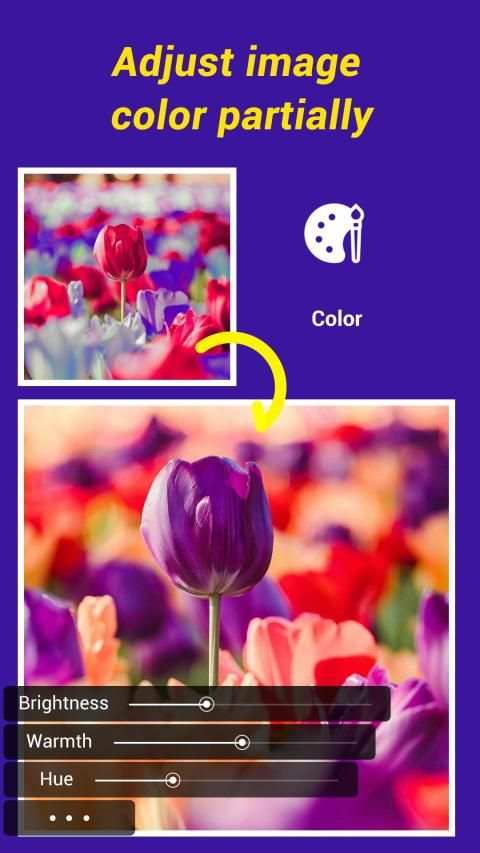
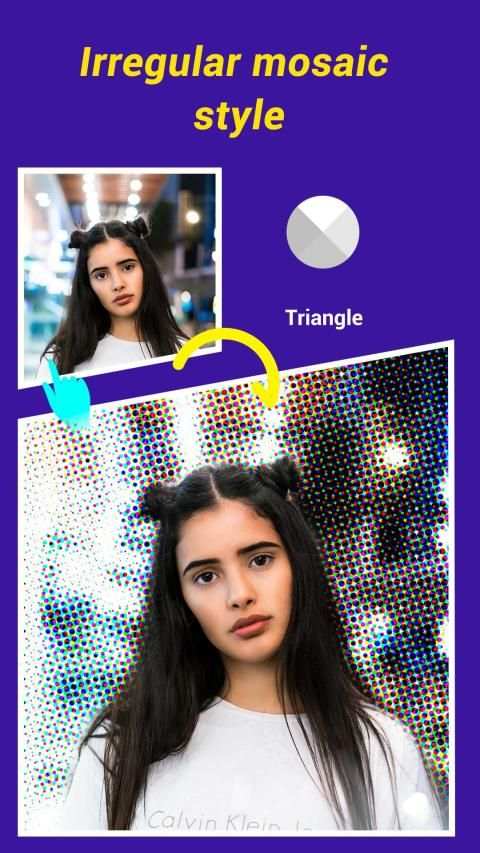
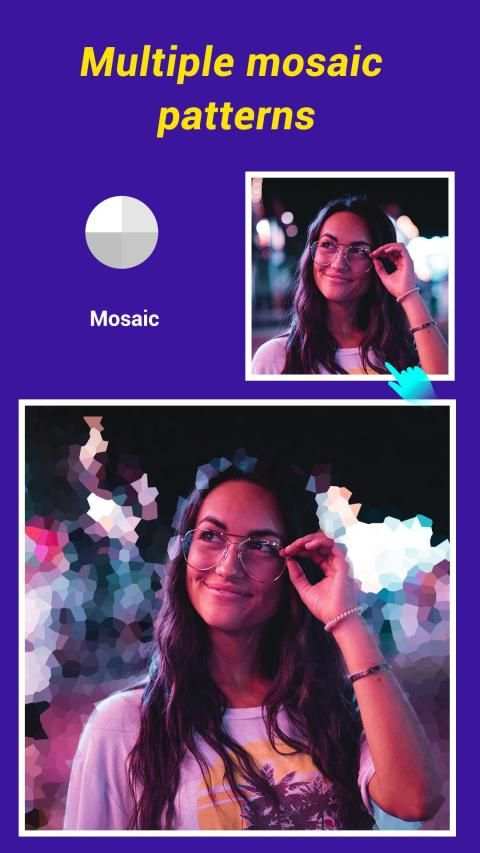
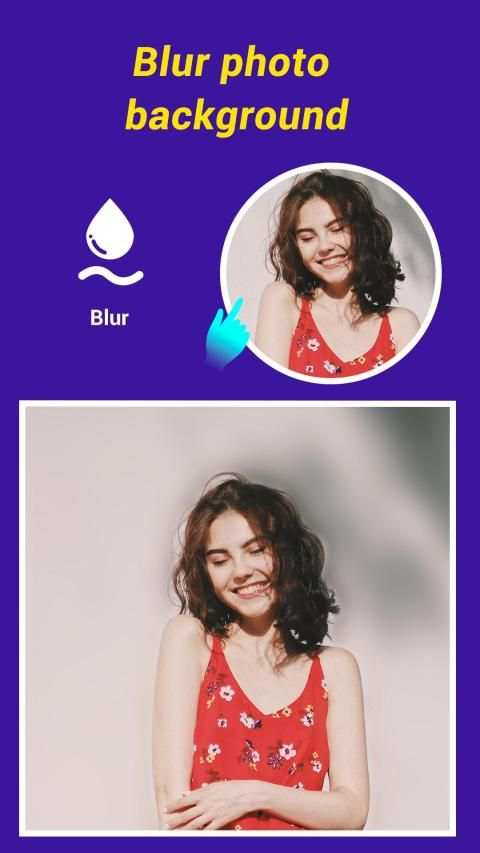
The most advanced photo blurring app with magnifying box to correctly identify specific areas of the photo that needs to be blurred.
HOW IT WORKS:
1. Start with the edit button in the app.
2. Choose a photo you want to blur.
3. Blur the photos using your finger touch and watch the blur path on magnifying glass to accurately blur the photo.
4. Use advanced photo editing tools like Undo, Redo, Brush Size to accurately blur photos.
5. Save & share photos with friends
Different Kinds of Blur you can choose:
1. Liner Blur: Parallel lines serve you as a guide to blur the area in symmetry
2. Point Blur: Click on the specific point you want to blur
3. Radial Blur: a particular kind of blur hat originates at a single point within an image and blurs outwards (or inwards) from (or to) the point.
4. Erase Blur: work as mosaic patterns
Very simple operation and it's for FREE.
Wish you can enjoy it!! Thank You!
Bug Fixed


