












DOWNLOAD IS NOT SUPPORTED IN WEB STORE!
Use the latest version of 9Apps to download APK&OBB file of games in one click!
DOWNLOAD 9APPS

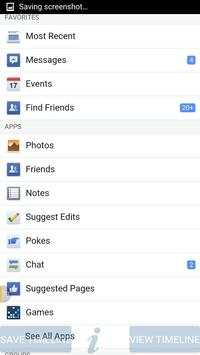
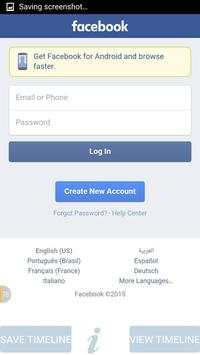
Offline Access For Facebook enables you to save your timeline while you are on a wifi so that you can view it later without an internet connection
By Using This software you can save upto 95% of internet cost you spend on facebook.
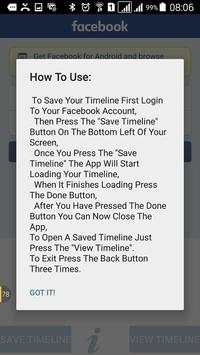
How To Use:
To Save Your Timeline First Login To Your Facebook Account,
Then Press The "Save Timeline" Button On The Bottom Left Of Your Screen,
Once You Press The "Save Timeline" The App Will Start Loading Your Timeline,
When It Finishes Loading Press The Done Button,
After You Have Pressed The Done Button You Can Now Close The App,
To Open A Saved Timeline Just Press The "View Timeline" Button On The Bottom Right Of Your Screen.
However You Will Still Need Internet Connection For Activities Like Comment, Share, Like, Chat, etc
To Exit press the back button three times
*****Please Note*******
This is unofficial application and we are not related to Facebook, or endorsed by the official Facebook. Its name, trademark, and other aspects of the app are trademarked and owned by their respective owners.


