
DOWNLOAD IS NOT SUPPORTED IN WEB STORE!
Use the latest version of 9Apps to download APK&OBB file of games in one click!
DOWNLOAD 9APPS

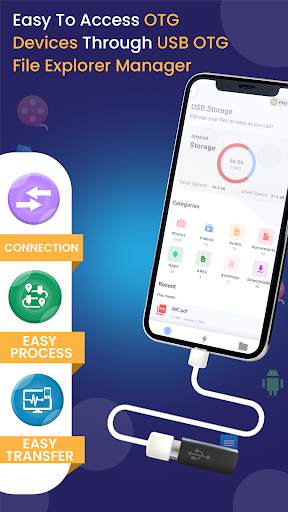
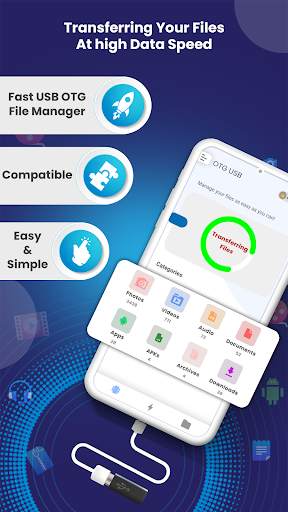
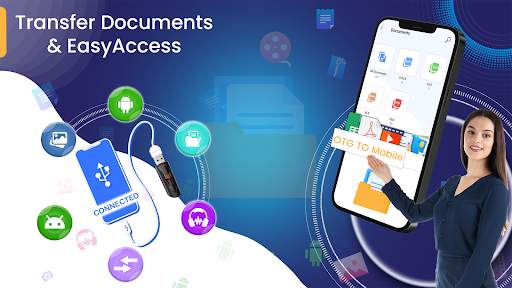
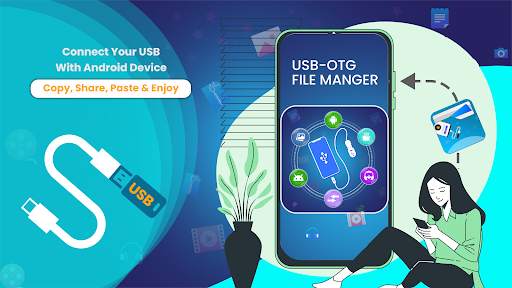
Transfer your files from your phone to USB and to your Computer Wirelessly with the all new USB File Explorer.
With USB File Explorer you can attach USB to your phone. It detects the USB Drive and manages your files ready to transfer. USB File Explorer uses the FAT32 and exFAT32 file system. When the USB is connected to phone, USB File Explorer checks and detects whether the USB Drive runs over the USB File Explorer supported file system or not. You can also transfer your files over the WIFI using USB File Explorer's FTP to transfer them to your computer.
Key Features:
USB detection, USB File Transfer, USB Support detection.
Wireless File transfer via FTP.


![Make Android's USB Connection Default to Storage Mode [How-to] screenshot 4](https://i.ytimg.com/vi/LID8mVZGzs4/mqdefault.jpg)

Get the possibility to transfer files from USB with OTG to Your Phone with USB File Explorer.



imo beta -video calls and chat
4.394.0MB

Facebook Lite
4.02.5MB

Dearmet: Video Chat, Live Talk
4.043.4MB

Temple Run 2
4.4122.1MB

Candy Crush Saga
4.491.1MB

Offline Music Mp3 Player- Muso
4.535.9MB

Quikr – Search Jobs, Mobiles,
4.120.8MB

ShopClues
3.816.4MB

Mushroom Takeover
4.569.0MB

Talking Tom Cat
3.963.0MB