









DOWNLOAD IS NOT SUPPORTED IN WEB STORE!
Use the latest version of 9Apps to download APK&OBB file of games in one click!
DOWNLOAD 9APPS

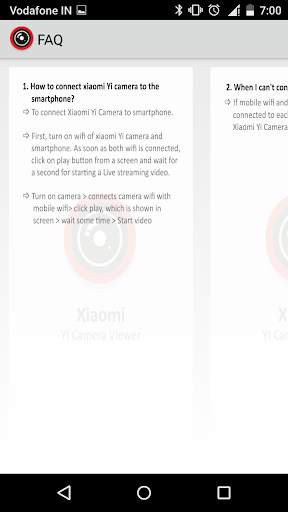
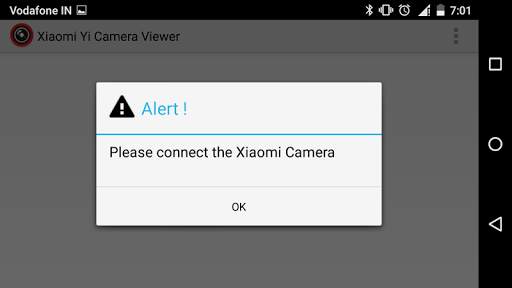
Recently the technology world has been buzzing with Xiaomi yi Action camera viewer.
The app’s interface is simple and user-friendly. With a simple setup process and a detailed guide on step-by-step all the way from connecting the camera for shooting, Xiaomi yi Action camera viewer app is said to a lot simpler to use.
To connect Xiaomi yi Action camera with smartphone, Please follow the steps below:
1. Turn on WiFi of your camera
2. Wait for seconds until the blue light starts blinking
3. Go to the WiFi settings of your smartphone and search for the Xiaomi camera's WiFi
4. Connect smartphone's WiFi with Xiaomi Camera's WiFi.
5. Once connected, wait for a second to start a live video streaming.
For any query please can take a look at the video https://www.youtube.com/watch?v=817jM9XWm64
App Features:
• Supports real-time video streaming and live preview
• Xiaomi yi Action camera viewer fully supports android 6.0
Note: This application is compatible with those smartphone that has Android 5.1 or upper operating system version and supported camera model is Xiaomi YDXJO1XY
CONTACT US:
Web: Teksun.us/contact
Email: [email protected]
Facebook: Facebook.com/teksunmicrosys





- Remove the Phone Status and Get Account Permission from Android Manifest


