









DOWNLOAD IS NOT SUPPORTED IN WEB STORE!
Use the latest version of 9Apps to download APK&OBB file of games in one click!
DOWNLOAD 9APPS
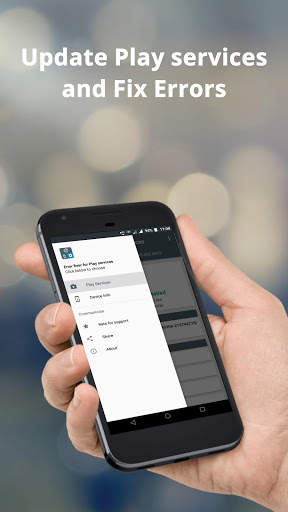
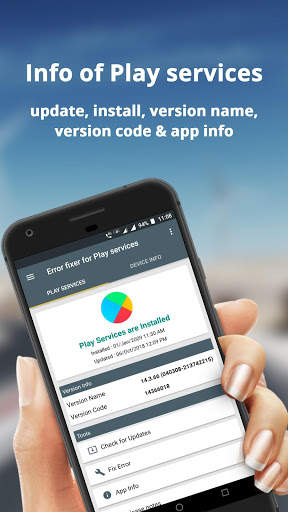
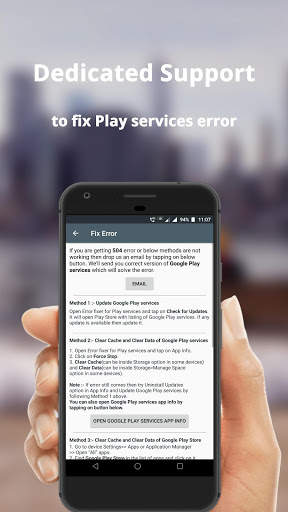
App which helps to update Google Play services and gives info like installed on, version name and code. Also it helps to fix errors due to crashing of Play services.
How to Fix " Google Play services has stopped working error " :-
1. Open Application and click on App Info option.
2. Clear Cache (can be Inside storage option in some phones).
3. If error still comes then try "uninstall updates" option.
3.1. Install updates using Play Store link available in app.
Do you know ? You can select version name and version code by long tap on it.
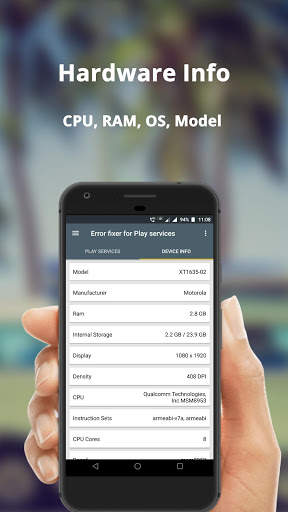
Users can also see Hardware and OS information of their devices easily. It can show Info like Model, Manufacturer, CPU, OS, Battery level etc.
Do you know ? You can select Model, OS etc by long tap on it.
Disclaimer
:- # App is not Google Play services also not holding any affiliation with Google LLC.
# All the trademarks, logos and images used in this application are Intellectual Property of their respective owners.




1.8.t
* More languages added : English, German, Spanish, French, Italian, Japanese, Korean, Dutch, Portuguese, Russian and Chinese (Simplified).
* Ready for Android Q (10.0).
* Added Error Fix section for giving support to users.
* Bug fixes reported by users.


