DOWNLOAD IS NOT SUPPORTED IN WEB STORE!
Use the latest version of 9Apps to download APK&OBB file of games in one click!
DOWNLOAD 9APPS
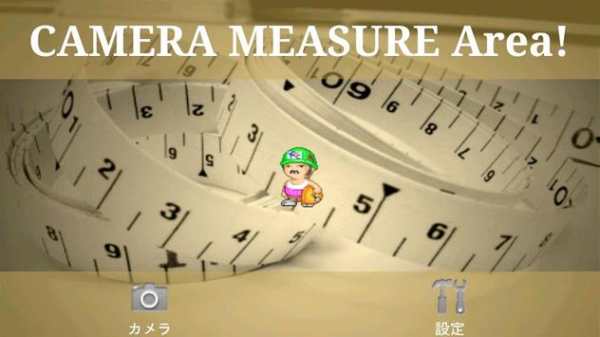
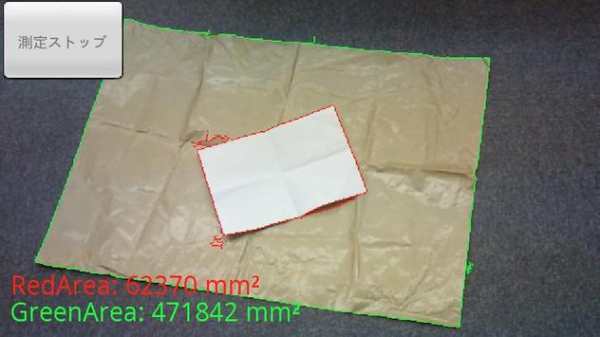
This application makes you easier to measure an area of objects using camera and a piece of paper.
You just put a paper over an object you want to measure and measure through camera.
How To Use
1. Choose the size of paper.
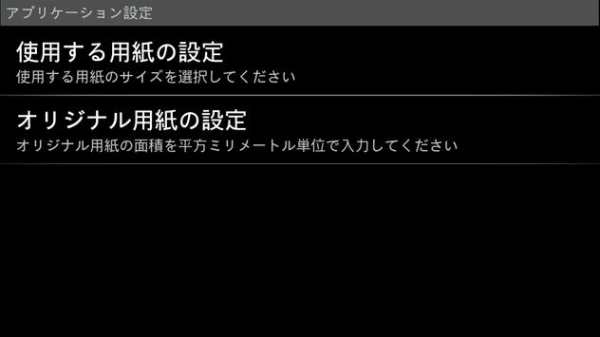
You can select from A4, B5, US Letter and original size.
You can set your own area size(of paper) by choosing original size.
2. Set a paper on an object you want to measure an area of.
3. Start CAMERA MEASURE AREA! to measure.
Adjust your position to set red line around the paper and green line around the object.
If you see red and green line, then tap Measure Button you see left top on your screen.
4. If the areas surrounded by red and green line appear, measurement completed.