









DOWNLOAD IS NOT SUPPORTED IN WEB STORE!
Use the latest version of 9Apps to download APK&OBB file of games in one click!
DOWNLOAD 9APPS

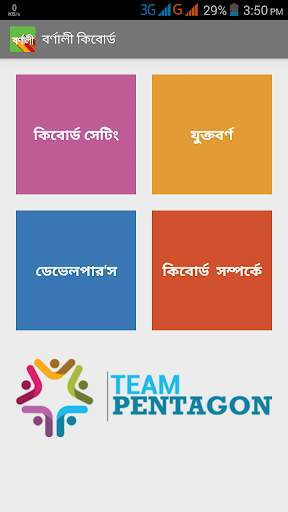
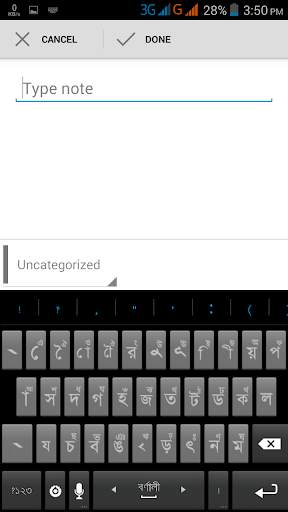
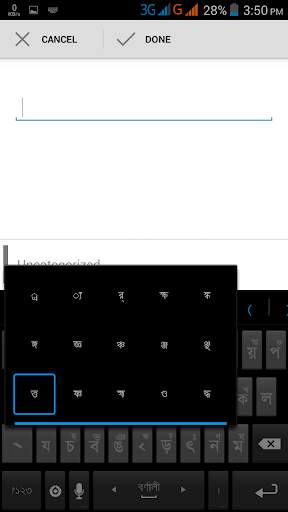
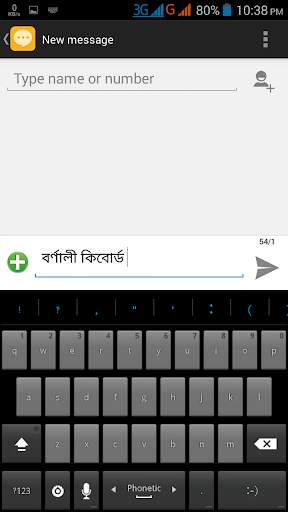

Features:
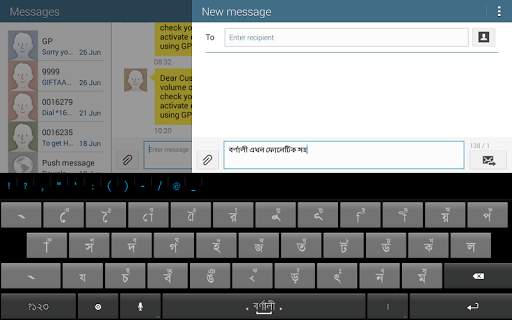
1. Smart adjustment with QWERTY keyboard layout and Bengali letters.
2. Specialized double click feature(Double click with to type next letter)
3. Dedicated layout for inter-connected words(Juktoborno)
4. Added 52 inter-connected words(Juktoborno)
5. Dual keyboard layout (Bengali Keyboard and English Keyboard )
6. No internet connection is required
Installation:
1. Download & install Bornali Bangla Keyboard
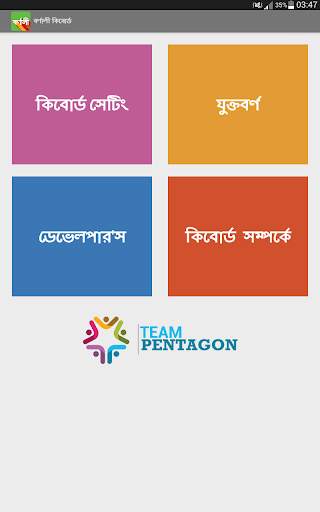
2. Open Bornali Keyboards Application and click to "Keyboard Setting"
3. Select Bornali Bangla Keyboard as Language and Input Method
4. Then open any typing field (can be new message, search box)
5. Drag the notification bar down & click on "Select Input Method"
6. Select Bornali Keyboard from the Keypad list
7. And start sharing your feelings in Bangla language .





=> All letters are placed on first layout
=> New Bangla phonetic layout
=> Bangla and English auto suggestion
=> Add your own suggestion


