






DOWNLOAD IS NOT SUPPORTED IN WEB STORE!
Use the latest version of 9Apps to download APK&OBB file of games in one click!
DOWNLOAD 9APPS

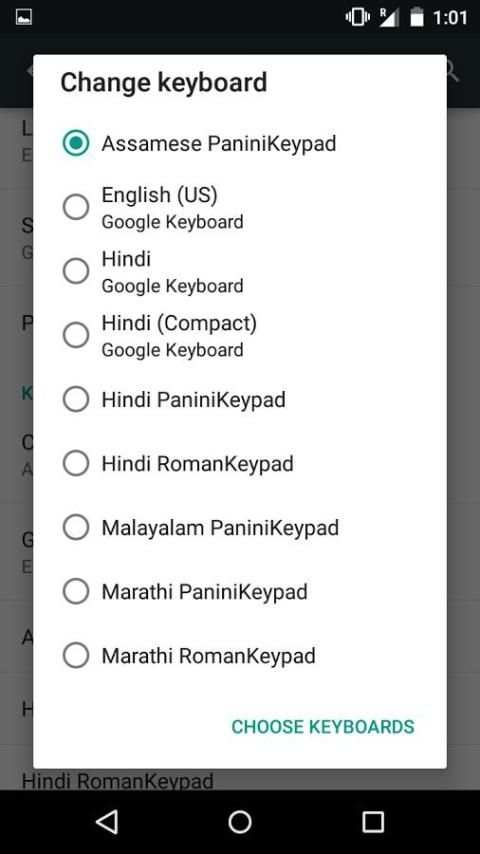
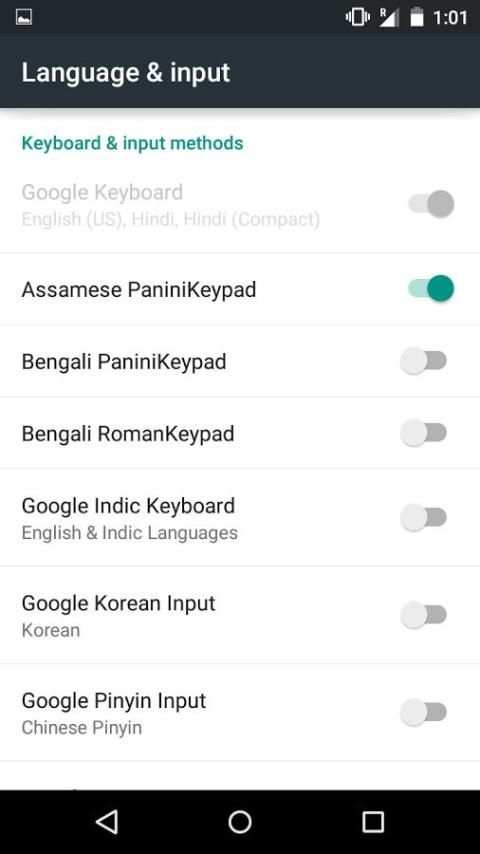
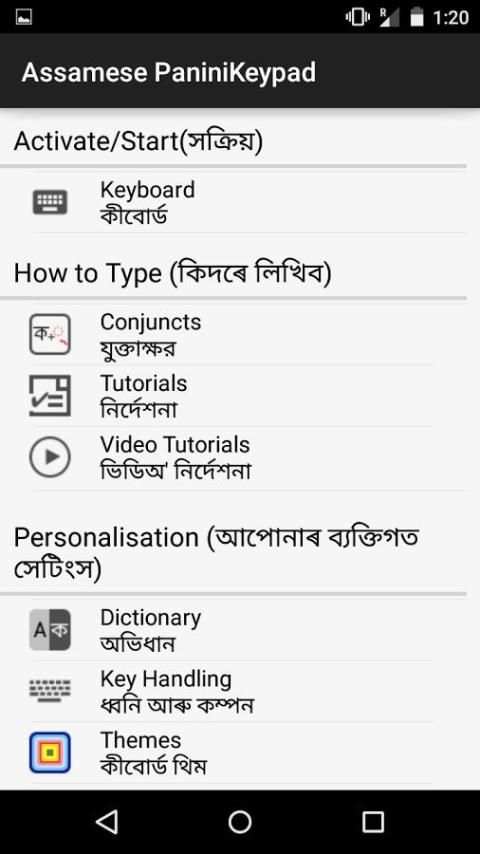
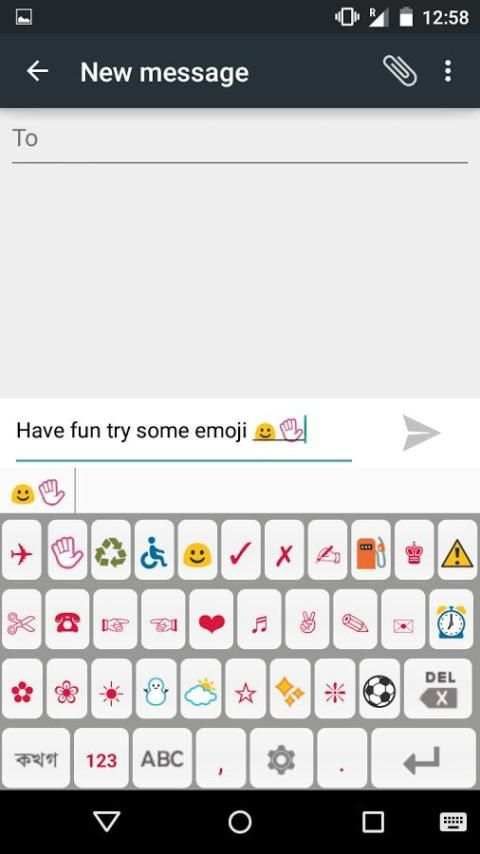
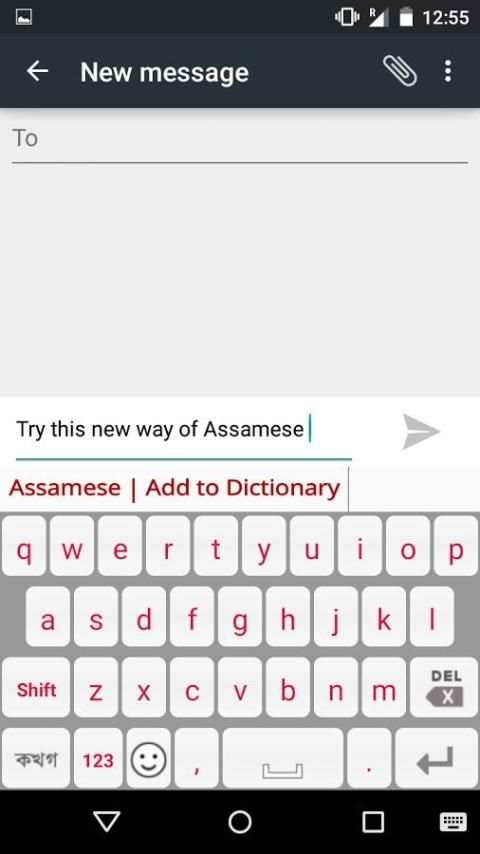
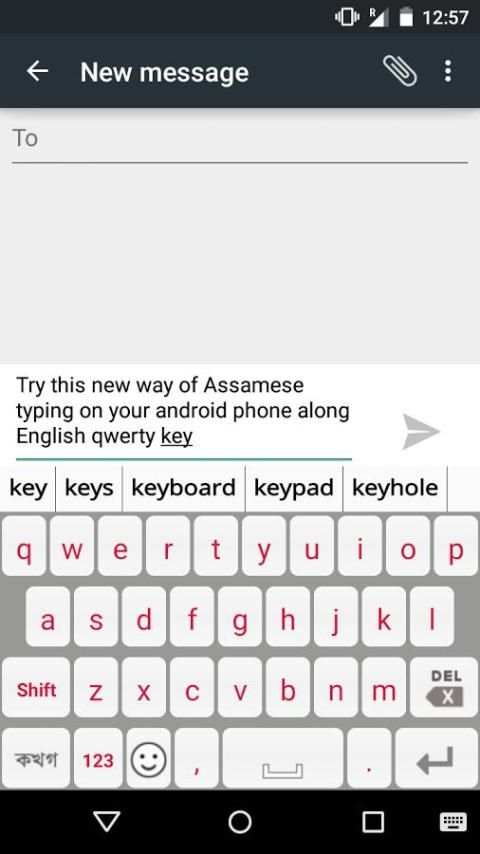
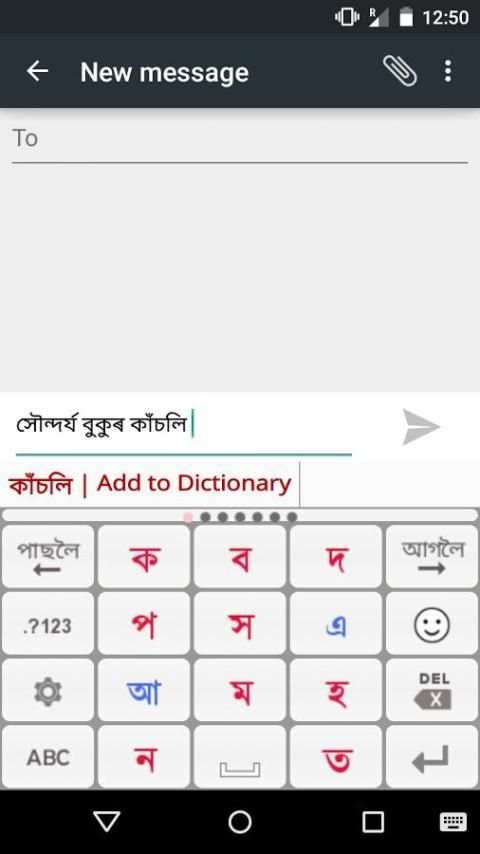
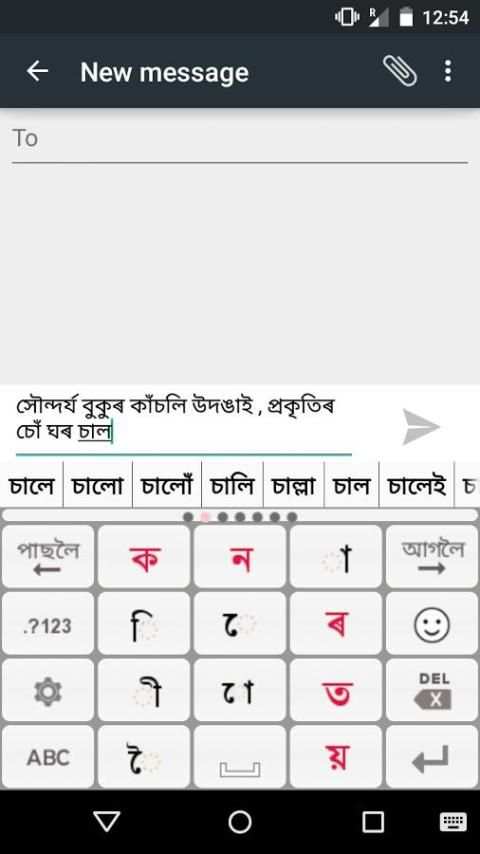
PaniniKeypad predictive texting technology allows people to type in Assamese(অসমীয়া) directly on their phones & tablets very fast & easily. PaniniKeypad for android phones is an IME (input method editor) that facilitate users to type any where inside the phone. PaniniKeypad technology has been developed for many other Indian languages also. This versatile input mechanism provides a better usability with limited no. of character present on screen. Watch Juktokkhar typing video on YouTube: http://www.youtube.com/watch?v=F-a-q3inUFs To install & launch procedure is mentioned at the bottom. Panini virtual keyboard based on statistical predictive texting. That makes typing experience very convenient to users. As you typing one character, next character will keep coming automatically right under your thumb. and exact words comes automatically from dictionary. Users can use predictive texting or choose words from dictionary. There are two rules of typing. 1. Look for your character on screen & press/touch indicated button. 2. Press 'Next List' for more or unable to find characters. You can easily type Conjunct(Juktaokkhar/যুক্তাক্ষর) & half characters with help of PaniniKeypad. First type one consonant then REF [্] character, then again put a consonant. This will make the conjunct (Juktaokkhar) characters automatically. Examples: মন্ত্র = ম+ন+্+ত+্+র সামৰ্থ্য = স+া+ম+ৰ+্+থ+্+য ভূতগ্ৰস্ত = ভ+ূ+ত+গ+্+ৰ+স+্+ত প্ৰাচুৰ্য = প+্+ৰ+া+চ+ু+ৰ+্+য পৃথিৱী = প+ৃ+থ+ি+ৱ+ী সৃষ্টিৰাজিৰ = স+ৃ+ষ+্+ট+ি+ৰ+া+জ+ি+ৰ REF is also a character, always appears in RED colour. Easy for recognition. Twice Press the space button to give the Dari at the end of sentences. Easy switch between Assamese PaniniKeypad & English Qwerty keypad. You can add/remove your custom words in dictionary. You can send sms, messages, greetings, email, blog, chat, update status on facebook, tweet, save contact book, jokes, lyrics, comments, search in regional language etc. Installation: 1. Download and install this application on phone. 2. Go to "Setting"->"Locale & text/Language & input" select Panini Keypad IME (check on). 3. Go to "Setting"->"Locale & text/Language & input" choose Default Keyboard/ input method as PaniniKeypad IME. 4. Back to text compose area, keyboard will appear on screen automatically. 5. Experience Fast & Easy typing in your language. Like PaniniKeypad on facebook & Connect us: http://www.facebook.com/pages/Bangla-Panini-Keypad-for-iPhones-iPad/190050871046870 All your suggestion, feedback & reviews welcome. [email protected]


