

![[ASMR] roleplay interview for scholarship to Indonesia pt.1 (soft spoken) screenshot 2](https://i.ytimg.com/vi/ipJR43hWAIs/mqdefault.jpg)






DOWNLOAD IS NOT SUPPORTED IN WEB STORE!
Use the latest version of 9Apps to download APK&OBB file of games in one click!
DOWNLOAD 9APPS

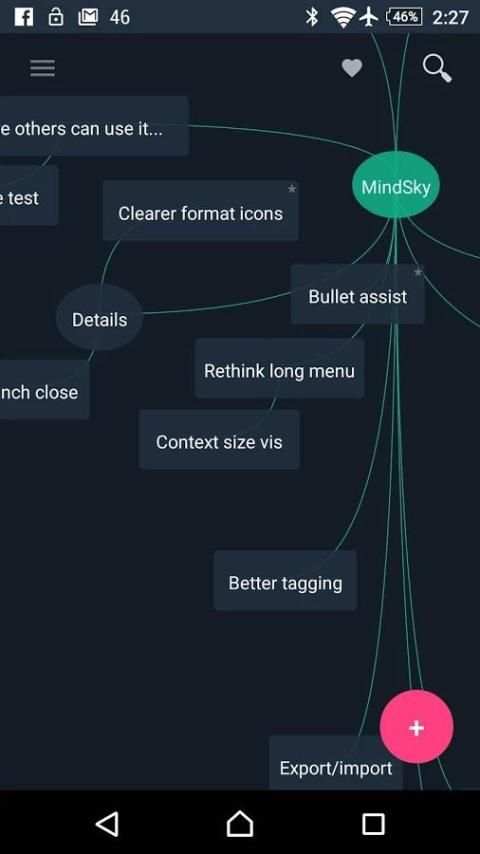
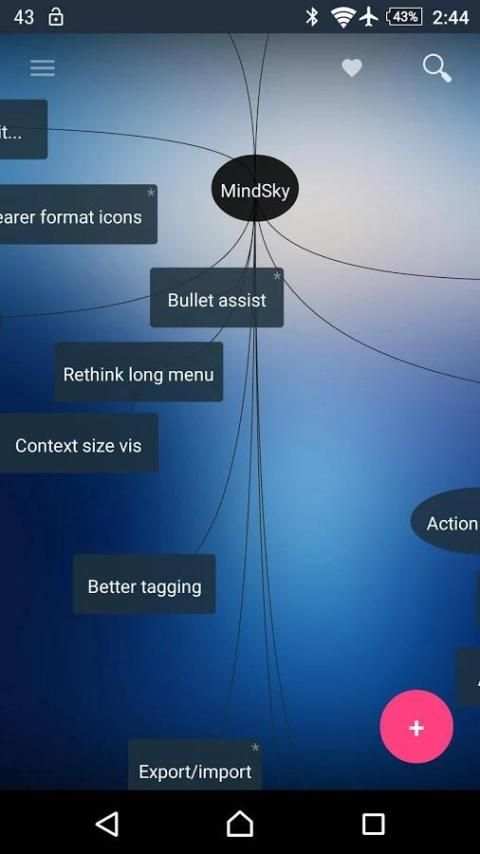
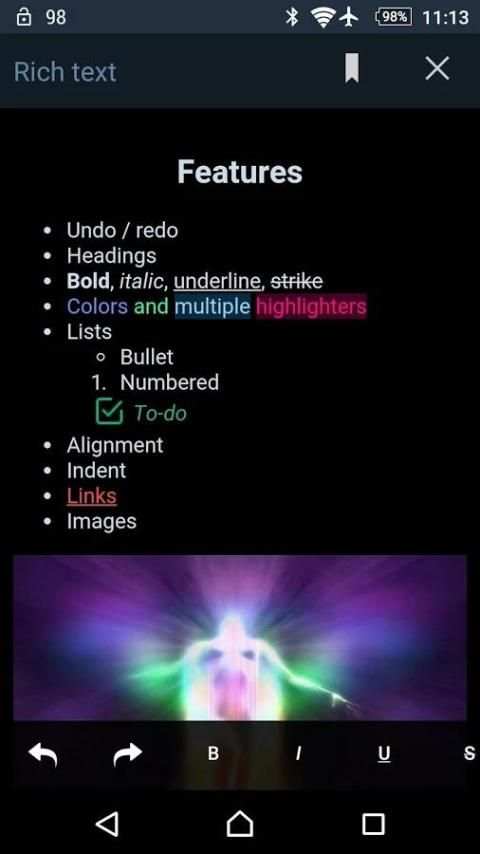
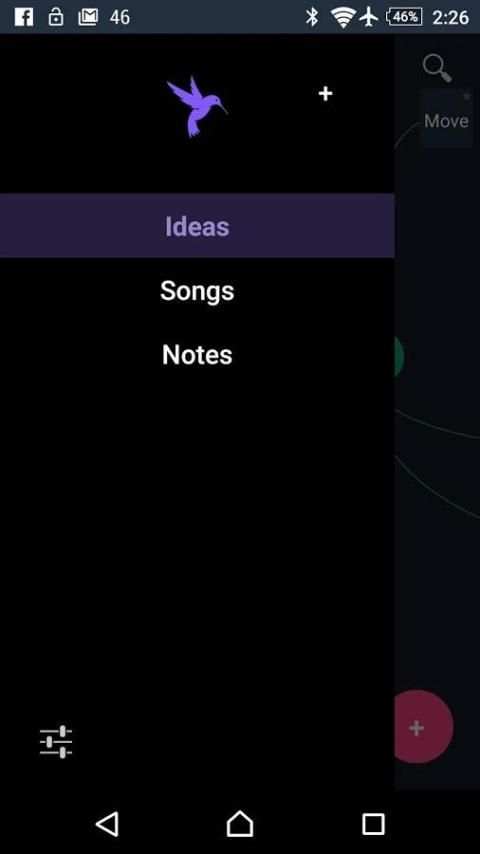
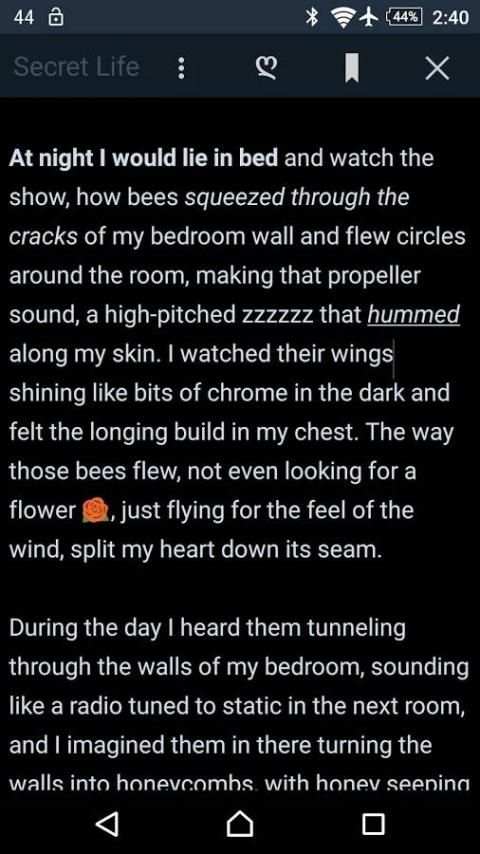
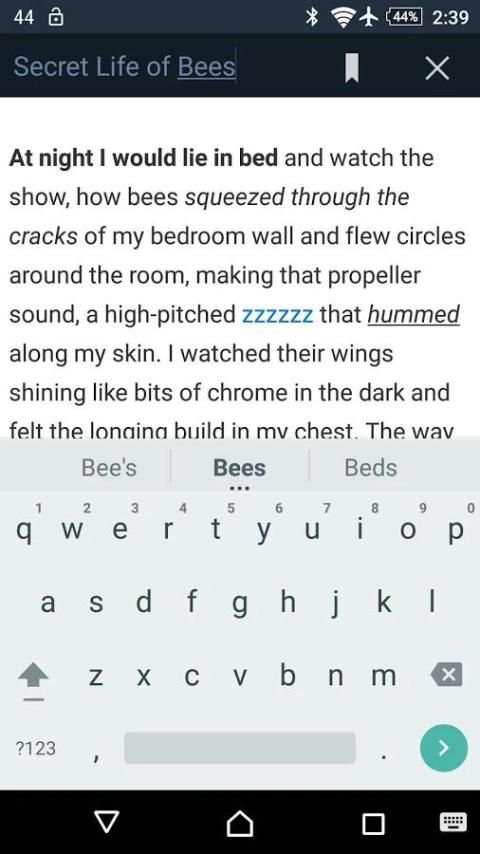
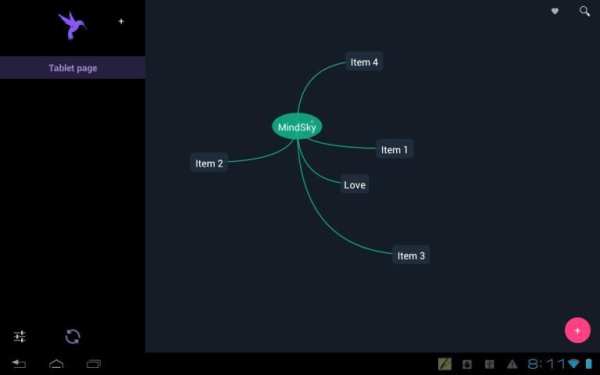
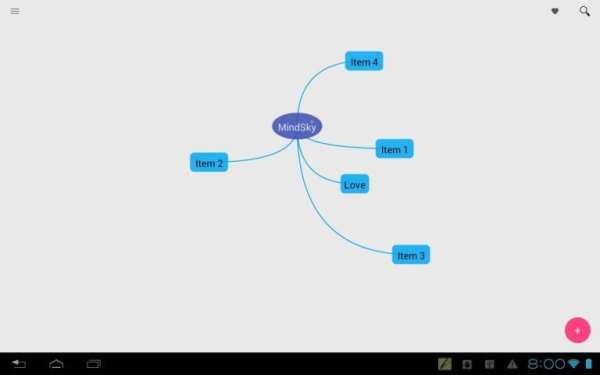
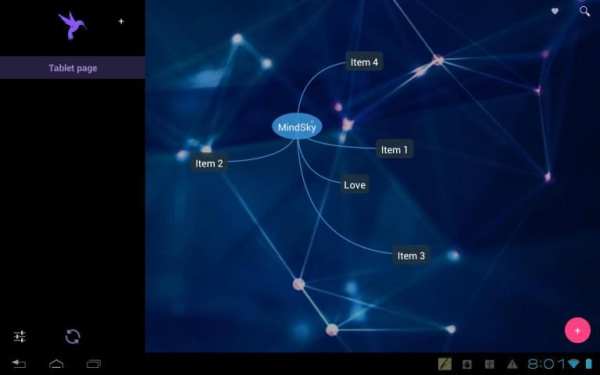
A multidimensional notepad from the future.
Check out the web-version at:
http://mind.im
** Give me awesome ratings and tell friends. ♥ Requests and questions: send me an email. **
KEY FEATURES:
• Sync notes on all your devices and computers
• Organize ideas
• Light & Fast
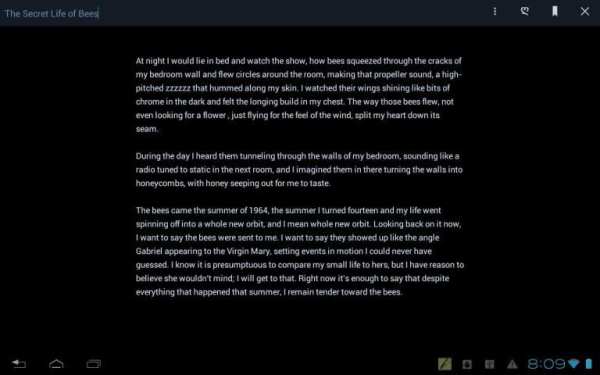
• Rich-text notes
• Simple drag and drop design
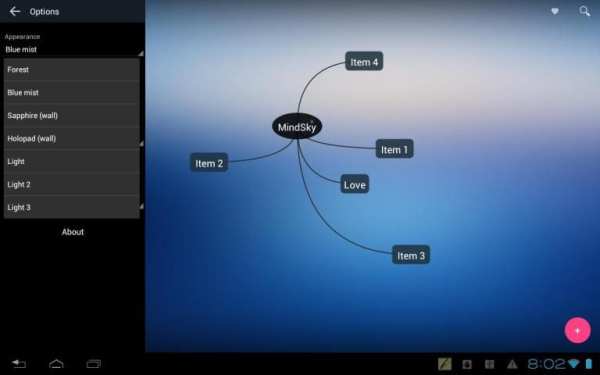
• Themes
• Auto-daylight option
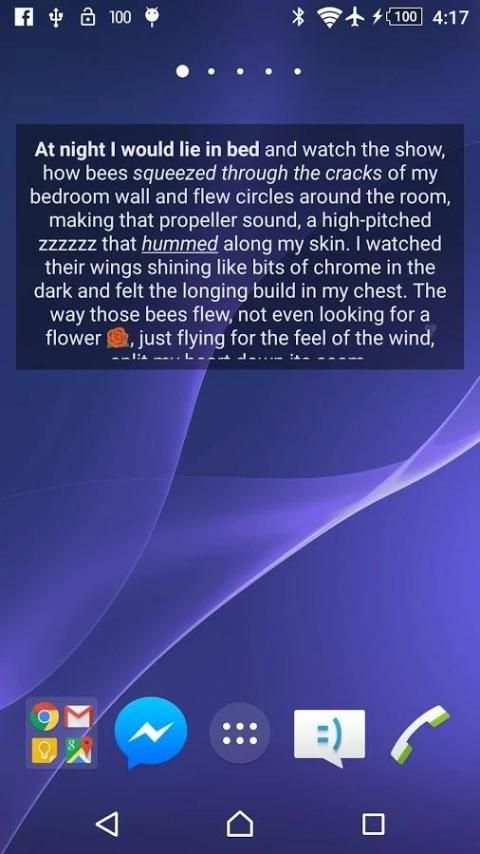
• Widget for notes on home screen. (Great for reminders.)
• Organize by tag
• Bookmark spots within notes (Currently being upgraded for mobile.)
• Record audio notes
• Geo-tagging: attach a location and find notes on the map
NOTE ABOUT SYNCING
Create a free account at:
http://mind.im
Synchronization runs on resume and when manually requested. There will be some future adjustments to that.
[For any page created on the web prior to Oct 4 2015 (and isn't on your mobile device): you can sync it by renaming it (same name will do), and to bring in its notes just move or edit them in some way.]
Audio and images are not sync'd. A future update will sync everything.
NOTE ABOUT BOOKMARKS
With the new rich-text model added in 1.2, bookmarks are currently being upgraded to work with the new model.
LANGUAGES:
• English, 日本の, Português, 中国(简体), Russian, more coming...
Please let me know about any odd translations, and if you would like your language added next.
BASIC USE
• Tap the pink button or LongPress the screen to create a new note. Touch outside of it to create it.
• Swipe from the left side to open the menu
• Tap any note to open and edit it
• LongPress notes for more options
AUDIO
Select "Record" from LongPress menu.
If audio exists it will open instead of text.
LongPress and select "Open" for text.
BLOG + WEBSITE PUBLISHING
Longpress page and select "Options" to publish a page as a Blog or Website.
More options on the web:
http://mind.im
USAGE TIPS
• Type "Bb " or "bb " at the start of a line to create a Bullet point. (differs from bullet-lists added in 1.2)
• LongPress the pink action button to select and tag multiple items.
• Tap the ♥ for a list of all items on a page. Or from the menu, tap the open page.
• In a brightly lit spaces, select a Light theme for visibility.
• "Home" Themes will use your home-screen background. Some backgrounds will look great and some won't!
KEYBOARD SHORTCUTS (for external keyboards)
------------->> Main <<-------------
Arrows: Move around
Shift+Arrow: Bigger move
~: Toggle menu
=: New item
Ctrl+T: Select/Tag
Ctrl+Q or type or F2: Search
Alt+Down: Cycle through visible items (Enter to open)
------------->> Editor <<-------------
Ctrl+Z: Undo
Ctrl+Y: Redo
Ctrl+B: Bold
Ctrl+I: Italic
Ctrl+U: Underline
Geo-tagging.
Option to geo-tag new notes.
Longpress ♥ to open map of notes with a location.
1.8.1
Fixed URL field sync from web.
Adjusted note title bar.
1.8
Sync now brings in pages from the web. See notes for details.
Renamed pages and tags sync appropriately.


