






DOWNLOAD IS NOT SUPPORTED IN WEB STORE!
Use the latest version of 9Apps to download APK&OBB file of games in one click!
DOWNLOAD 9APPS
With the LG TV Plus app, control your smart TV, view photos, and play videos and music from your phone on the big TV screen!
Broaden your Smart TV experience with the LG TV Plus app.
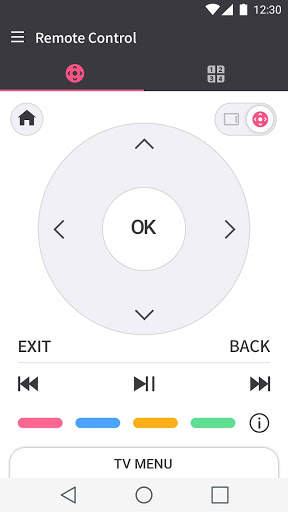
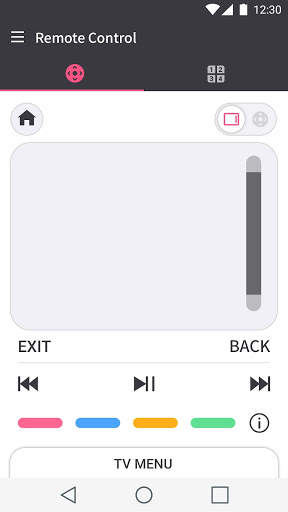
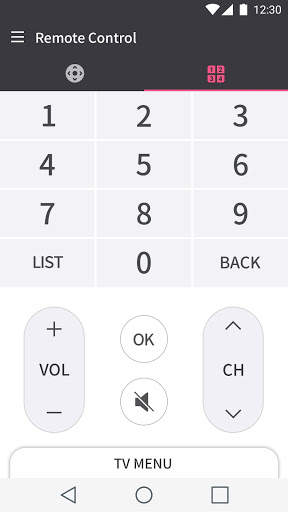
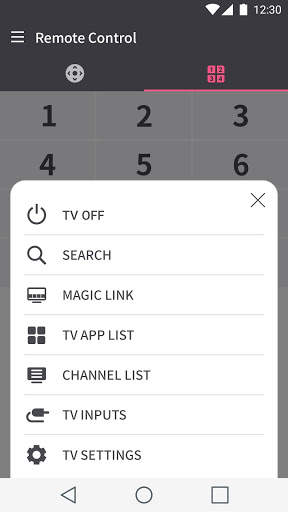
The remote control function enables you to operate the LG webOS TV.
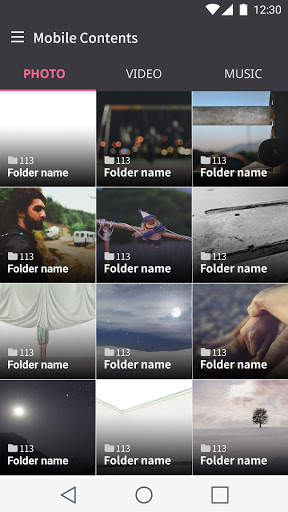
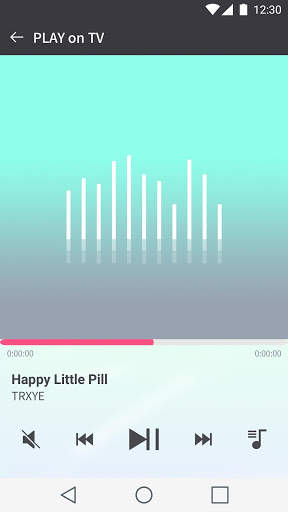
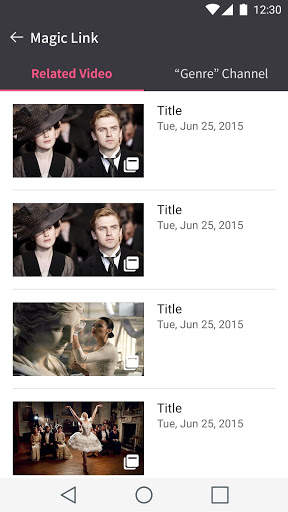
Easily browse your photos, videos, and music on your smartphone from the LG TV Plus app and enjoy them on the big screen.
[Notes]
This app supports only LG webOS Smart TV released on and after 2014.
You can use LG TV Plus after pairing your TV and mobile device on the same Wi-Fi network.
[Supported Models]
'14 ~ ’20 webOS TV
"EC93xx", "EC97xx", "EC98xx", "EF95xx", "EF98xx", "EG91xx", "EG92xx", "EG95xx",
"EG97xx", "EG99xx", "JL90xx", "LB63xx", "LB65xx", "LB67xx", "LB68xx", "LB69xx",
"LB70xx", "LB71xx", "LB72xx", "LB73xx", "LB75xx", "LB86xx", "LB87xx", "LC71xx",
"LF51xx", "LF54xx", "LF59xx", "LF63xx", "LF64xx", "LF65xx", "LF72xx", "UB82xx",
"UB84xx", "UB85xx", "UB88xx", "UB93xx", "UB95xx", "UB98xx", "UC89xx", "UC97xx",
"UC9x", "UF63xx", "UF64xx", "UF67xx", "UF68xx", "UF69xx", "UF77xx", "UF83xx",
"UF84xx", "UF85xx", "UF86xx", "UF87xx", "UF93xx", "UF94xx", "UF95xx", "UG73xx",
"UG87xx", "UG88xx",
"G6", "E6", "C6", "B6", "UC9", "UH98xx", "UH96xx",
"UH95xx", "UH93xx", "UH92xx", "UH88xx", "UH87xx", "UH86xx", "UH85xx", "UH84xx",
"UH79xx", "UH77xx", "UH76xx", "UH75xx", "UH74xx", "UH68xx", "UH66xx", "UH65xx",
"UH64xx", "UH63xx", "UH62xx", "UH61xx", "UH60xx", "UH55xx", "UH10xx", "LH66xx",
"LH63xx", "LH60xx", "LH59xx", "LH58xx", "LF63xx",
"LJ68xx", "LJ64xx", "LJ62xx", "LJ61xx", "LJ60xx", "LJ57xx", "LJ55xx", "SJ95xx",
"SJ85xx", "SJ80xx", "SJ75xx", "UJ98xx", "UJ94xx", "UJ88xx", "UJ78xx", "UJ77xx",
"UJ76xx", "UJ75xx", "UJ74xx", "UJ72xx", "UJ69xx", "UJ68xx", "UJ67xx", "UJ66xx",
"UJ65xx", "UJ64xx", "UJ63xx", "UJ62xx", "UJ61xx", "UJ60xx", "US80xx", "W7", "W7S", "G7", "E7", "C7", "B7", "EG9A7",
"B8x", "C8", "E8", "G8", "LK54xx", "LK57xx", "LK61xx", "LK62xx",
"SK79xx", "SK80xx", "SK85xx", "SK95xx", "UK60xx", "UK61xx", "UK62xx", "UK63xx", "UK65xx", "UK67xx", "UK75xx", "W8",
"B9", "C9", "E9", "W9", "Z9", "R9",
"FK75xx", "LM57xx", "LM62xx", "LM63xx", "LM65xx", "SM80xx", "SM81xx", "SM82xx", "SM85xx", "SM86xx", "SM90xx", "SM95xx", "SM98xx", "SM99xx", "UM71xx", "UM72xx", "UM73xx", "UM74xx", "UM75xx", "UM76xx", "UM77xx",
"ZX", "WX", "GX", "CX", "BX", "RX",
"UN89XX", UN85XX", "UN81XX", "UN80XX", "UN78XX", "UN74XX", "UN73XX",
"UN72XX", "UN71XX", "UN70XX", "LN56XX", "UN69XX", "LG73CN", "NANO99X",
"NANO98", "NANO97X", "NANO96", "NANO95X", "NANO93", "NANO91X",
"NANO90X", "NANO86X", "NANO85", "NANO83", "NANO81X", "NANO80X"
'17 webOS miniBeam
"HF80Jx", "HF85Jx", "HF65Fx", "HF60Hx", "HU80Kx", "PF1xxx", "PF50Kx"
[Required permissions]
1) Mandatory app permissions
- Storage : Access photos, videos, music content on your device to display on the TV.
- Location : Mirror your smartphone screen to your TV. (Available from LG Smartphone(Android O or later))
2) Optional app permissions
- Calendar : Read calendar information on your device to display on the TV. (Available from 2016 webOS TV and above)
※ You can still use the service without giving the optional app permissions.
※ If you are using an Android version lower than 6.0, you may not be able to approve app permissions optionally. In the case, please contact the device manufacturer for update availability to Android 6.0 and above, and try again.