epson iprojection on 9Apps

Free download latest epson iprojection for Android here and enjoy it with your phone. Below you can download a list of top and latest apps related to epson iprojection . 9APPS is a fast, safe app store. With 9APPS, you can save a lot of time on searching and downloading apps.

#1 Epson iProjection

Epson iProjection
Rating: star 4.3 | Version: 4.0.2 | Size: 114.8MB
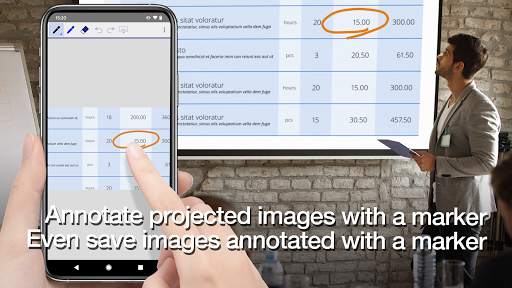
Epson iProjection screenshot 1 Epson iProjection screenshot 2 Epson iProjection screenshot 3

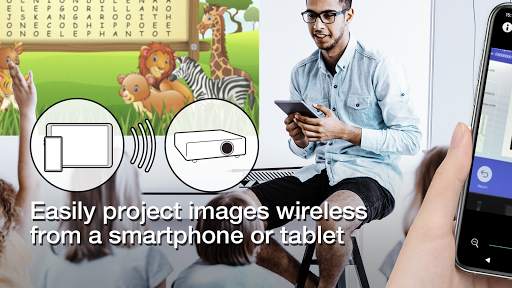
Epson iProjection is a wireless projection app for Android devices & Chromebooks. This app makes it easy to mirror your device's screen, and project PDF files and photos wirelessly to a supported Epson projector.
[Key Features]
1. Mirror your device’s screen and output your device’s audio from the projector.
2. Project photos and PDF files from your device, as well as real-time video from your device's camera.
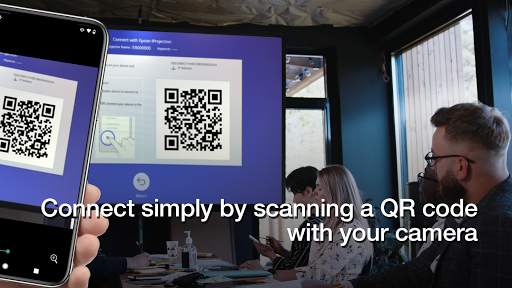
3. Easily connect your device by scanning a projected QR code.
4. Connect up to 50 devices to the projector, display up to four screens simultaneously, and share your projected image with the other connected devices.
5. Annotate projected images with a pen tool and save the edited images on your device.
6. Control the projector like a remote control.
[Notes]
• For supported projectors, visit https://support.epson.net/projector_appinfo/iprojection/en/. You can also check "Supported Projectors" in the app's support menu.
• The JPG/JPEG/PNG/PDF file types are supported when projecting using "Photos" and "PDF".
• Connecting using a QR code is not supported for Chromebooks.
[About the Mirroring Feature]
• If you are running Android 11 on your Chromebook, the mirroring feature may not work properly on rare occasions. If this occurs, try restarting the mirroring feature, restarting the app, and restarting your Chromebook. Also, consider using Epson iProjection from the Chrome Web Store.
• While mirroring your device’s screen, video and audio may be delayed depending on the device and network specifications. Only unprotected content can be projected.
• Audio output during mirroring is only supported for Android 10 or later, or for Chromebooks running Android 11. On Chromebooks, you can only output sound from apps installed from the Google Play.
[Using the App]
Make sure that the network settings for the projector have been completed.
1. Switch the input source on the projector to "LAN". Network information is displayed.
2. Connect to the same network as the projector from "Settings" > "Wi-Fi" on your Android device or Chromebook*1.
3. Start Epson iProjection and connect to the projector*2.
4. Select and project from "Mirror device screen", "Photos", "PDF", "Web Page", or "Camera".
*1 For Chromebooks, connect the projector using the infrastructure mode or Advanced connection mode. Also, if a DHCP server is being used on the network and the Chromebook's IP address is set to manual, the projector cannot be searched for automatically. Set the Chromebook's IP address to automatic.
*2 If you cannot find the projector you want to connect to using automatic search, select IP Address to specify the IP address.
We welcome any feedback you have that could help us to improve this app. You can contact us through "Developer contact". Please note that we cannot reply to individual inquiries. For inquiries regarding personal information, please contact your regional branch described in the Privacy Statement.
All images are examples and may differ from the actual screens.

...

👉 For More Detail of Epson iProjection

#2 Epson iPrint

Epson iPrint
Rating: star 4.7 | Version: 7.7.4 | Size: 40.0MB
Epson iPrint screenshot 1 Epson iPrint screenshot 2 Epson iPrint screenshot 3

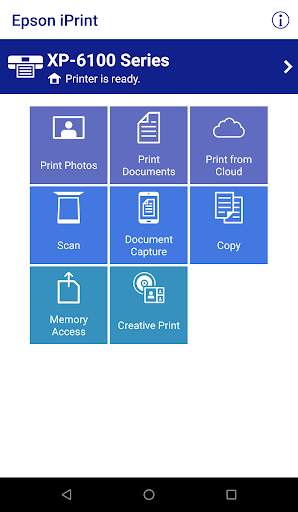
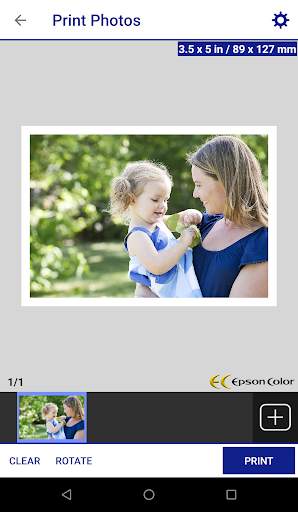
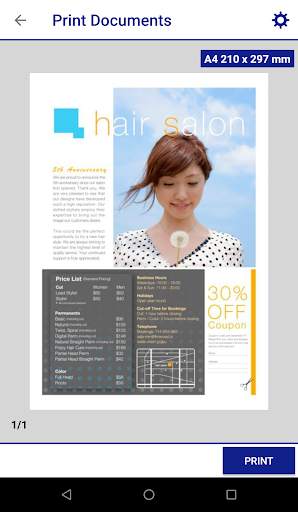
Print, scan, and share directly from your Android phone or tablet. Print photos, emails, webpages and files including Microsoft® Word, Excel®, PowerPoint® and PDF documents. Also supports Box, Dropbox, Evernote®*1, Google Drive™ and Microsoft OneDrive™.
Epson iPrint makes printing easy and convenient whether your printer is in the next room or across the world.
Key Features
• Print, scan, and share directly from your Android phone or tablet
• Print from anywhere in the world to email-enabled Epson printers using remote print functionality
• Print photos, PDFs and Microsoft Office Word, Excel and PowerPoint files (Microsoft Office files require access to Google Drive for rendering into printable PDF)
• Print stored files, email attachments, and online files from Box, Dropbox, Evernote, Google Drive and Microsoft OneDrive
• Capture a document with your device camera, format, enhance, then save, ready to print
• Scan from your Epson all-in-one and share your file (save to your device, send via email or save online)
• Copy documents and photos using your mobile device and a nearby Epson printer
• Transfer files between your device and an SD card or USB drive via an Epson printer
• Check your printer’s status and ink levels
• Print within a complex network environment using manual IP printer setup
• Get help with a built-in FAQ section
Advanced Features
• Print high quality photos with automatic backlight and color cast correction
• Choose and print multiple photos
• Print your email attachments and stored files
• Configure your print options including paper size and type, number of copies, page range and one- or two-sided printing
• Print with and without borders
• Switch between color or monochrome printing
• Choose from different scanning resolutions and image types
• Optimize print quality
• Buy ink and supplies for your printer
• Setup & register to Epson Connect
• Manage remote printers
Printers Supported
See the following website for supported printers.
https://support.epson.net/appinfo/iprint/en/
* To use iPrint with a Wi-Fi Direct connection, you must allow the app to use your device's location services. This allows iPrint to search for wireless networks; your location data is not collected.
*1 Evernote is a registered trademark of U.S. Evernote Corporation.
The Bluetooth® word mark and logos are registered trademarks owned by the Bluetooth SIG, Inc. and any use of such marks by Seiko Epson Corporation is under license.
We welcome your feedback. Unfortunately, we cannot reply to your e-mail.

...

👉 For More Detail of Epson iPrint

#3 Epson Genuine

Epson Genuine
Rating: star 4.8 | Version: 1.0.81 | Size: 14.4MB
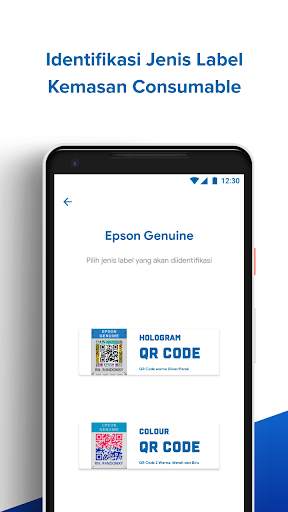
Epson Genuine screenshot 1 Epson Genuine screenshot 2 Epson Genuine screenshot 3

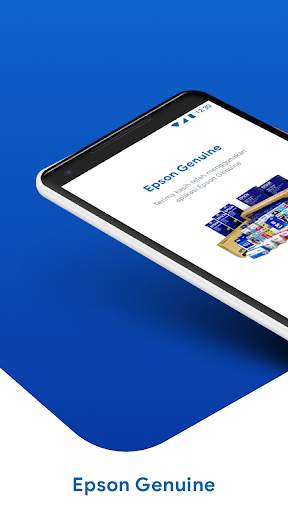
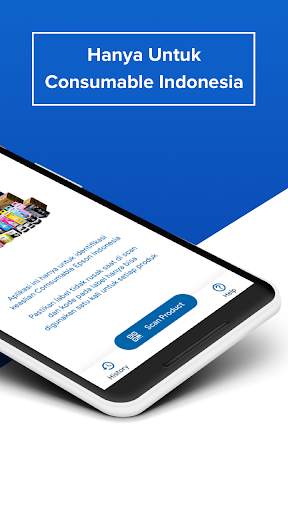
The Epson Genuine application is an application developed to make it easier for Consumers to find out the authenticity of Epson Indonesia consumable products easily and quickly, so that consumers can immediately know whether the Epson consumable products purchased are genuine of Epson Indonesia consumable products or counterfeit.

...

👉 For More Detail of Epson Genuine

#4 Epson Events

Epson Events
Rating: star 4.5 | Version: 5.59 | Size: 43.6MB
Epson Events screenshot 1 Epson Events screenshot 2

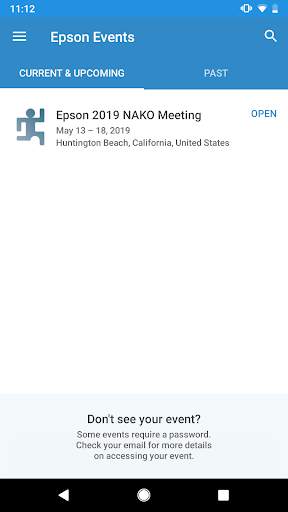
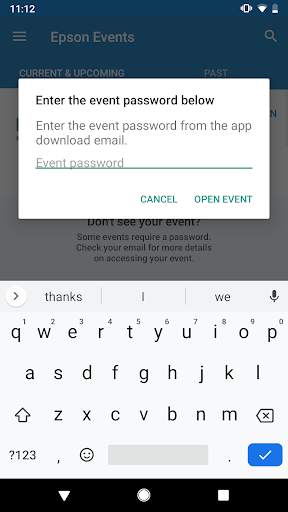
The Epson Events app, is for Epson America, Inc. employees, to receive key information and interact, at events held internally, by Epson.
This mobile event app provides instant access to event details, schedules, maps/ floor plans , sessions and more with the option to receive live alerts and updates from the events team.

...

👉 For More Detail of Epson Events

#5 Epson DocumentScan

Epson DocumentScan
Rating: star 3.1 | Version: 1.5.0 | Size: 8.6MB
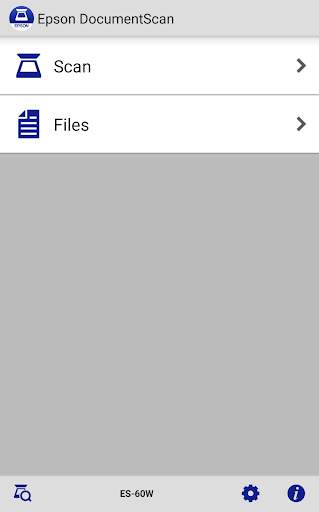
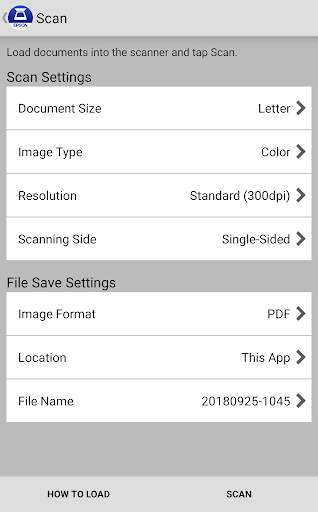
Epson DocumentScan screenshot 1 Epson DocumentScan screenshot 2 Epson DocumentScan screenshot 3

This app is only for Epson scanners. Make sure that your scanner is supported.
Scan documents directly to your Android™ device. You can preview the scanned data and send it to email, directly to other applications or to cloud services like Box®, DropBox®, Evernote®, Google Drive™ and Microsoft® OneDrive.
Scanners Supported
https://support.epson.net/appinfo/documentscan/en/index.html
Key Features
- Directly scan to your Android device
- Edit scanned pages – multi-page rotation or re-ordering
- Send scanned files via email
- Send saved data to other applications, or to cloud services including Box, DropBox, Evernote, Google Drive and Microsoft OneDrive.*
*Applications must be installed on your Android device.
- Get help with a built-in FAQ section
Advanced features
- Autosize recognition, auto image type recognition
- Multi-page rotation and re-ordering
How to Connect
Follow your scanner guide to connect your scanner via Wi-Fi® or AP direct connect mode.
EPSON and WorkForce are registered trademarks. All other product and brand names are trademarks and/or registered trademarks of their respective companies. Epson disclaims any and all rights in these marks.
We welcome your feedback. Unfortunately, we cannot reply to your e-mail.

...

👉 For More Detail of Epson DocumentScan

Search Results

1/2

You may like

DOWNLOAD IS NOT SUPPORTED IN WEB STORE!
Use the latest version of 9Apps to download APK&OBB file of games in one click!
DOWNLOAD 9APPS