










DOWNLOAD IS NOT SUPPORTED IN WEB STORE!
Use the latest version of 9Apps to download APK&OBB file of games in one click!
DOWNLOAD 9APPS

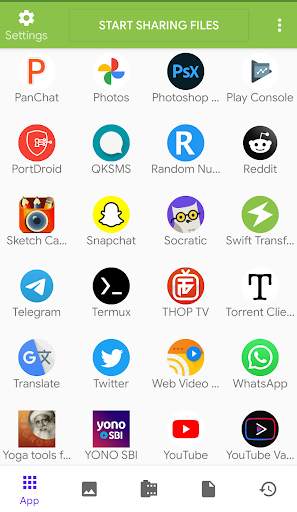
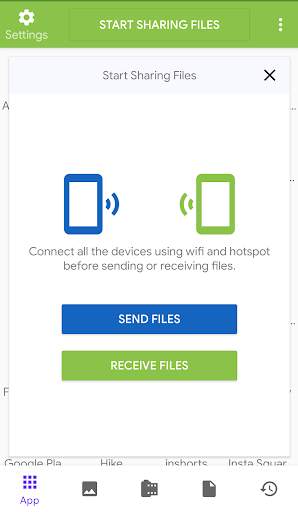
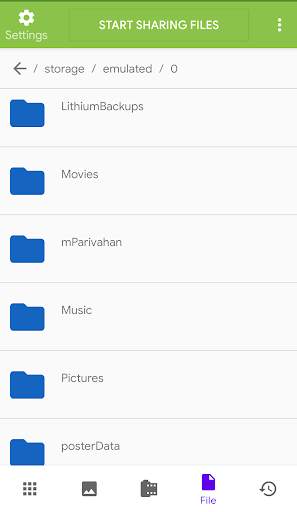
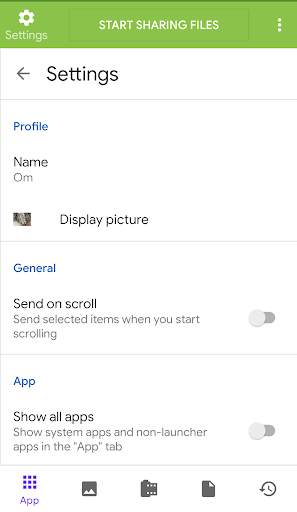
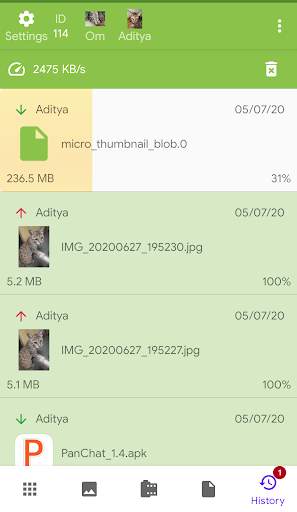
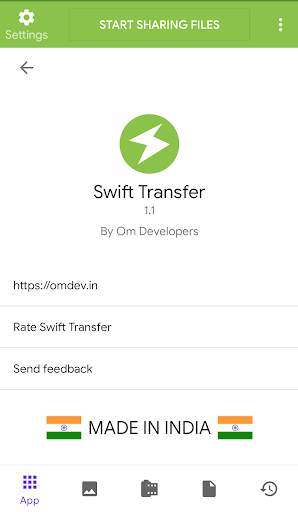
Swift Transfer allows you to transfer files to other devices using WiFi and hotspot.
Usage:
1. Connect other device(s) to same network using Wi-Fi and hotspot
2. Open Swift Transfer and click "START SHARING FILES"
3. Click "Send files" on one device and on all other devices click "Receive files"
4. Enter the ID shown on sender's device in all the receiving devices
5. Select files and click "send" :)
--MADE IN INDIA--
https://omdev.in




Bug fixes and performance improvements


