Notice: Some new advance function such as capture screenshot, power popup...only support high software version 5.0 and up. If your phone dose not supported please do not give bad review. Thank for your support
assistive touch for android
Assistive Touch is an easy tool for Android devices. It's fast, it’s smooth, and it’s totally FREE.
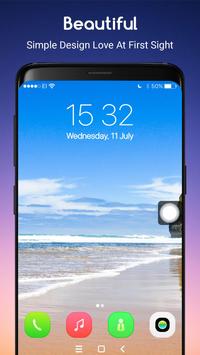
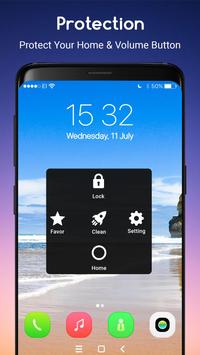
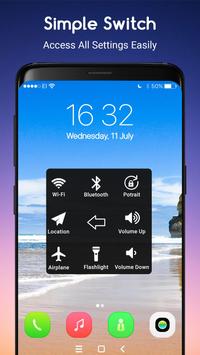
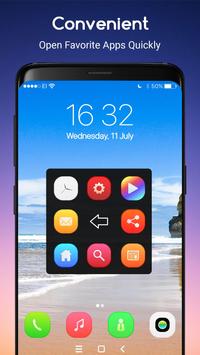
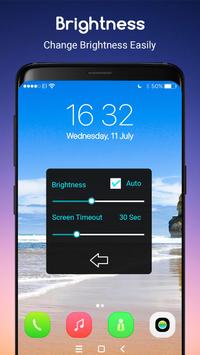
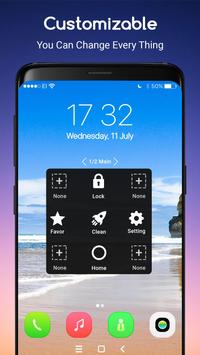
With a floating panel on the screen, you can easily use your Android smart phone. More conveniently, you can quickly access to all your favorite apps, games, settings and quick toggle. You can use smart clean function to clean running background apps, help your phone faster. Assistive Touch is also an ideal app to protect the physical buttons (home button and volume button). It is very useful for big screen smart phone.
Assistive easy touch
1. To turn on AssistiveTouch:
Open my app > Switch on AssistiveTouch.
2. To use more actions:
Go to Settings > Accessibility > Services and turn on AssistiveTouch.
You can also use AssistiveTouch to access your Home screen, Recent screen and use Back Key. Just open the AssistiveTouch menu and tap Home, Recent, Back action.
If you are looking for the Assistive Touch iphone home button, quick touch for android, you have come to the right place.
Easy Assistive Touch is an easy touch tool for Android devices. It's fast, it’s smooth, and it’s totally FREE.


9Apps 4.9