









DOWNLOAD IS NOT SUPPORTED IN WEB STORE!
Use the latest version of 9Apps to download APK&OBB file of games in one click!
DOWNLOAD 9APPS

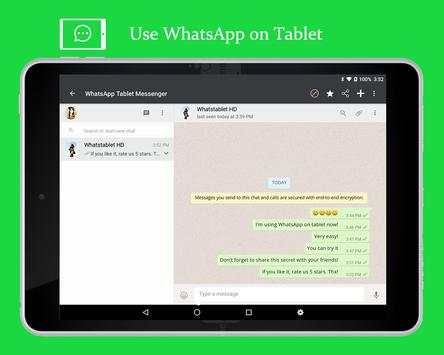
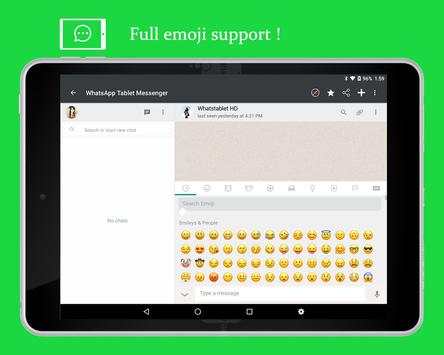
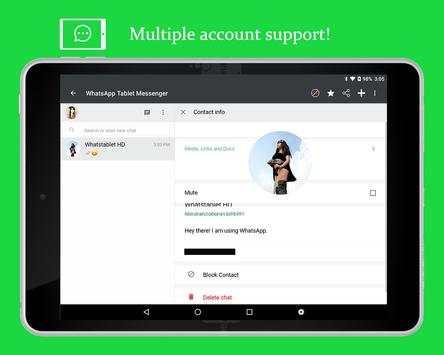
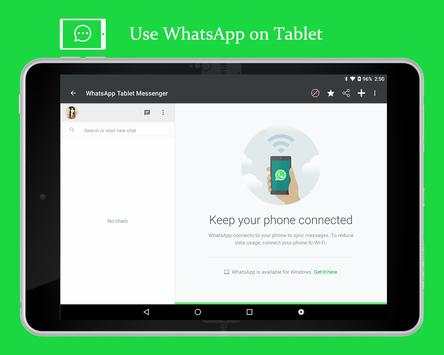
Messenger for WhatsApp let you use dual WhatsApp account on multiple devices. Multiple whatAapp account in one phone.
With Messenger for WhatsApp, you can Read and send messages to WhatsApp contacts from the Tablet, Receive messages on your Tablet,
Watch videos and save them to your local storage,
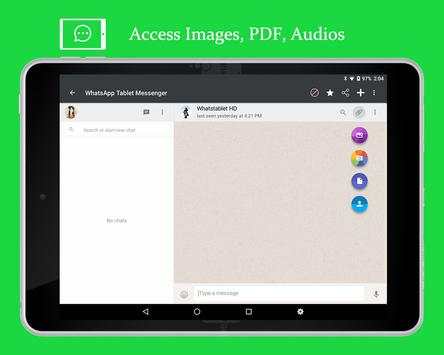
Send and receive audios, images, PDF, photos from your Tablet.
Messenger for WhatsApp helps you to access WhatsApp conversions of your another phone.
Messenger for WhatsApp helps you to easily control your children WhatsApp with clone WhatsApp account with WhatsWeb for WhatsApp.
You can use Same Account on Multiple Device.
Dual Account and Multiple Account Supported
Note : Don't try to Hack or clone Your Friends Account.
How to use:
1. Install and Open Messenger for WhatsApp on mobile you want to sync/clone your WhatsApp to
2. Open WhatsApp on your main phone (the account you want to clone)
- On Android: Scroll to the Chats screen -> Menu -> WhatsApp Web.
3. After clicking "WhatsApp web", you should see a camera QR scanning screen.
4. Now scan the QR code displayed on Messenger for WhatsApp
5. Done! Sync complete! Now you can access the same WhatsApp account on both devices!
PS: This app is an independent one and is not affiliated with any other company including WhatsApp inc.
Disclaimer: This app is only for personal use.


