









DOWNLOAD IS NOT SUPPORTED IN WEB STORE!
Use the latest version of 9Apps to download APK&OBB file of games in one click!
DOWNLOAD 9APPS
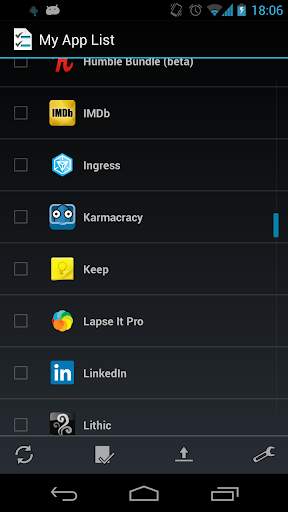
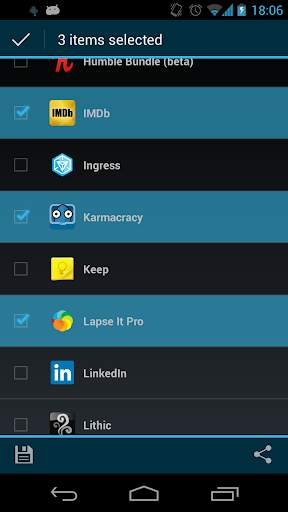
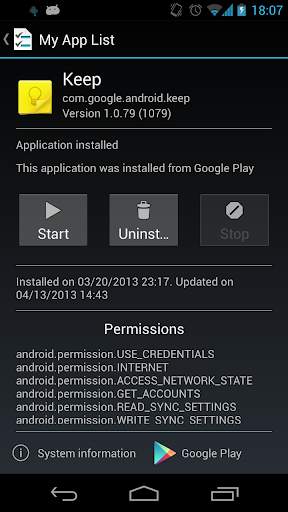
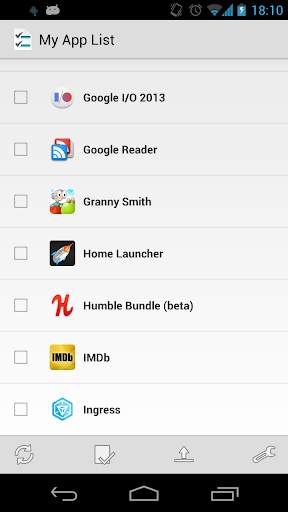
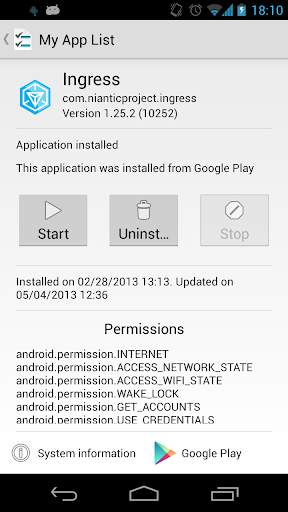
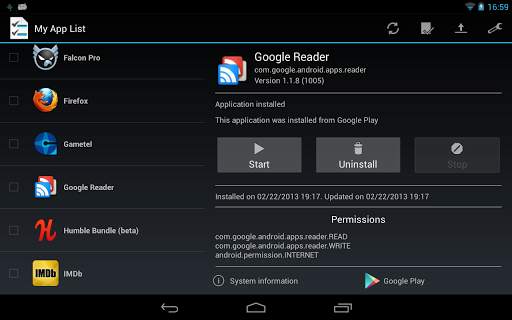
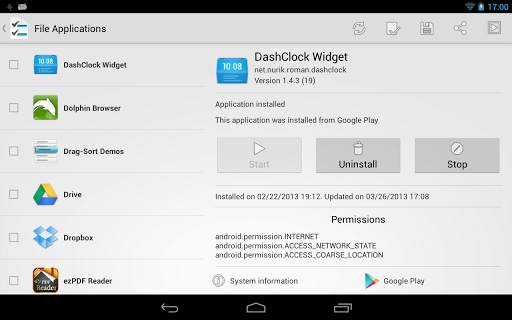
With 'My App List' you can save installed applications in a list to restore them after flash or install a new ROM.
First you create a list of your installed applications. You can select which applications do you want to save. The application create an XML file in your external storage.
Next you make a fresh install of your favorite ROM.
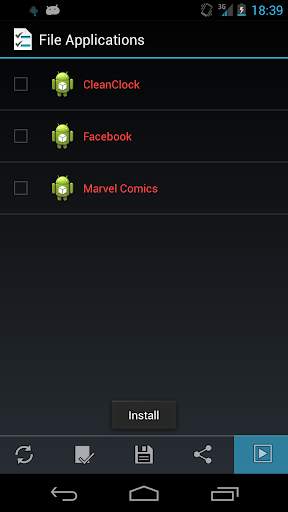
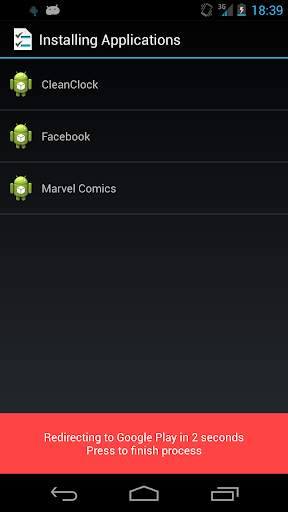
Finally install 'My App List', load the XML file and install the applications from the list.
'My App List' is not a substitute for backups applications like 'Titanium Backup' or 'My Backup'. 'My App List' only save a XML file with your installed applications and allows you to install the applications one to one.
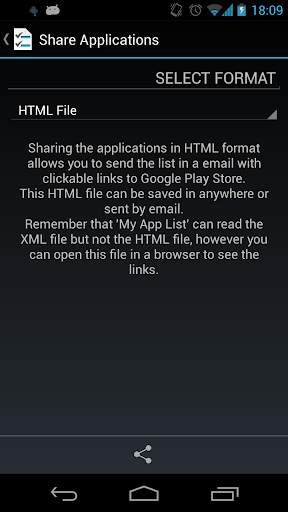
You can share your application list with your friends and your friends can import the list with the device. The formats are text, html and XML.
'My App List' is designed to perform clean installations of all your applications. It has a clear interface based on Holo Theme from ICS.
Root access not required
Permissions explain:
* WRITE_EXTERNAL_STORAGE: Generate list files in sdcard
* RESTART_PACKAGES: Start applications from 'My App List'
* KILL_BACKGROUND_PROCESSES: Stop applications from 'My App List'
* ACCESS_NETWORK_STATE / INTERNET: Send anonymous statistics





Kit-Kat style
Added some improvements
Now you can search in your application list


