











DOWNLOAD IS NOT SUPPORTED IN WEB STORE!
Use the latest version of 9Apps to download APK&OBB file of games in one click!
DOWNLOAD 9APPS

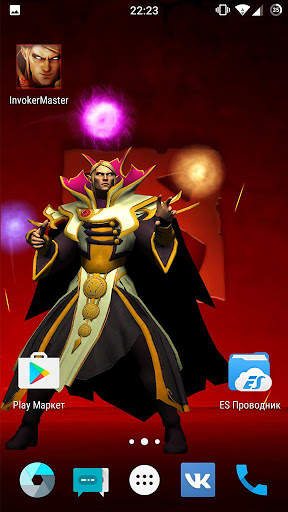
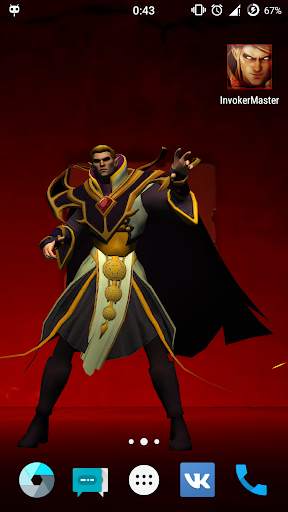
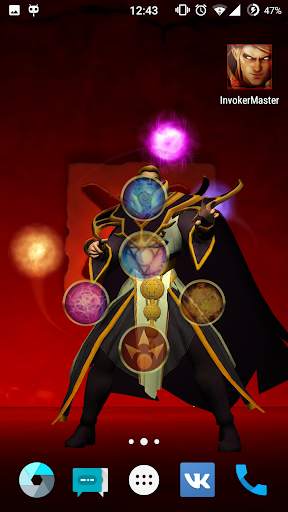
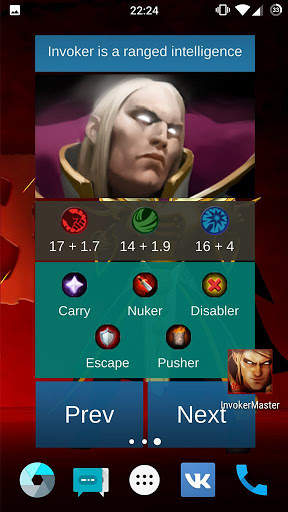
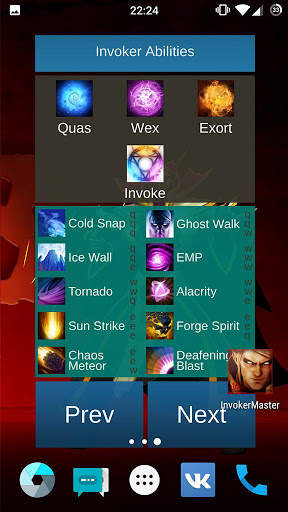
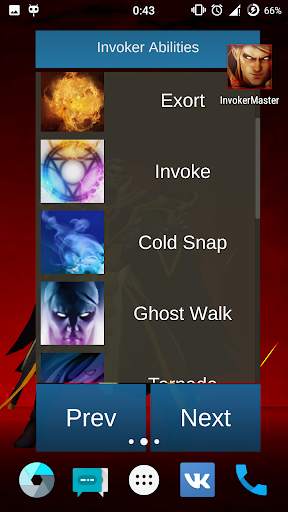
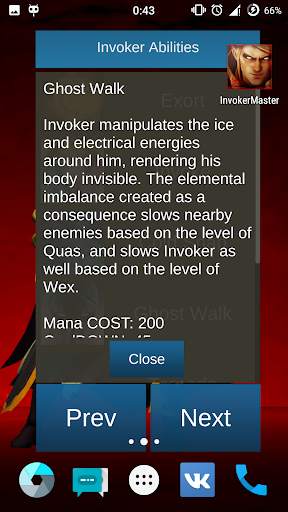
> Swipe up to make a invoke
> Three-tap the screen to bring up the information bar
> Push image of Invoker in the information panel, to on flashlight
MUST READ!!!
How to set the live wallpaper:
1. In the phone settings: Menu - Settings - Display (LCD) - Wallpaper - Live Wallpaper (Interactive wallpaper) - select needed, we press Install (Apply/Set)
2. or on the home screen: Long press - Wallpaper - Live Wallpaper - select needed (swipe left), we press Install (Apply/Set)
If incorrectly displays the contents of the Wallpaper:
1. Remove the Live Wallpaper
2. Reinstall the Live Wallpaper
Brief Introduction:
Notice:
> This app specially designed for Android devices. The core - Unity engine .
> Live Wallpaper available for phones with android version 4.0.3 and later.
Buy the live wallpaper with any hero, leave your positive comment and get live wallpaper with any hero for free! Send us link to your comment an e-mail: [email protected]
Thank you for your continued support! Feel free to contact us if you have any problems or suggestions
E-mail: [email protected]
Legal Disclaimer: THIS APP IS NOT CREATED, SPONSORED, OR ENDORSED BY VALVE CORPORATION. This live wallpaper is not an official live wallpaper or connected to the game's Dota 2 developer or publisher. All in-game descriptions, characters, locations, imagery and videos of game content are copyright and or trademarked to their respective owners and usage for this live wallpaper falls within fair use guidelines. This live wallpaper is intended purely to promote love of the game and to aid further skill development and know of spells.
Removed the talk sound of the hero
Changed sound control
Added the flashlight


