











DOWNLOAD IS NOT SUPPORTED IN WEB STORE!
Use the latest version of 9Apps to download APK&OBB file of games in one click!
DOWNLOAD 9APPS
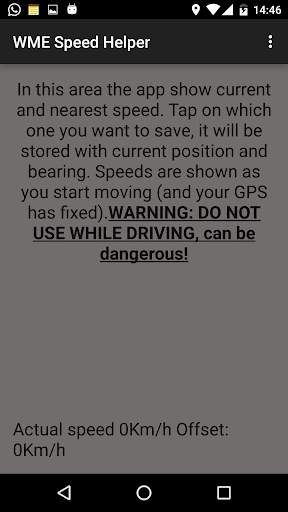
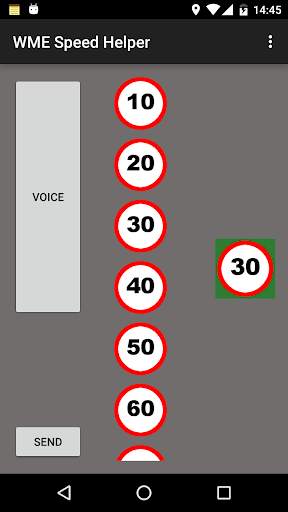
With this app you can record speed limit when you see signal. Just tap on the correct one, it will be stored with position and direction. You can then share saved data with your preferred app and show speed limits on WME using bedo2991 house number script (https://www.waze.com/forum/viewtopic.php?f=819&t=68607). This app has nothing to do with Waze. Please DO NOT USE it while driving!
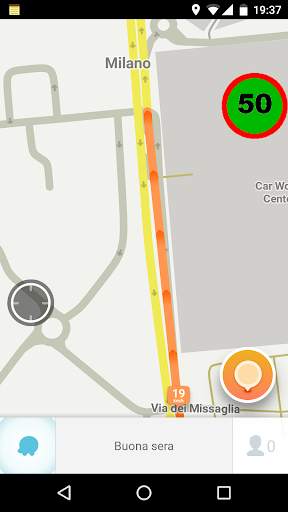
Instructions: you can choose between tachometer mode (default), scroll list or overview. In first two modes you can enable voice recognition, to record a limit with voice recognition just tap on voice button and pronounce the number. Otherwise, tap on speed signal on screen. On the right last recorded speed will appear, on a green background.
To send recorded data, tap on the send button (that will appear on bottom left when at least one limit is recorded) and choose which app you want to use to send the string. This string should be copied into bedo2991 script form to show speed limits on WME.
Overview mode show speed signal over whatever app you want, you have some actions to store speeds, let's see them:
- long tap: store shown speed (signal became green)
- double tap: voice recognition (see before)
- fling up/down: change shown speed
- tap and move: move signal around (on top left corner, exit and share data (if some), on top right corner, reset to default config)


