










DOWNLOAD IS NOT SUPPORTED IN WEB STORE!
Use the latest version of 9Apps to download APK&OBB file of games in one click!
DOWNLOAD 9APPS

Institution Login
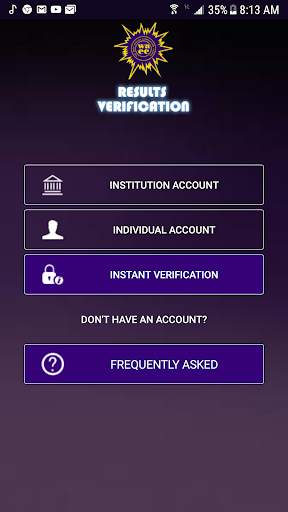
• Launch the App icon
• Click the INSTITUTION Account button
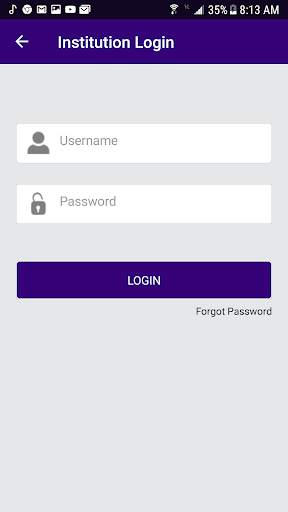
• Enter username and password
• Click Login button
Reset Password
• Enter the username.
• Enter the secret answer to the question.
• Enter New Password
• Enter Confirm password
• Click the Change button to save the new password.
Verify Result
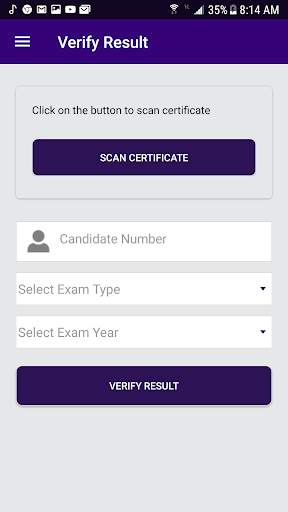
• From the menu item, click on Verify Result.
• Enter Candidate number
• Select ExamType (School candidate)
• Select Exam Year
• Click the Verify Result button.
Scan Certificate
• Click the scan certificate to access the QR code via your phone camera.
Check Subscription Status
• From the menu item, click on Subscription Status.
Change Password
• From the menu item, click on Change Password.
• Enter Old Password
• Enter New password.
• Enter Confirm password.
• Click Change button to change the user’s password.
Sign Out
• From the menu item, click on Sign Out.


