










DOWNLOAD IS NOT SUPPORTED IN WEB STORE!
Use the latest version of 9Apps to download APK&OBB file of games in one click!
DOWNLOAD 9APPS

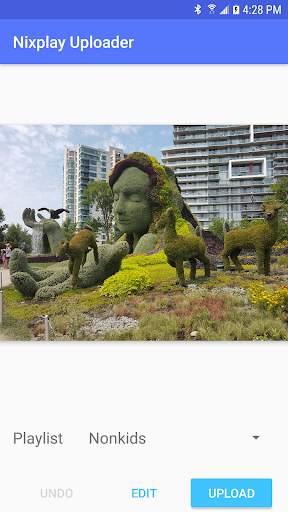
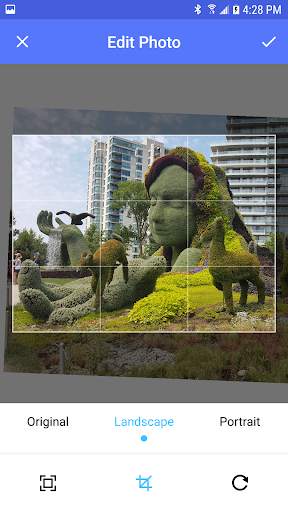
Use the Android share menu to upload pictures to your Nixplay WiFi photo frame.
To use the app:
1. Open your picture gallery and choose a photo.
2. Use the sharing icon to share the photo.
3. On the sharing menu, choose Nixplay Uploader
You can crop and resize your pictures before you upload them. Allows you to tweak your pictures before displaying them on a Seed, Edge, or Iris digital picture frame.
(Note that this app is not affiliated with Nix in any way)




Initial release including: login, edit (with uCrop), and upload.


