












DOWNLOAD IS NOT SUPPORTED IN WEB STORE!
Use the latest version of 9Apps to download APK&OBB file of games in one click!
DOWNLOAD 9APPS

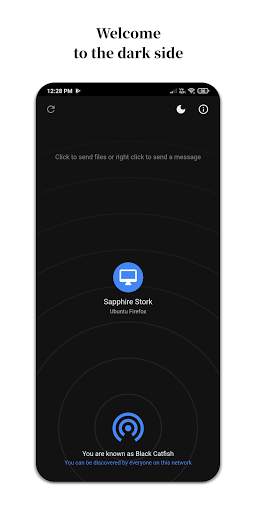
HOW TO USE:
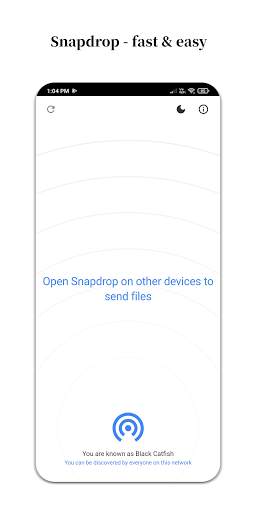
1. Open the app on your phone.
2. Visit pairdrop.net or snapdrop.net on other device.
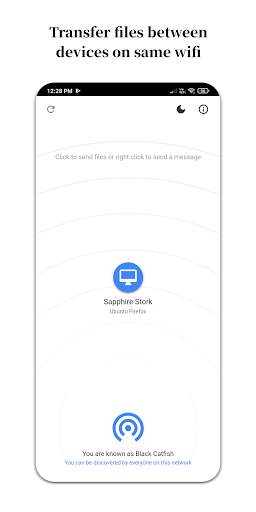
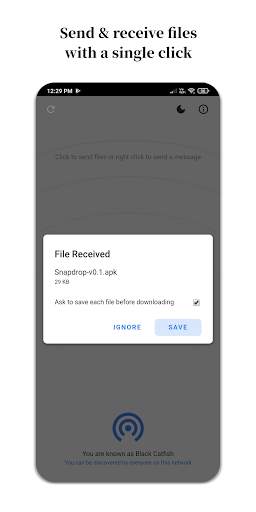
3. Tap on a device name and select files to transfer.
KNOWN ISSUES:
1. Might not work with VPN enabled on your devices.
2. The app renames all the downloaded files to something starting with File_. You'll find these files in your Downloads folder.
3. There are times when it just won't work and there's nothing the app developer can do about it. The issue is related to the website. Please refresh, restart or try again later.
CREDIT:
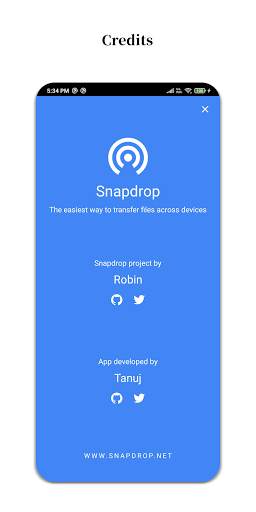
This app and logo is based on the free and open source Snapdrop project by Robin Linus.
Source: www.github.com/robinlinus/snapdrop
Website: www.snapdrop.net
APP:
Developed by Tanuj. Free and open source. No login, no ads.
Source: www.github.com/tanujnotes/snapdrop
Connect: www.twitter.com/tanujnotes
FEATURE REQUESTS:
Features are chosen very carefully because complexity grows exponentially with each other feature. We focus very narrowly on a single use case: instant file transfer. Please don't be sad if we decline your feature request for the sake of simplicity. Thank you for understanding.
PRIVACY:
None of your files are ever sent to any server. Files go directly from one device to another and are encrypted by default.
Thank you!
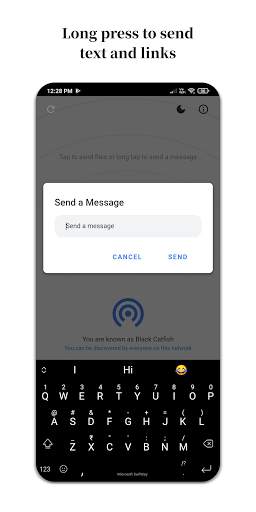
Transfer files and texts between phones/tabs/laptops on the same Wi-fi. Powered by www.snapdrop.net


