










DOWNLOAD IS NOT SUPPORTED IN WEB STORE!
Use the latest version of 9Apps to download APK&OBB file of games in one click!
DOWNLOAD 9APPS


InstaDownload is an Instagram Video Download app.
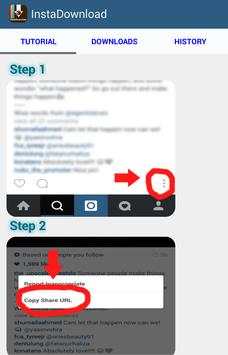
You can now download both images and videos to your phone easily. Just click on the tutorial button and learn how to save Instagram videos and how to save Instagram photos.
Steps on how to save videos from instagram:
1. On any Instagram post go to the bottom and click on 3 dotted lines button at the bottom right
2. Click" Copy Share URL"
3.
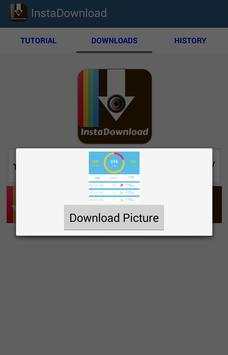
Paste the URL in the URL field right above the download button
4. Click download and enjoy!
That is all you need to do to learn how to save Instagram videos.
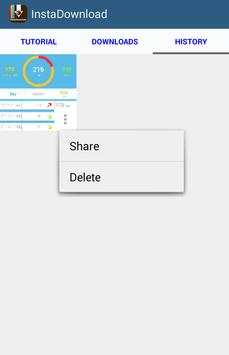
***If image doesn't show up right away in the history screen, click on the tutorial menu button to refresh the app***
***You won't be able to download photos/videos from Instagram users who set their photos/videos to private, so please do not try to save / download these photos
**********************************************


Minor changes


