










DOWNLOAD IS NOT SUPPORTED IN WEB STORE!
Use the latest version of 9Apps to download APK&OBB file of games in one click!
DOWNLOAD 9APPS
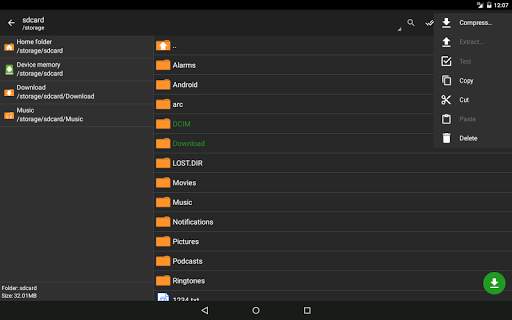
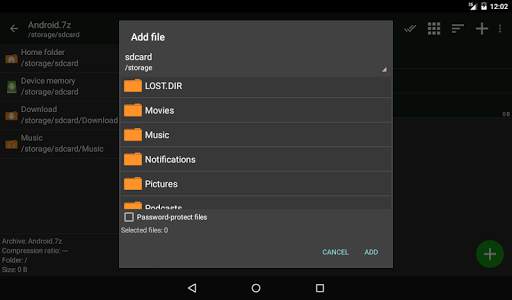
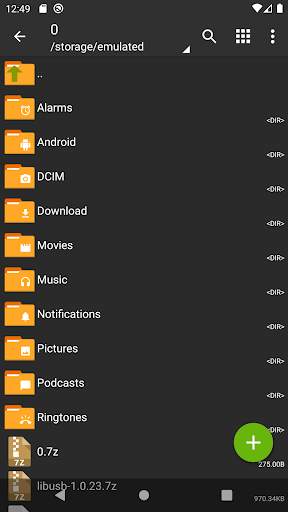
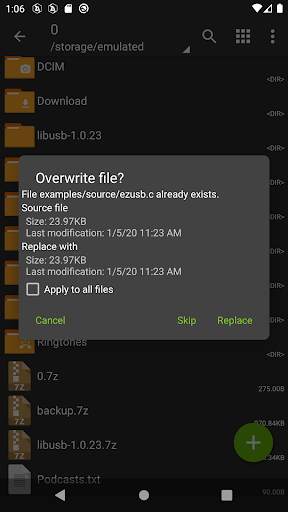
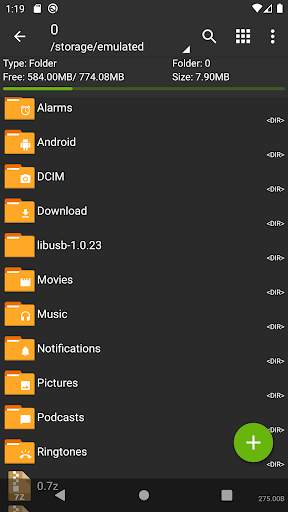
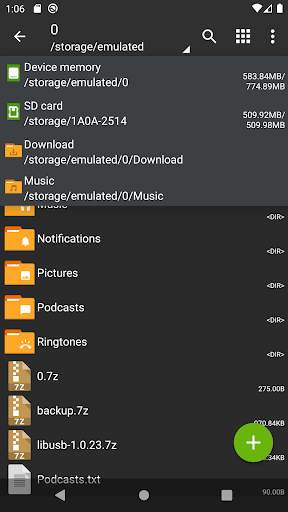
Zarchiver - မော်ကွန်းတိုက်စီမံခန့်ခွဲမှုအတွက်အစီအစဉ်တစ်ခုဖြစ်သည်။ ၎င်းတွင်ရိုးရိုးရှင်းရှင်းနှင့်အလုပ်လုပ်သော interface ကိုရှိသည်။ အက်ပလီကေးရှင်းသည်အင်တာနက်ကို 0 င်ရောက်ရန်ခွင့်ပြုချက်မရှိပါ။ ထို့ကြောင့်အခြား 0 န်ဆောင်မှုများသို့မဟုတ်လူများအားသတင်းအချက်အလက်များကိုထုတ်လွှင့်လို့မရပါဘူး။
Zarchiver သည်အောက်ပါ archive အမျိုးအစားများကိုဖန်တီးပါ။ , zip, bzip2 (bz2), gzip (gz), xz, lz4, tar, zst (zipd), decompress: decompress: zip, zip, zip, zip, zip, zar5, zar5, bzip2, gzip, ISO, Tar, ARJ, ARJ, LZH, LAHA, LOZMA, TGZ, TBZ, DEG, DEG, DEG, DEG, DEG, DEG, zip, cp io, cp,, img (အဆီ, ECM, lzip, zstd (zstd), arm, zip, zip, zip, zip, raz, raz ေဇက်, raz, zar5, bzip2, gzip, razip2, lh, lh LZMA, XAR, TGZ, TBZ, Z, DED, DED, DED, DED, DGG, CPG (အဆီ, NTFS, img (img, img (img, img),
- Password-Edit Archives ကိုဖန်တီးပြီး decompress လုပ်ပြီး decompress လုပ်ပါ။
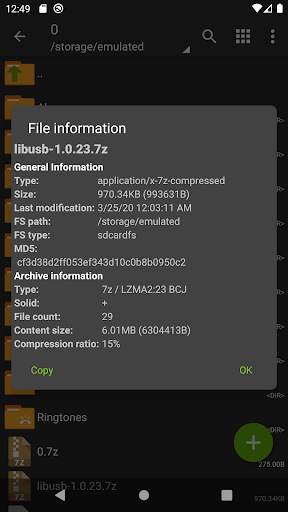
တည်းဖြတ်ခြင်းမော်ကွန်းတိုက်: archive ကို archive (zip, 7zip, tar, apk, MTZ); Archives: 7Z, RAR (Decompress); - - တစ်စိတ်တစ်ပိုင်း Archive မော်ကွန်းတိုက် decompression;
ဖွင့်လှစ် - ဖွင့်လှစ် compressed ဖိုင်များ,
- မေးလ်အက်ပလီကေးရှင်းများမှ archive ဖိုင်တစ်ခုကိုဖွင့်ပါ။
zip zip (7z.001, zip.001, အပိုင်း 1z.rar, zip.001, အပိုင်း 1, Properties အထူးဂုဏ်သတ္တိများ:
- Android 9 နှင့်စတင်ပါ။ ဖိုင်ငယ်များအတွက်အစ (
- Multicore Processor များအတွက်အသုံးဝင်သောအထောက်အပံ့များ (Filenames အတွက် Filenames အတွက်အမျိုးသားသင်္ကေတများကိုသုံးရန်ခွင့်ပြုသည်။
အာရုံစူးစိုက်မှု! မည်သည့်အသုံးဝင်သောစိတ်ကူးများသို့မဟုတ်ဆန္ဒကိုကြိုဆိုပါတယ်။ သူတို့ကိုအီးမေးလ်ဖြင့်ပို့နိုင်သလားသို့မဟုတ်ဤနေရာတွင်မှတ်ချက်တစ်ခုချန်ထားပါ။
mini faq: br>
မေး။ ။ archive ကို archive ကိုသာဖွင့်ထားနိုင်သည် စကားဝှက်နှင့်အတူ (ဖုန်းစကားဝှက်ကိုမသုံးပါနှင့်) ။
Q: ပရိုဂရမ်သည်မှန်ကန်စွာအလုပ်မလုပ်ပါ။
A: ပြ problem နာ၏အသေးစိတ်ဖော်ပြချက်နှင့်အတူအီးမေးလ်ပို့ပါ။
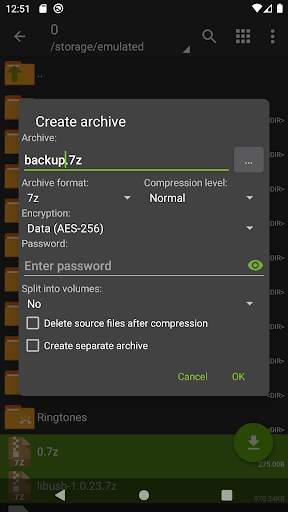
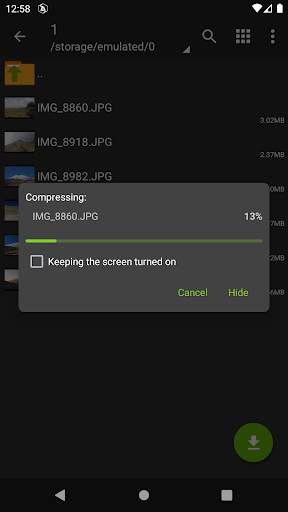
A: Icons ၏ဘယ်ဘက်မှ (ဘယ်ဘက်မှ) ကိုနှိပ်ခြင်းဖြင့်သင်ချုံ့လိုသည့်ဖိုင်များအားလုံးကိုရွေးချယ်ပါ။ ရွေးချယ်ထားသောဖိုင်များ၏ပထမ ဦး ဆုံးကိုနှိပ်ပါ။ မီနူးမှ "compress" ကိုရွေးချယ်ပါ။ လိုချင်သောရွေးချယ်စရာများကိုသတ်မှတ်ပြီး OK ကိုနှိပ်ပါ။
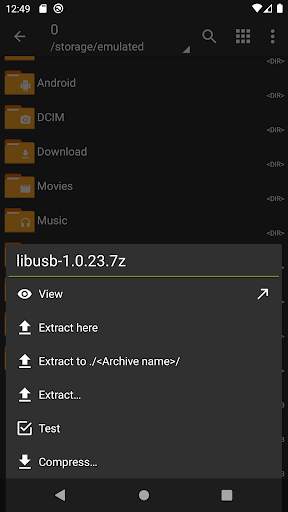
ဖိုင်များကိုထုတ်ယူနည်း။
A: archive name ကိုနှိပ်ပါ ("ဒီမှာထုတ်ယူသောရွေးစရာများ (" ဒီမှာထုတ်ယူပါ) ကိုရွေးပါ။



1.0.4
- fix Android 4.4 crashes;
- small fix.
1.0.3
- improve Android 11 support;
- multi-word fuzzy file search;
- add update the free space after I/O operations;
- improve stability and small fix.
1.0.2
- improve Android 11 support;
- fix USB storage support;
- improve stability and small fix.
1.0.1
- fix for Android 12 support;
- rollback some changes in the UI;
- small fixes and improvements.