













DOWNLOAD IS NOT SUPPORTED IN WEB STORE!
Use the latest version of 9Apps to download APK&OBB file of games in one click!
DOWNLOAD 9APPS
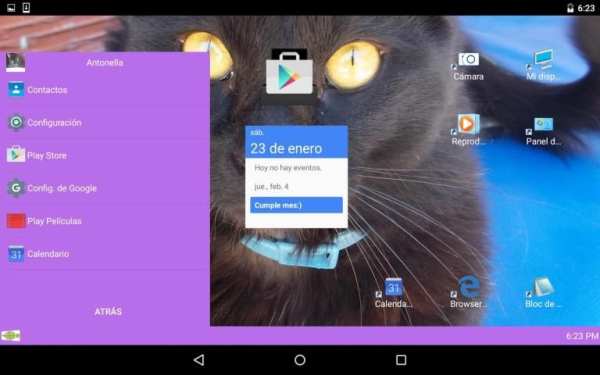
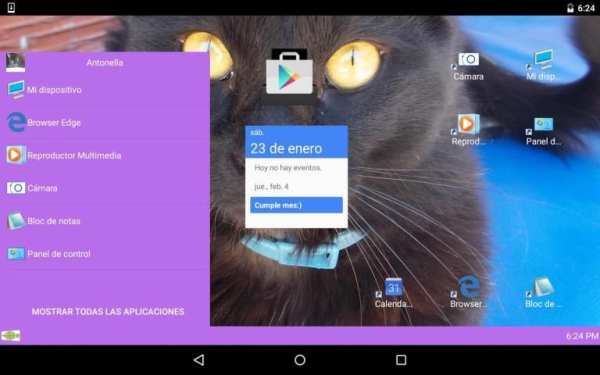
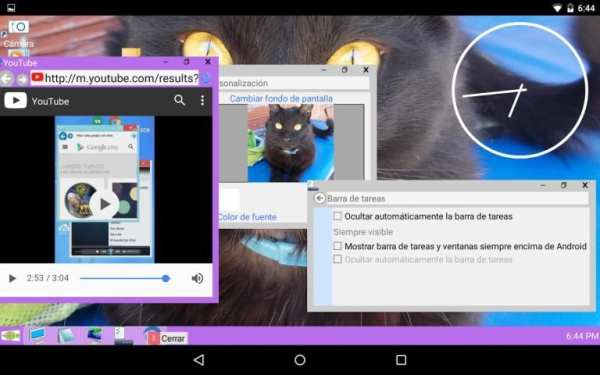
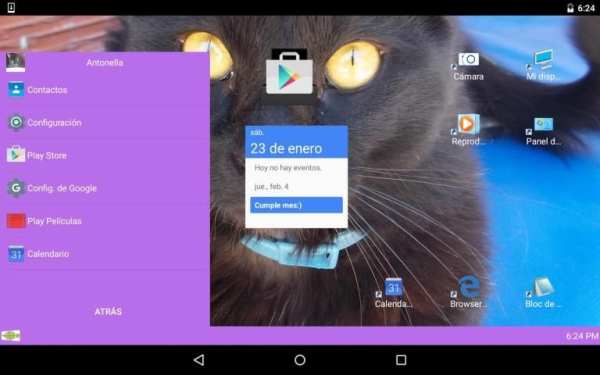
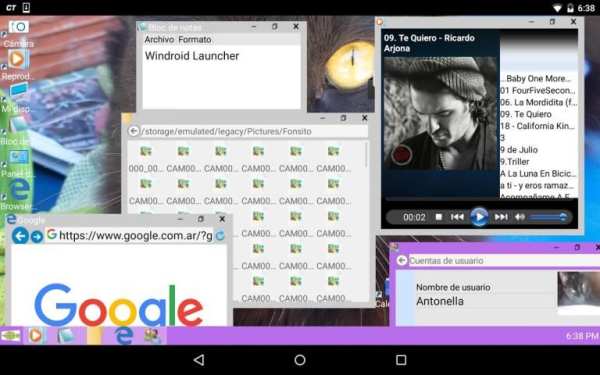
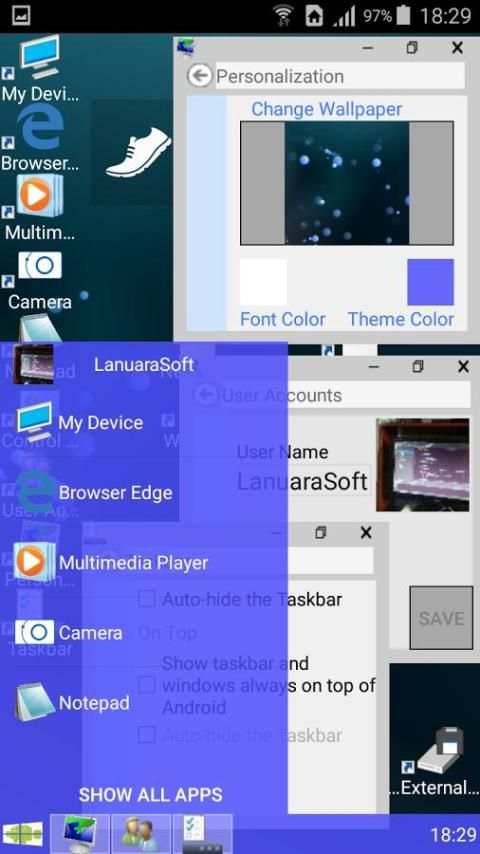
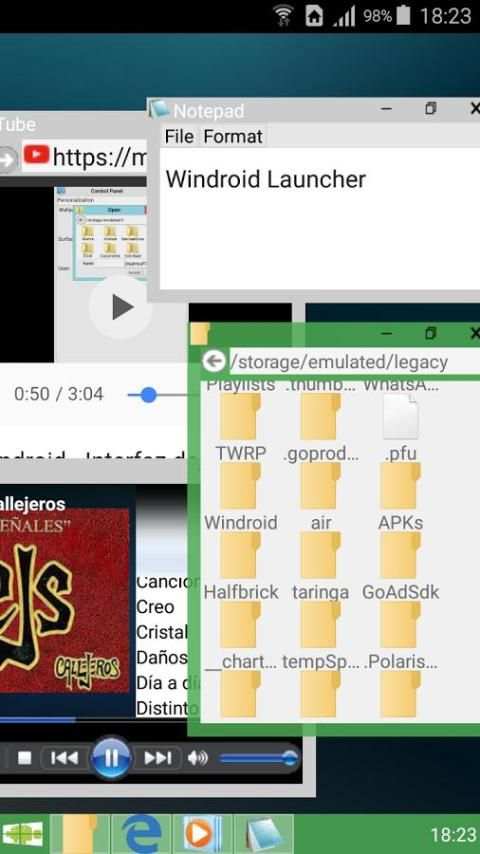
Windroid is a customizable launcher that includes its own applications that can be displayed in windows even out of the same application.
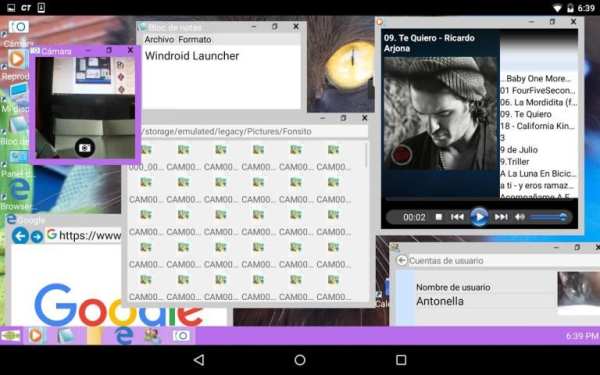
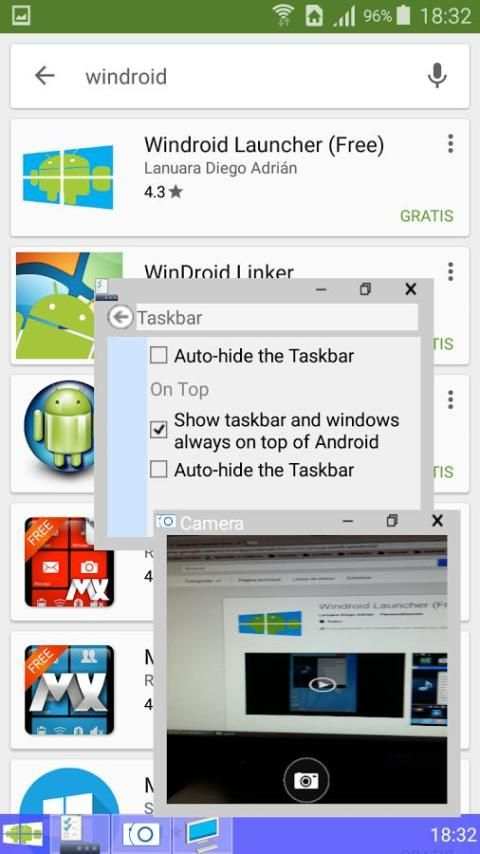
It also contains a task bar and application launcher. It is comfortable, intuitive, fast and efficient. Thanks to support multi-tasking, you can run many native applications simultaneously.
Anyway, if you like, you can be used with your favorite launcher as a single application.
Windroid contains the following features:
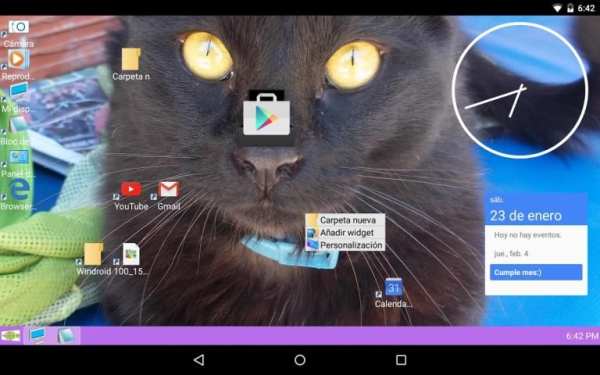
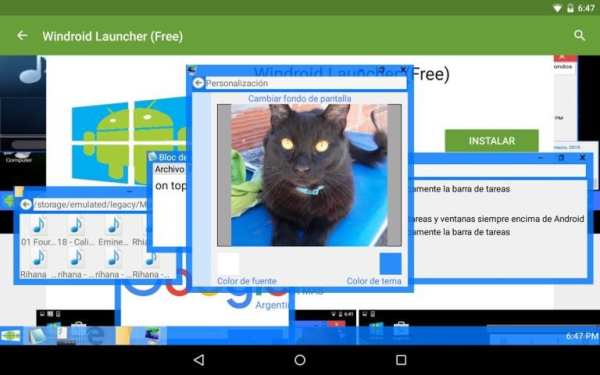
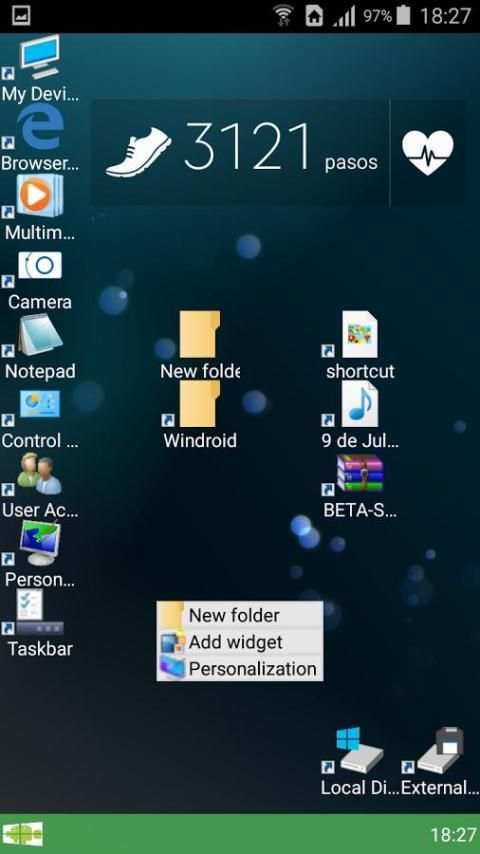
-Desk customizable: Place icons to taste, add widgets and change your wallpaper with your favorite images. You can also choose the organization of their icons: Align align grid or not.
-File Browser. View files on your device and run them by double-clicking.
-Visualizador Images: Display images jpg, png, gif and bmp. Zoom in to see details of your images.
-DVD Audio: Play all audio of your device in mp3, wma, ogg, wav, mid, midi, ACC and amr. (It depends on the codecs installed on your device)
-Navegador Web: Navigate and browse web pages, including Flash content (if it is installed on the device)
Text-editor: Edit and view plain text files in txt format.
Photo -Camera: Take pictures directly from the desktop.
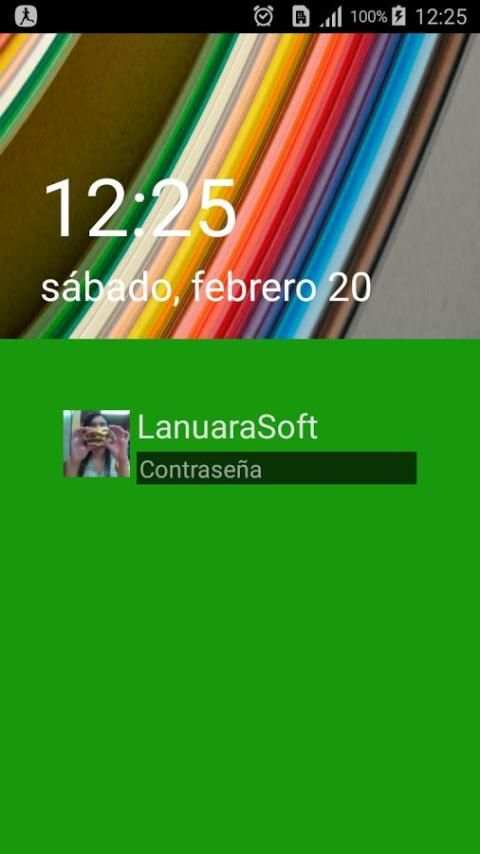
-ScreenLock: Prevents accidental touches. It allows the entry of a password.
TIPS:
* You can resize windows by dragging the lower side, the right side or the lower right corner of the window. You can also maximize by double clicking on the title bar of the window.
For accuracy, the edges to resize must crawl on the outside of the window.
* To add an icon to the desktop, open bar Windroid and drag an icon to the desktop.
* You can delete desktop icons by long click on the icon to delete.
* To run applications on the desktop or file browser make double click on an icon.
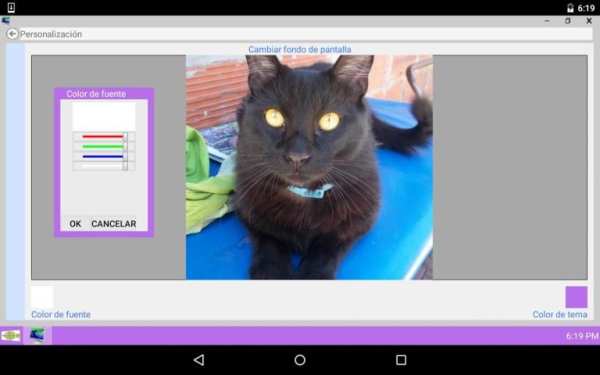
* You can change the user name, avatar, wallpaper and colors entering the Control- Panel> Personalization.
* You can close or show open applications from the taskbar, making long click on the application icon.
* You can add widgets by performing a Long Click on the desktop and selecting "Add Widget"
V3.2.0
-Grave bug en ScreenLocker, solo Android 2.X.X
-Correción de mas bugs Android 4.X.X
V3.1.9
-SCREENLOCKER
-Nuevas correcciones de bugs en Android 4.X.X (Gracias por los reportes de errores)


