









DOWNLOAD IS NOT SUPPORTED IN WEB STORE!
Use the latest version of 9Apps to download APK&OBB file of games in one click!
DOWNLOAD 9APPS


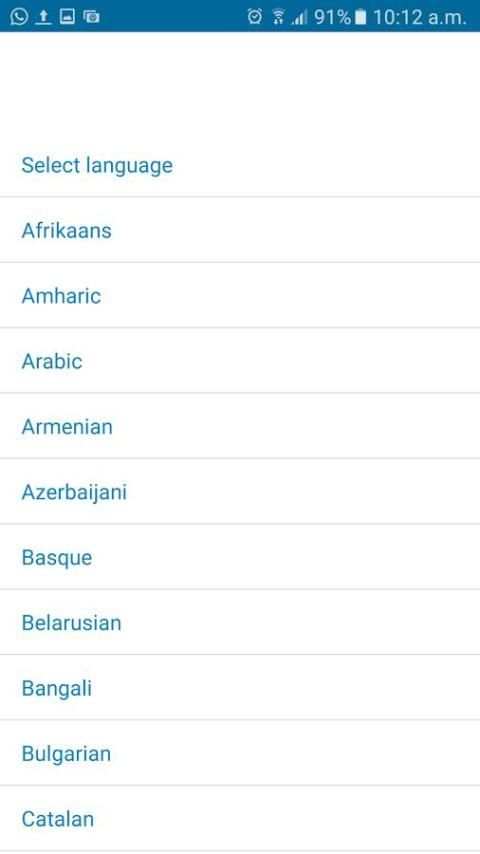

Do you have several mobile phone numbers and carry them around on different mobile phones?
With this app, you can:
Two Whatsapp in One Phone allows you to have dual WhatsApp accounts with different mobile phone numbers on 1 device!
Two Whatsapp in One Phone also allows you to have 1 account on several devices.
Two Whatsapp in One Phone allows you to have all your contacts, chats list, messages, photos and files on multiple devices.
----------
HOW TO USE
----------
1. Install and Open Two Whatsapp in One Phone on the device (Phone/Tablet) you want to sync/clone your WhatsApp to
2. Open WhatsApp on your main phone (the account you want to clone)
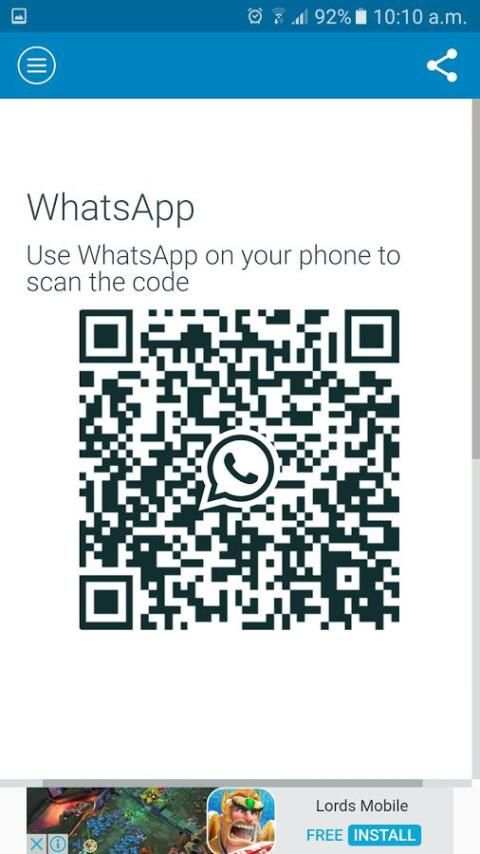
3. After clicking "WhatsApp Web", you should see a camera QR scanning screen.
4. Now scan the QR code displayed on Multi Messenger
5. Done! Sync complete! Now you can access the same WhatsApp account on both devices!
6. Enjoy Two Whatsapp in One Phone!
PS: Two Whatsapp in One Phone is a third party app and is not affiliated to WhatsApp Inc.



Bugs Fixed


