









DOWNLOAD IS NOT SUPPORTED IN WEB STORE!
Use the latest version of 9Apps to download APK&OBB file of games in one click!
DOWNLOAD 9APPS

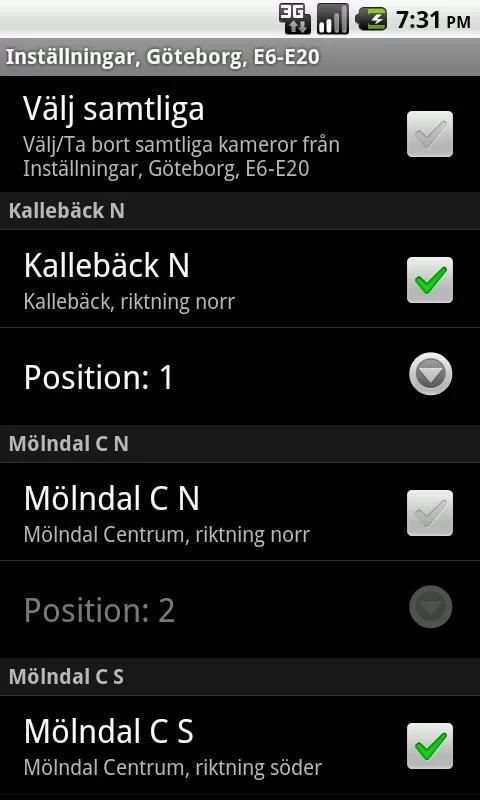
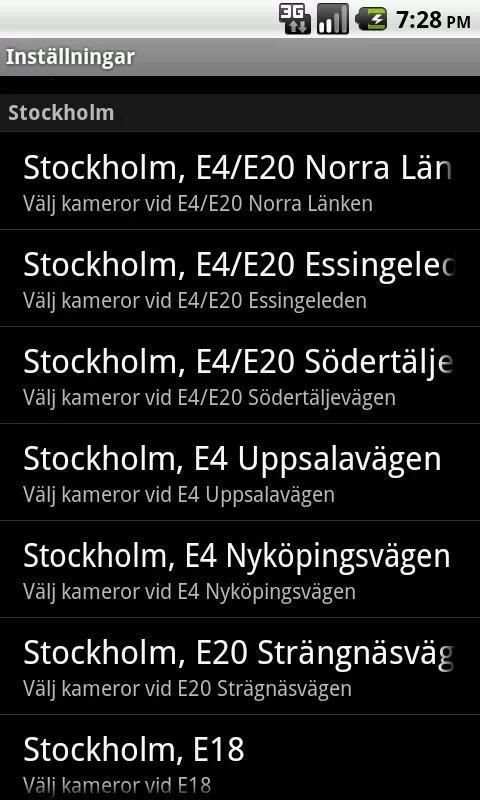
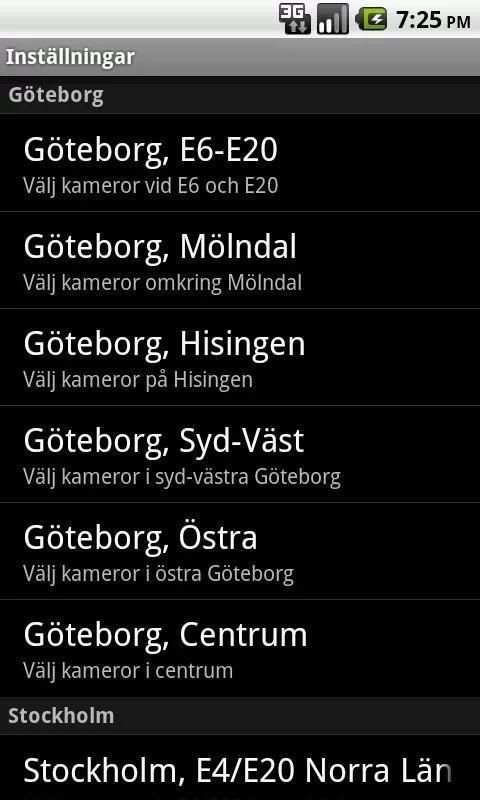
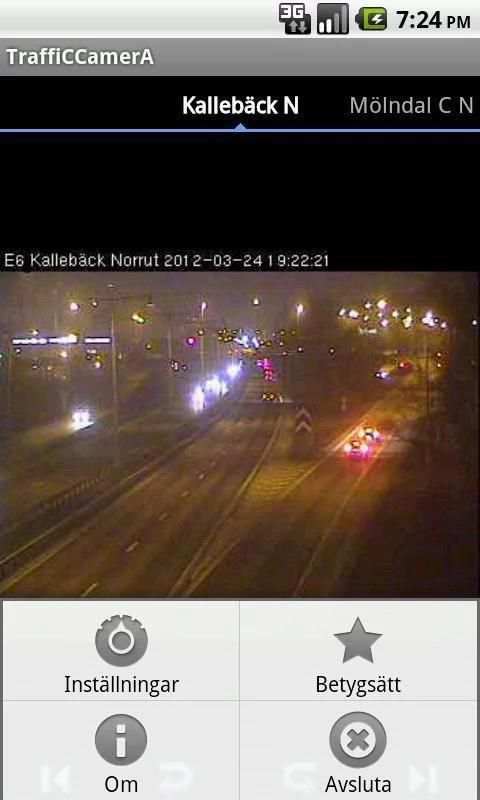
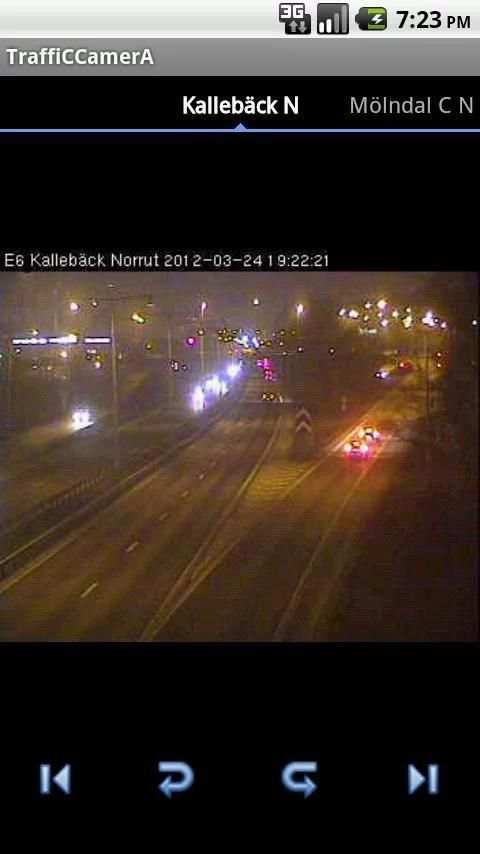
See what's up in traffic on your mobile. Choose from nearly 250 cameras in and around Gothenburg and Stockholm. Camera images are taken from Trafiken.nu Sort them in the order you want, and cycle through the images by swiping your finger or activate the slide show function.
From the main page is it possible to change position of the active image with the one to the right or left of it, by clicking the respective curved arrow. It is also possible to quickly navigate to the first or last slide using the arrows to the left or right. Activate respective deactivate the slide show functionality by pressing the play respective stop button.
From the Settings page, select the cameras you want to show. Timer settings for the slide show is configured at the bottom of the settings page.
Each camera image must have a unique position, that means that when the position of a camera image is changed, this old position will be switched with the camera that had the chosed position.
Support will be given in English or Swedish.




Updated camera links


