



DOWNLOAD IS NOT SUPPORTED IN WEB STORE!
Use the latest version of 9Apps to download APK&OBB file of games in one click!
DOWNLOAD 9APPS
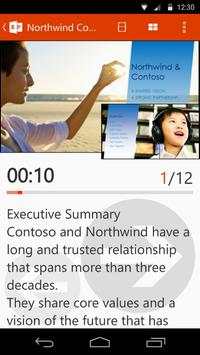
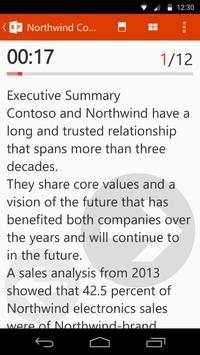
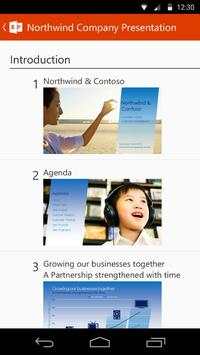
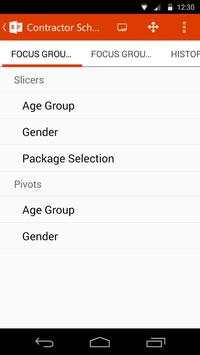
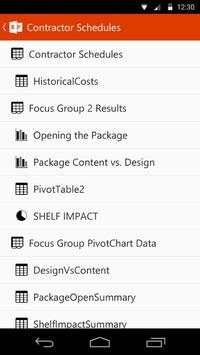
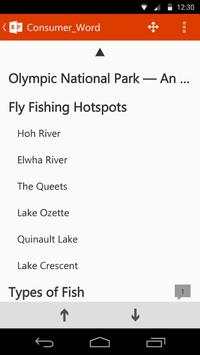
With Office Remote, you can start your PowerPoint presentation, advance the slides, see your speaker notes, and control an on-screen laser pointer with a touch of your finger — all from your phone. You can also navigate between Excel worksheets and graphs, and control data slicers from the palm of your hand. And you can scroll through a Word document or quickly jump to specific sections or comments.
App requirements:
- Microsoft Office 2013. This app does not work with Office 2013 RT or earlier versions of Office.
- Bluetooth on your PC
- The desktop add-in for Office Remote must be installed on your PC http://aka.ms/officeremotepc
Office Remote has the following features:
PowerPoint:
- View current slide and laser point using touch on your phone
- Next slide preview
- Play and pause embedded audio and video files
- View slide thumbnails and jump to a slide
- View speaker notes on your phone
- View presentation timer and slide numbers
Excel:
- Change worksheets by swiping
- Use Slicers, PivotTable, and Filters
- Jump to any named object in your workbook
- Move up or down the worksheet
- Change the zoom level
Word:
- Jump to headings
- Jump to comments
- Screen up/down
- Line up/down
- Change the zoom level