




DOWNLOAD IS NOT SUPPORTED IN WEB STORE!
Use the latest version of 9Apps to download APK&OBB file of games in one click!
DOWNLOAD 9APPS
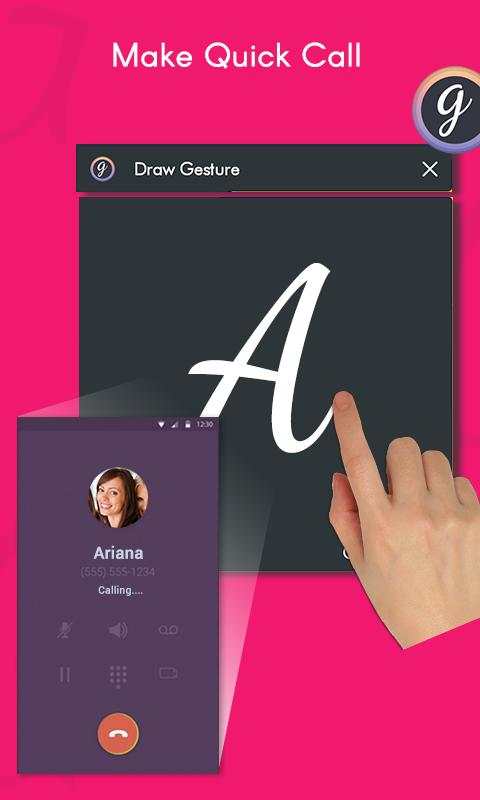
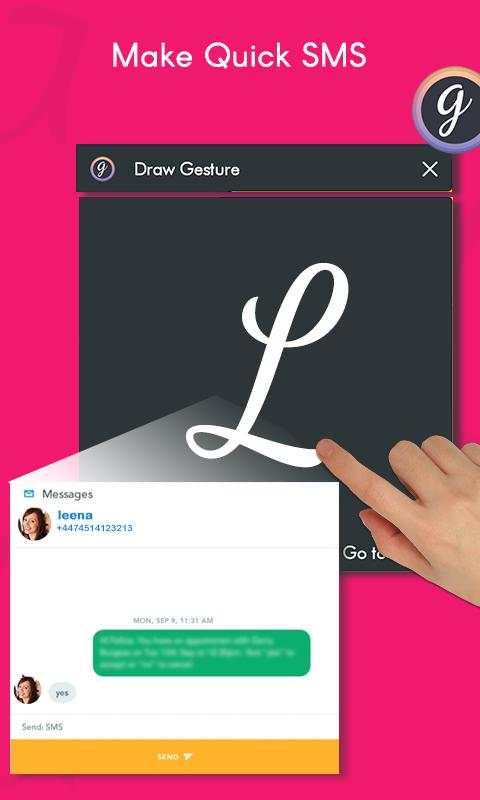
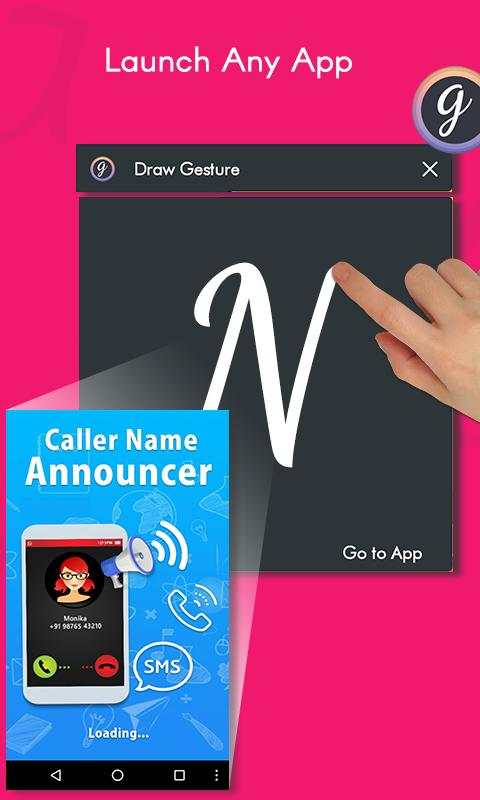
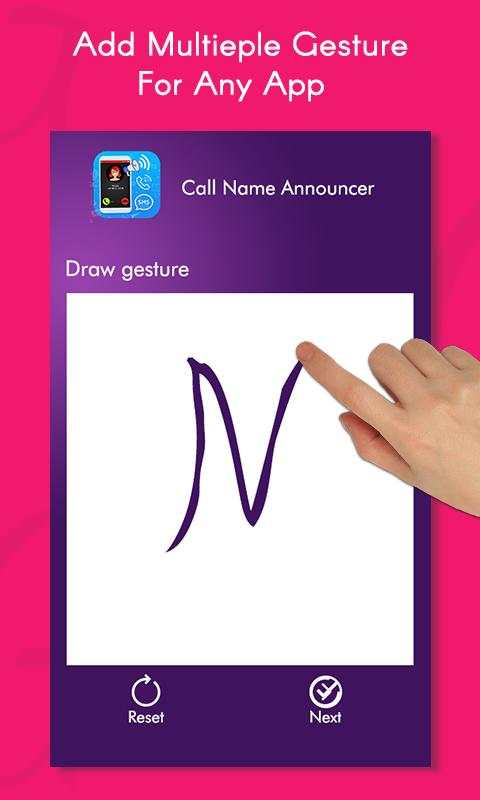
Now perform number of activities in your mobile using Gesture. You just need to assign a gesture to each activity you want to perform. A floating button will appear on your home screen. Click the floating button and draw a gesture to perform an activity.
Eg. If you have assign gesture "M" for calling Mark, click on the floating button, draw "M", and the app will make a phone call to Mark.
App provides following activities to perform with gesture :
- Open and launch any application: Assign a gesture to each application you want to open with gesture. Click on floating button, draw gesture and the particular application will open. You don't need to search the application from menu. Assign gestures to your favorite apps.
- Make a Call : assign gesture to your favorite contacts from contact list. Click on floating button, draw the gesture. The app will make a phone call to the concerned person.
- Send SMS : you can use gesture to send SMS to any contact to which you have assign gestures.
- Operate tools with gesture : You can switch on/off WIFI, Bluetooth, GPS and mobile data using gesture.



Facebook Lite
4.02.5MB

Temple Run 2
4.4122.1MB

Dearmet: Video Chat, Live Talk
4.043.4MB

Candy Crush Saga
4.491.1MB

Quikr – Search Jobs, Mobiles,
4.120.8MB

Stickman Fighting
3.059.6MB

imo Panggilan Video & Teks
4.394.0MB

Talking Tom Cat
3.963.0MB

Offline Music Mp3 Player- Muso
4.535.9MB

ShopClues
3.816.4MB