DOWNLOAD IS NOT SUPPORTED IN WEB STORE!
Use the latest version of 9Apps to download APK&OBB file of games in one click!
DOWNLOAD 9APPS

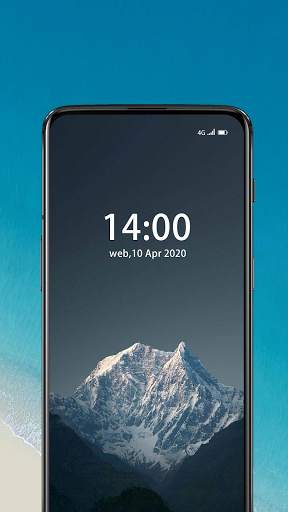
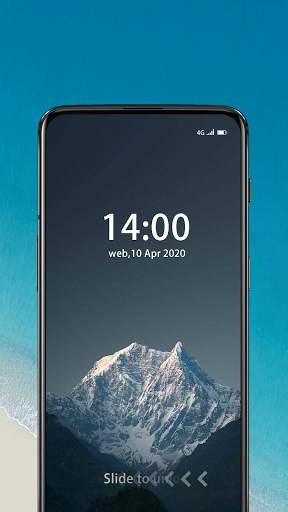
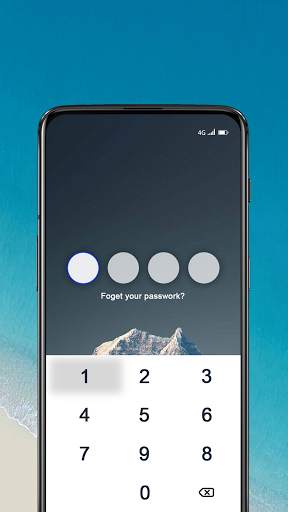
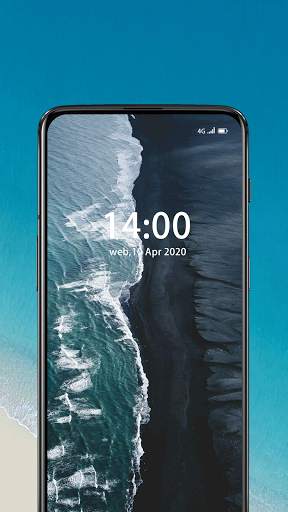
Lock screen and change icon have two major functions
The lock screen part is one of the best password lock screens.
Set a security password for your lock screen. Set a password through the keyboard to lock the screen to enhance the security of the phone.
The lock screen password requires 4 digits. When you enter the application for the first time, follow the prompts to set the password.
The software can modify the password and background settings.
The icon change part is a section that can help you change and customize the icon and name of any application. New icons can be selected from the gallery, other application icons and many personalized icon packs.
The application will create a shortcut with a new icon on the home screen.
This application is easy to use, fast and simple.