










DOWNLOAD IS NOT SUPPORTED IN WEB STORE!
Use the latest version of 9Apps to download APK&OBB file of games in one click!
DOWNLOAD 9APPS

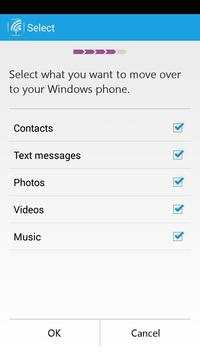

We updated the former app "Switch to Windows Phone" and built this new version. It is preview version.
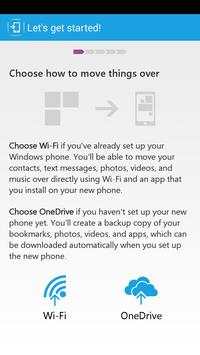
We are offering you two ways to move your data to Windows Phone:
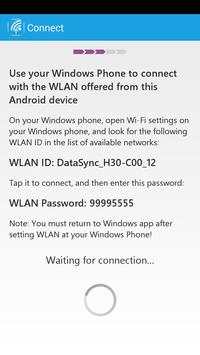
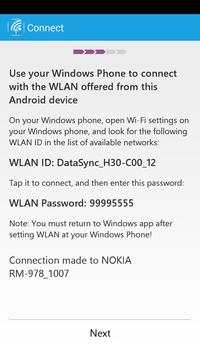
(1) WiFi: if you’ve already set up your Windows phone. You’ll be able to move your contacts, text messages, photos, videos, and music over directly using virtual Wi-Fi and an app that you install on your new phone.
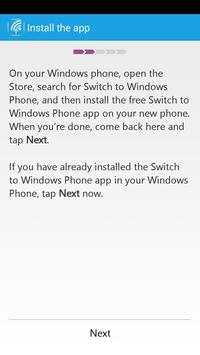
You do not need any network, real WiFi router or account. But you need to install a Windows Phone app on your Windows Phone. The name of the app is "Switch to Windows Phone". It's at https://www.windowsphone.com/en-us/store/app/switch-to-windows-phone/3286dd5d-3f98-435a-b80c-3fccba05a867
(2) OneDrive: if you haven’t set up your new phone yet. You’ll create a backup copy of your bookmarks, photos, videos, and apps, which can be downloaded automatically when you set up the new phone.
You need network connection and an Microsoft account.


Fix some bugs related with device compatibility.


