samsung push service on 9Apps

Free download latest samsung push service for Android here and enjoy it with your phone. Below you can download a list of top and latest apps related to samsung push service . 9APPS is a fast, safe app store. With 9APPS, you can save a lot of time on searching and downloading apps.

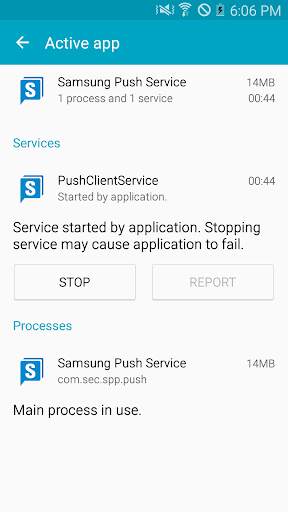
#1 삼성 푸시 서비스 Samsung Push Service

삼성 푸시 서비스 Samsung Push Service
Rating: star 3.8 | Version: 3.4.13.2 | Size: 2.0MB
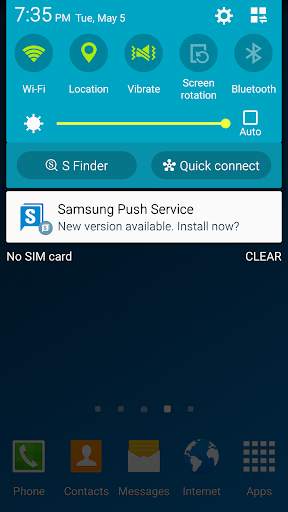
삼성 푸시 서비스 Samsung Push Service screenshot 1 삼성 푸시 서비스 Samsung Push Service screenshot 2

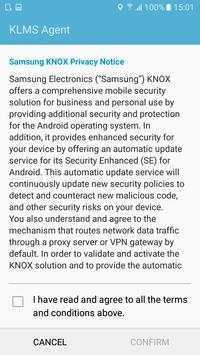
삼성 푸시 서비스 애플리케이션 다운로드 후에 설치 여부는 단말기에서는 '환경설정 → 애플리케이션 관리'에서 확인할 수 있습니다.
삼성 푸시 서비스는 삼성 단말에 설치된 삼성이 제공하는 애플리케이션(GalaxyApps, SamsungLink, Samsung Pay, etc.)의 알림을 지원하고 있습니다.
삼성 푸시 서비스를 삭제하시면 이를 이용하는 애플리케이션에서 새 메시지 알림을 받지 못하게 됩니다.
삼성에서 제공하는 푸시 서비스는 다음과 같은 서비스를 지원합니다.
- 새 메시지 수신 시 팝업으로 메시지 표시
- 애플리케이션에 메시지 숫자 배지 표시
- 알림바에 메시지 표시
삼성 푸시 서비스를 통해 빠르고 정확한 알림을 받아보세요.
* 접근권한 안내
서비스 제공을 위해 다음과 같은 접근권한을 필요로 합니다. 선택적 접근권한의 경우 허용하지 않더라도 서비스의 기본 기능의 사용은 가능합니다.
[필수적 접근권한]
: 안드로이드 L OS 이하 버전에서만 필요로 함
- 전화 : 서비스 가입시 장치 고유 식별 정보 확인을 위한 목적
[선택적 접근권한]
- 저장공간 : 사용자가 E-mail을 통해 VOC 접수 시, 로그파일을 첨부할 수 있도록 지원하기 위한 목적
기기의 OS 버전이 안드로이드 6.0미만인 경우, 접근권한에 대한 허용 여부 선택이 불가하므로 OS 업데이트 가능 여부를 확인 후 안드로이드 6.0이상으로 업데이트 하시기 바랍니다.
OS 업데이트 후 기존에 허용한 접근권한은 기기의 설정 > 애플리케이션 관리 메뉴를 통해 재설정 가능합니다.
* Open Source License
Copyright (C) The Android Open Source Project
http://www.apache.org/licenses/LICENSE-2.0
----
개발자 연락처 :
02-2255-0114

...

👉 For More Detail of 삼성 푸시 서비스 Samsung Push Service

#2 삼성 프린트 서비스 플러그인

삼성 프린트 서비스 플러그인
Rating: star 3.6 | Version: 3.09.230727 | Size: 45.6MB
삼성 프린트 서비스 플러그인 screenshot 1 삼성 프린트 서비스 플러그인 screenshot 2 삼성 프린트 서비스 플러그인 screenshot 3

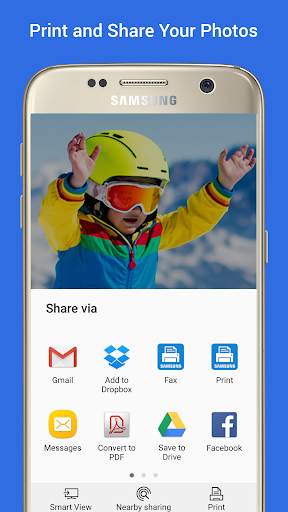
추가 앱이나 프로그램 다운로드 없이 사진, 웹 페이지와 문서를 간단하게 인쇄합니다.
인쇄하고 싶은 순간들을 공유하거나, 가정, 직장, 혹은 이동 중에도 인쇄할 수 있습니다.
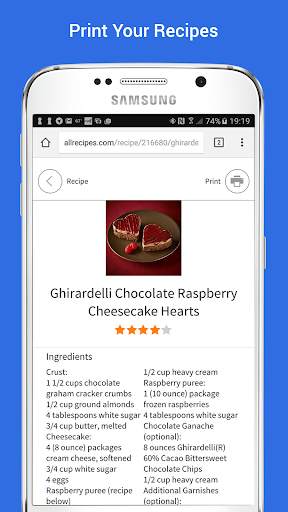
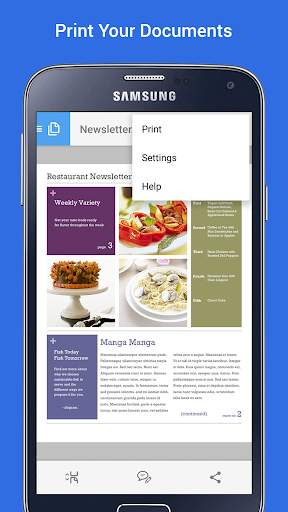
Mopria 기술을 탑재한 삼성 프린트 서비스는 삼성 및 수많은 프린터 회사의 프린터를 통해 무선으로 인쇄할 수 있는 시스템 앱입니다. 삼성, Brother, Canon, Dell, Epson, Fuji Xerox, HP, Konica Minolta, Kyocera, Lexmark, Pantum, Ricoh, Sharp, Toshiba, Xerox에서 판매하는 거의 모든 신형 프린터는 Mopria 인증이 되어있기 때문에 자주 사용하는 앱에서 사진, 웹 페이지, 문서, 쿠폰 및 레시피 등을 쉽게 인쇄할 수 있습니다. 또한 이 플러그인을 통해 컬러, 인쇄 매수, 인쇄 방향이나 양면 인쇄 등을 설정할 수 있습니다.
삼성 갤럭시 폰은 이 플러그인이 이미 설치되어 있고 KitKat (4.4) 이상의 어떤 Android 버전이든 이 플러그인을 설치하면 모바일에서 쉽게 인쇄할 수 있습니다.
폰 및 태블릿 호환성
------------------------------
삼성 갤럭시 시리즈 – 삼성 프린트 서비스 플러그인은 갤럭시 S4, S5, S6, S7 등 대부분의 삼성 폰과 태블릿에 설치되어 있습니다. 이 플러그인은 삭제하거나 SD 카드로 이동할 수 없습니다. 플러그인의 업데이트가 있을 때는 알림이 표시됩니다. 되도록 자동 업데이트를 사용하시고, 수동으로 설정된 경우에는 업데이트가 있을 때 허용해주세요. 이 플러그인이 설치되어있지 않은 갤럭시 모델에서도 Android 버전이 KitKat (4.4)인 경우라면 직접 다운로드 및 설치할 수 있습니다.
여타 Android 폰/태블릿 – Android 버전이 KitKat (4.4) 이상인 모든 기기에서 삼성 프린트 서비스 플러그인을 사용할 수 있습니다. Android KitKat은 ‘Android Print Framework’를 적용한 최초의 Android 버전으로, 이를 통해 앱이 시스템 인쇄 기능에 접근할 수 있습니다. 삼성 프린트 서비스의 업데이트가 가능할 때는 알림이 표시됩니다.
사용하는 앱이 인쇄를 지원하는지 확인하려면 앱 메뉴 (•••, ≡, 혹은 ‘더 보기’), 또는 공유 기능을 확인하세요.
갤러리, Google 포토, Chrome, Gmail, Box, Dropbox, Google 드라이브, Adobe Acrobat Reader, Microsoft Excel, Word 및 PowerPoint 등의 앱은 인쇄를 지원합니다.
다른 많은 앱에서도 인쇄 기능 혹은 삼성 프린트 서비스로 공유를 통하여 인쇄를 사용할 수 있습니다.
삼성 프린트 서비스 활성화하기
--------------------------
프린터가 검색되지 않는 경우에는 삼성 프린트 서비스를 활성화해야 합니다.
Android 기기 설정의 인쇄 메뉴에서 삼성 프린트 서비스를 찾습니다. 스위치를 ‘꺼짐’에서 ‘켜짐’으로 설정합니다.
지원되는 프린터
--------------------------
Brother, Canon, Dell, Epson, Fuji Xerox, HP, Konica Minolta, Kyocera, Lexmark, Pantum, Ricoh, Sharp, Toshiba, Xerox 프린터가 지원됩니다. 모든 프린터 모델이 Mopria 인증된 것은 아닙니다.
http://mopria.org/certified-products에서 사용중인 프린터가 지원되는지 알아보세요.
삼성 프린터
M2020/2070/283x/288x/262x/282x/267x/287x/4370/5370/4580/5270/4530/403x/408x/
301x/306x/5360 Series
C410/460/420/470/430/480/1810/1860/2620/2670/268x/140x/145x/4820/3010/3060/3
51x/401x/406x Series
CLP-300/31x/32x/350/360/610/620/660/670/680/770/775 Series
CLX-216x/316x/317x/318x/838x/854x/9252/9352/92x1/93x1 Series
ML-1865W/2150/2160/2165/2250/2525/257x/2580/285x/2950/305x/3300/347x/331x/37
1x/405x/455x/551x/651x Series
SCX-1490/2000/320x/340x/4623/4x21/4x24/4x26/4x28/470x/472x/4x33/5x35/5x37/65
45/6555/8030/8040/8123/8128 Series
SF-650, SF-760 Series
SL-J1760/2920/2960/3520/3560/5520/5560 Series

...

👉 For More Detail of 삼성 프린트 서비스 플러그인

#3 Push Service

Push Service
Rating: star 5.0 | Version: 1.2.3 | Size: 19.3MB
Push Service screenshot 1 Push Service screenshot 2 Push Service screenshot 3

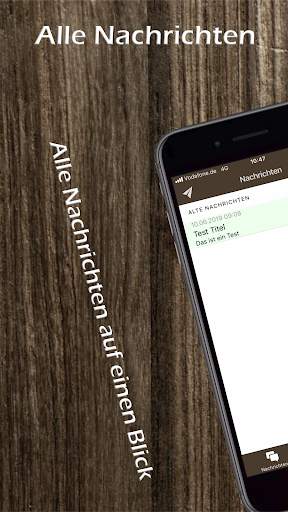
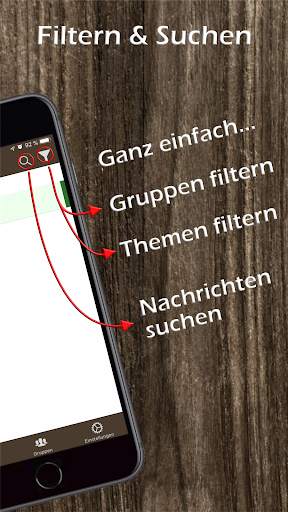
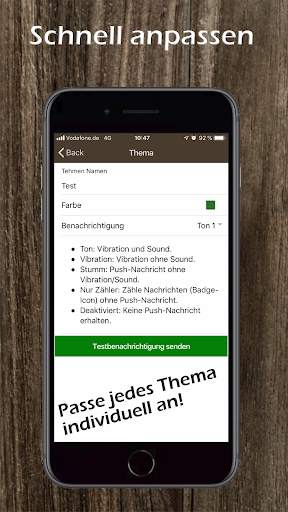
Der Pushservice ermöglicht es Ihnen kostenfrei bis zu 200 Nachrichten im Monat an konfigurierbare Benutzergruppen zu versenden. Durch Scannen von QR Codes, können Sie die Mitglieder der jeweiligen Gruppe verwalten.

...

👉 For More Detail of Push Service

#4 Samsung Accessory Service

Samsung Accessory Service
Rating: star 4.0 | Version: 3.1.96.41123 | Size: 12.1MB
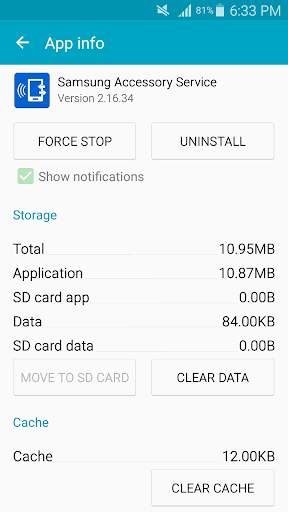
Samsung Accessory Service screenshot 1 Samsung Accessory Service screenshot 2 Samsung Accessory Service screenshot 3

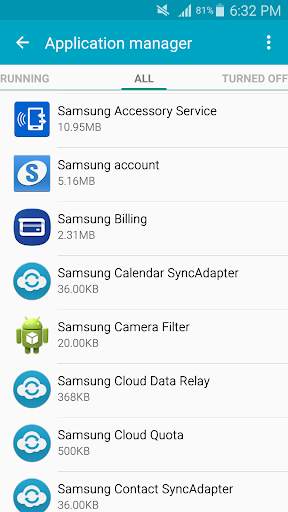
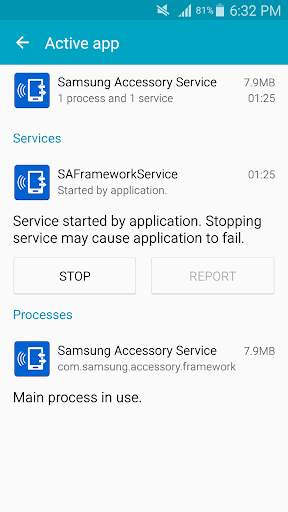
Samsung Accessory Service (삼성 엑세서리 서비스)는 모바일 디바이스와 액세서리 기기를 연결하여 다양한 기능이 동작할 수 있는 환경을 제공합니다.
다양한 Connectivity 환경을 지원하는 Samsung Accessory Service는 액세서리 기기를 효율적이고 편리하게 사용하고 관리하는 매니저 애플리케이션의 기능을 원활하게 동작할 수 있도록 합니다.
(예, Samsung Gear Manager, Samsung Camera Manager Inst.)
Samsung Accessory Service는 다음과 같은 액세서리 기기를 모바일 디바이스와 연동하여 동작하는 데에 사용됩니다.
- GALAXY Gear, Gear 2, Gear S Series
- Samsung Gear Fit 2
- Samsung NX-1
Samsung Accessory Service는 모바일 디바이스와 액세서리 기기간 아래와 같은 기능을 제공합니다.
- 연결 및 데이터 송수신 서비스
- 파일 전송 서비스
- WebProxy 기능
서비스 제공을 위해 다음과 같은 접근권한을 필요로 합니다.
[필수적 접근권한]
- 저장권한 : 액세서리 기기로 미디어 파일들을 전송 하기 위해 필요.
기기의 OS 버전이 안드로이드 6.0미만인 경우, 접근권한에 대한 허용 여부 선택이 불가하므로 OS 업데이트 가능 여부를 확인 후 안드로이드 6.0이상으로 업데이트 하시기 바랍니다.
OS 업데이트 후 기존에 허용한 접근권한은 기기의 설정 > 애플리케이션 관리 메뉴를 통해 재설정 가능합니다.
이 어플리케이션을 외장 메모리(SD card) 영역에 설치하거나 이동시킬 경우, 정상적으로 동작하지 않습니다.
----
개발자 연락처 :
02-2255-0114

...

👉 For More Detail of Samsung Accessory Service

#5 cloud4mobile - Samsung Service

cloud4mobile - Samsung Service
Rating: star 4.6 | Version: 8.5.0 | Size: 2.7MB
cloud4mobile - Samsung Service screenshot 1 cloud4mobile - Samsung Service screenshot 2

Use the cloud4mobile Samsung Service to extend the functionalities offered by the cloud4mobile MDM agent.
With this service, the following functionalities will be available in the cloud4mobile MDM agent:
* Remote installation and unninstallation of apps, without user intervention.
* Locking of application Execution, installation and unninstallation.
* Control access to device features, such as harware keys, status bar, task manager and more.
* Control access to networks (WiFi, Bluetooth, NFC, ...)
* Security policies. It is possible to prevent use of functions such as: turning the phone off, access to security mode and air-plane mode, OTA updates, screenshots, recordings, camera, etc.
IMPORTANT:
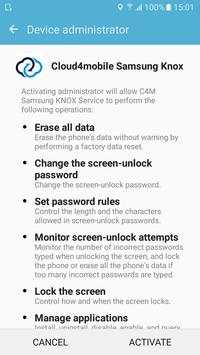
* This application uses the Device Administrator permission. With this permission we can perform administration tasks, such as Wipe, Lock and Password Administration of your device. This application is intended to be used as MDM client for our cloud4mobile MDM Server. If you install this application and accept the Device Administrator permission, you will consent and allow cloud4mobile Server to make remote administration of your device.
* This service is only compatible with Samsung devices running Android 4.2 or greater.
* This service only works together with cloud4mobile MDM agent. To install this agent visit https://play.google.com/store/apps/details?id=br.com.mobiltec.cloud4mobile.android.agent.app
For more information, suggestions or accompany the news:
Site: http://www.cloud4mobile.net
Facebook: http://Facebook.com/cloud4mobile
Twitter: http://Twitter.com/cloud4mobile
Google : https://plus.google.com/u/0/103638045463758758162/posts
E-mail: contato@cloud4mobile.com.br

...

👉 For More Detail of cloud4mobile - Samsung Service

Search Results

1/1

You may like

DOWNLOAD IS NOT SUPPORTED IN WEB STORE!
Use the latest version of 9Apps to download APK&OBB file of games in one click!
DOWNLOAD 9APPS